Welcome to the Xencelabs website
Select country or region to browse the content that applies to your location.
 Select country




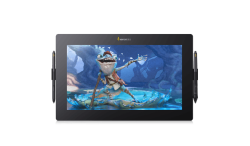
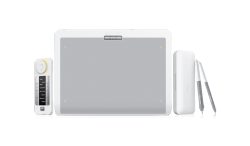
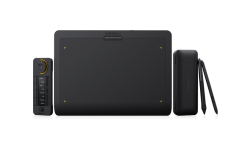
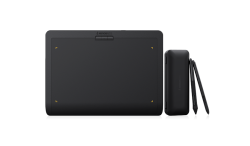
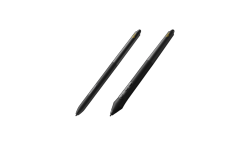
recommend
- Pen Display 24
- Pen Tablet Medium
Welcome to the Xencelabs website
Select country or region to browse the content that applies to your location.
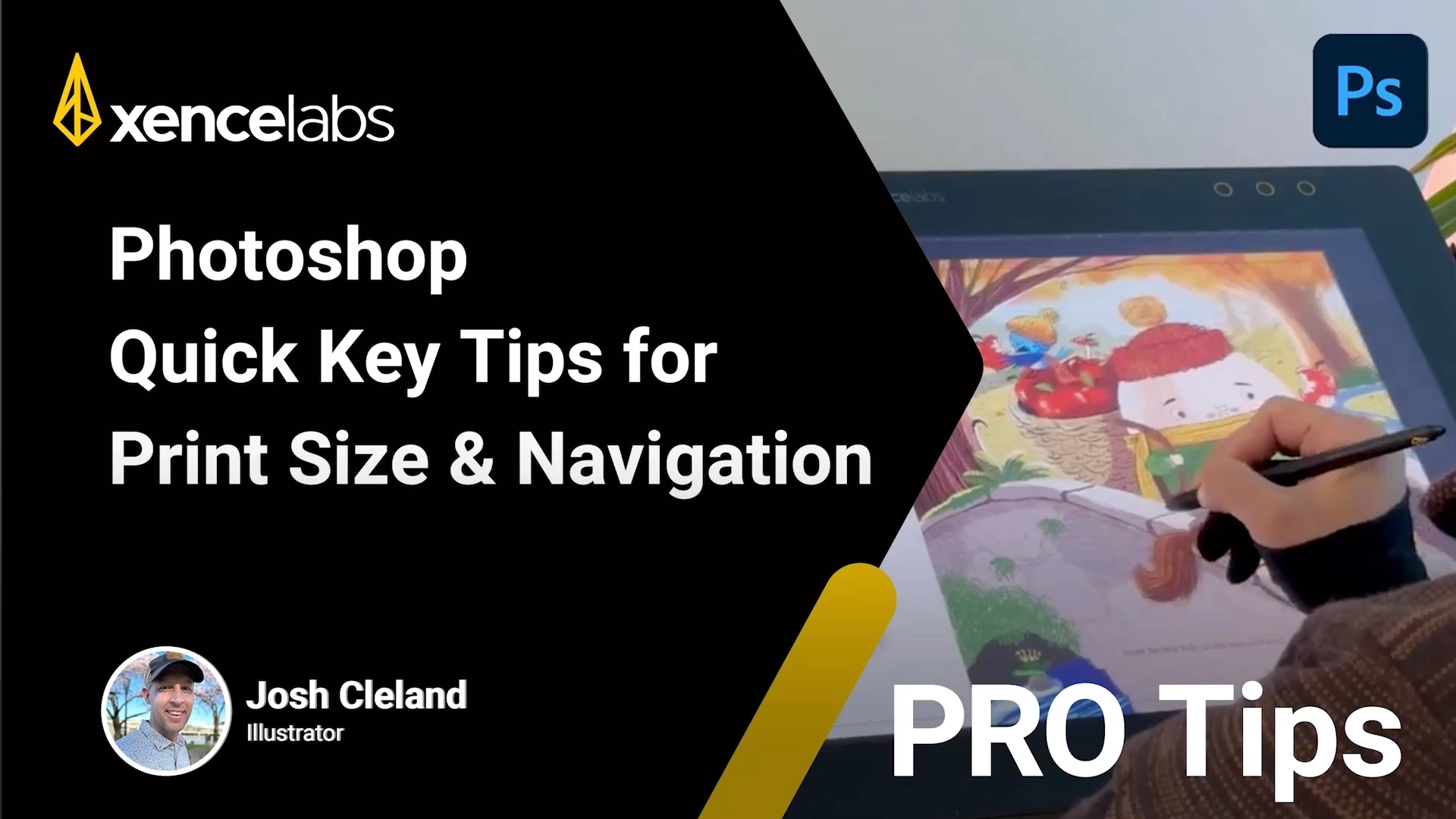
Struggling with navigating canvas using Print Size, Pan, and Zoom in Photoshop?
Illustrator Josh Cleland reveals how he combines Quick Keys with Print Size, Pan & Zoom shortcuts to ensure every detail is sharp and print-ready. Watch how he maintains total control over his artwork without ever breaking his creative flow.
With over 23 children's books to his name and years of experience on digital displays, illustrator Josh Cleland (@joshcleland) knows that precision is everything when moving from screen to page. In this Pro Tip, Josh breaks down his essential Photoshop workflow for creating high-quality illustrations for books and magazines.
Connect with Josh:
Instagram/Threads: @JoshCleland
LinkedIn: https://www.linkedin.com/in/joshcleland/
Behance: https://www.behance.net/JoshCleland
© 2026 Xencelabs Technologies Ltd. All Rights Reserved.