Welcome to the Xencelabs website
Select country or region to browse the content that applies to your location.
 Select country




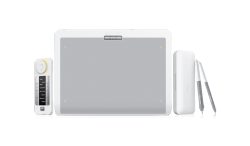
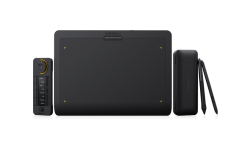
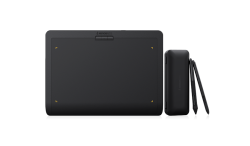
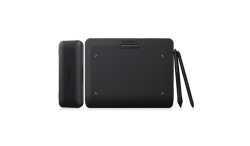
recommend
- Pen Display 24
- Pen Tablet Medium
Welcome to the Xencelabs website
Select country or region to browse the content that applies to your location.
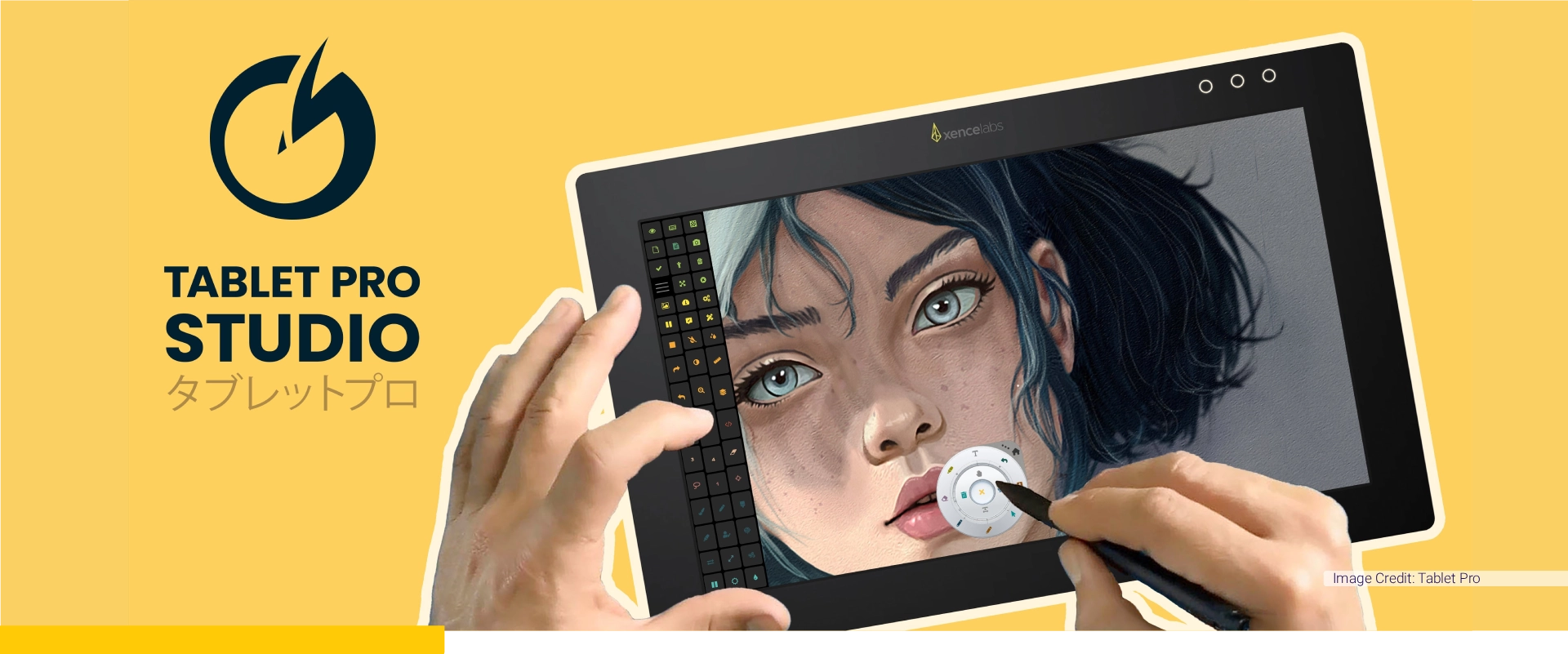

Tablet Pro offers digital artists and creators a powerful, flexible, and easy-to-use suite of workflow solutions designed to unlock the full potential of pen and touch navigation. Built by a dedicated team of creative professionals, their software specializes in custom touch buttons, radial menus, and advanced stylus shortcuts that eliminate technical friction and streamline complex creative pipelines.
With aligned company visions, this collaboration harnesses Xencelabs' expertise in creating intuitive and precise graphic tablets, which perfectly complements Tablet Pro's commitment to providing artist-friendly interfaces that minimize productivity. Xencelabs' tools are renowned for their ergonomic designs and sensitivity, which align seamlessly with Tablet Pro's pursuit of offering state-of-the-art software that enhances natural creativity and removes the need to constantly reach for a traditional keyboard.
This partnership will empower our artist and designers with tools that are not just technologically advanced, but also meticulously tailored to fit the natural movements and workflow of professionals in the creative industry.

Tablet Pro was co-founded by digital artist Justice Frangipane and programmer Takashi Yamamoto, the company was born out of firsthand frustration with rigid tablet interfaces. Together with a dedicated global team of designers and developers, they rigorously test and refine every feature in their own creative workspaces.
Tablet Pro STUDIO is the passion project of this small, international team of artist, developers, and tech experts who believe technology should enhance creativity rather than hinder it. By prioritizing the real-world needs of creators, Tablet Pro STUDIO operates less like a rigid software corporation and more like a community-driven family, dedicated to keeping digital artist focused entirely on their art.
Visit TabletPro.com
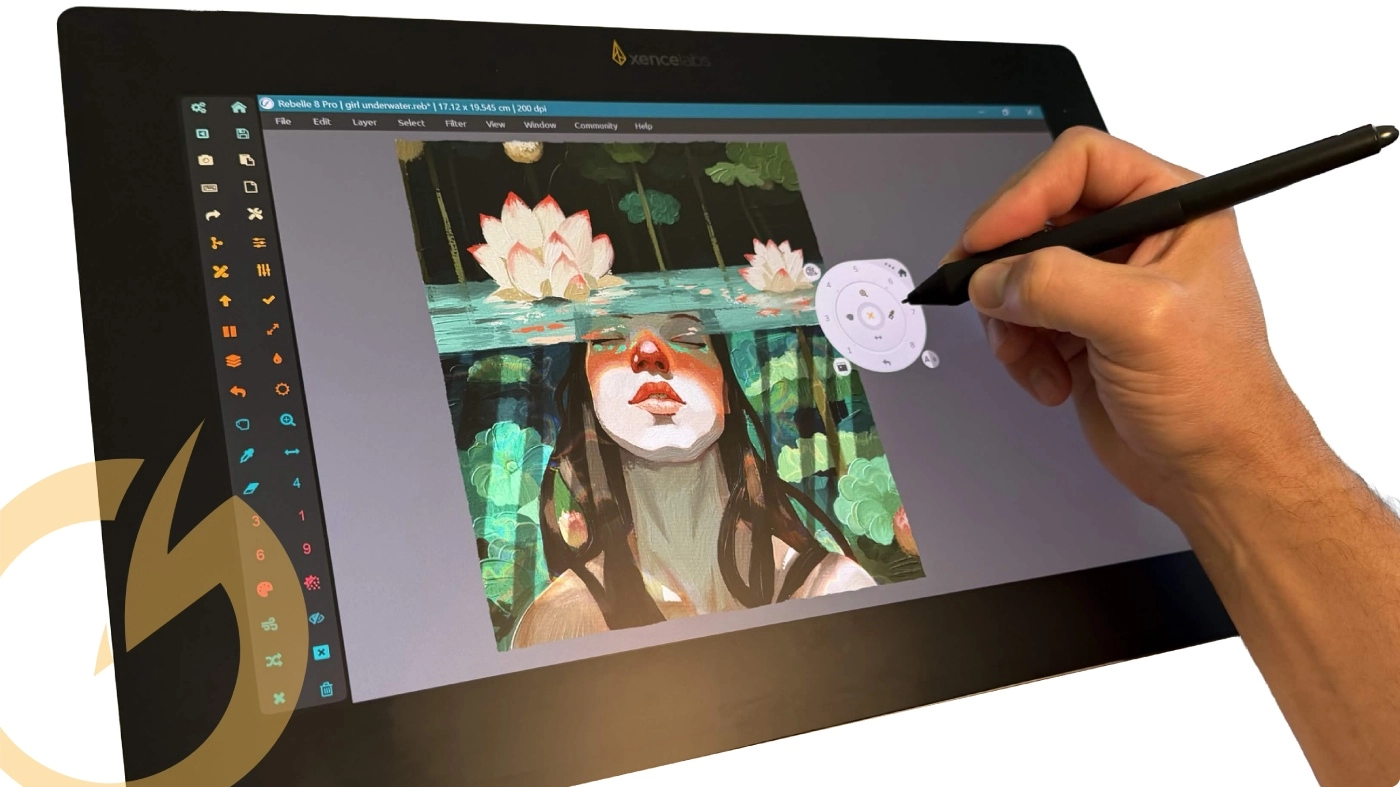
Tablet Pro STUDIO helps Windows artists keep their most-used tools close by with customizable on-screen buttons, radial menus, pen shortcuts, voice actions, and a virtual trackpad. The software works system-wide, requires no plug-ins, and is designed to make pen display workflows faster, more comfortable, and less dependent on a keyboard.
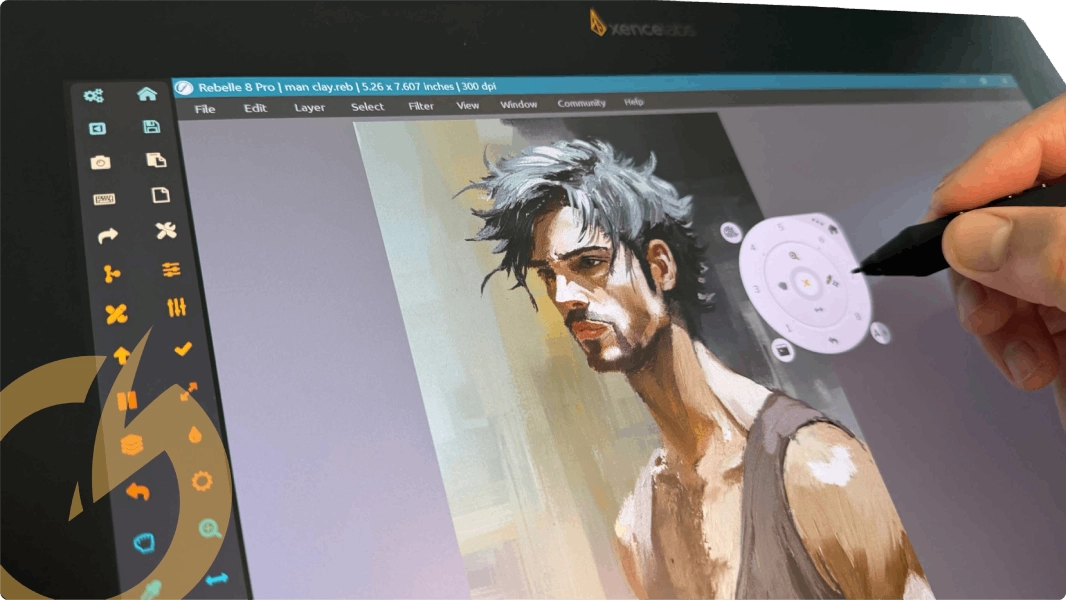
Tablet Pro STUDIO is workflow software for Windows that lets artists build stylus-friendly controls around the desktop apps they already use. Users can create app-specific layouts, radial menus, stylus actions, hotkey panels, and navigation tools for illustration, painting, 3D, note taking, and other precision work. The goal is simple: reduce interruptions and keep the creative process moving. Instead of constantly reaching for a keyboard or memorizing awkward shortcuts, artists can keep important commands on screen and tuned to their own process. Tablet Pro STUDIO works system-wide with no plug-ins and includes more than 50 premade program presets, making it flexible enough for experienced artists while still approachable for users who want to get started quickly.
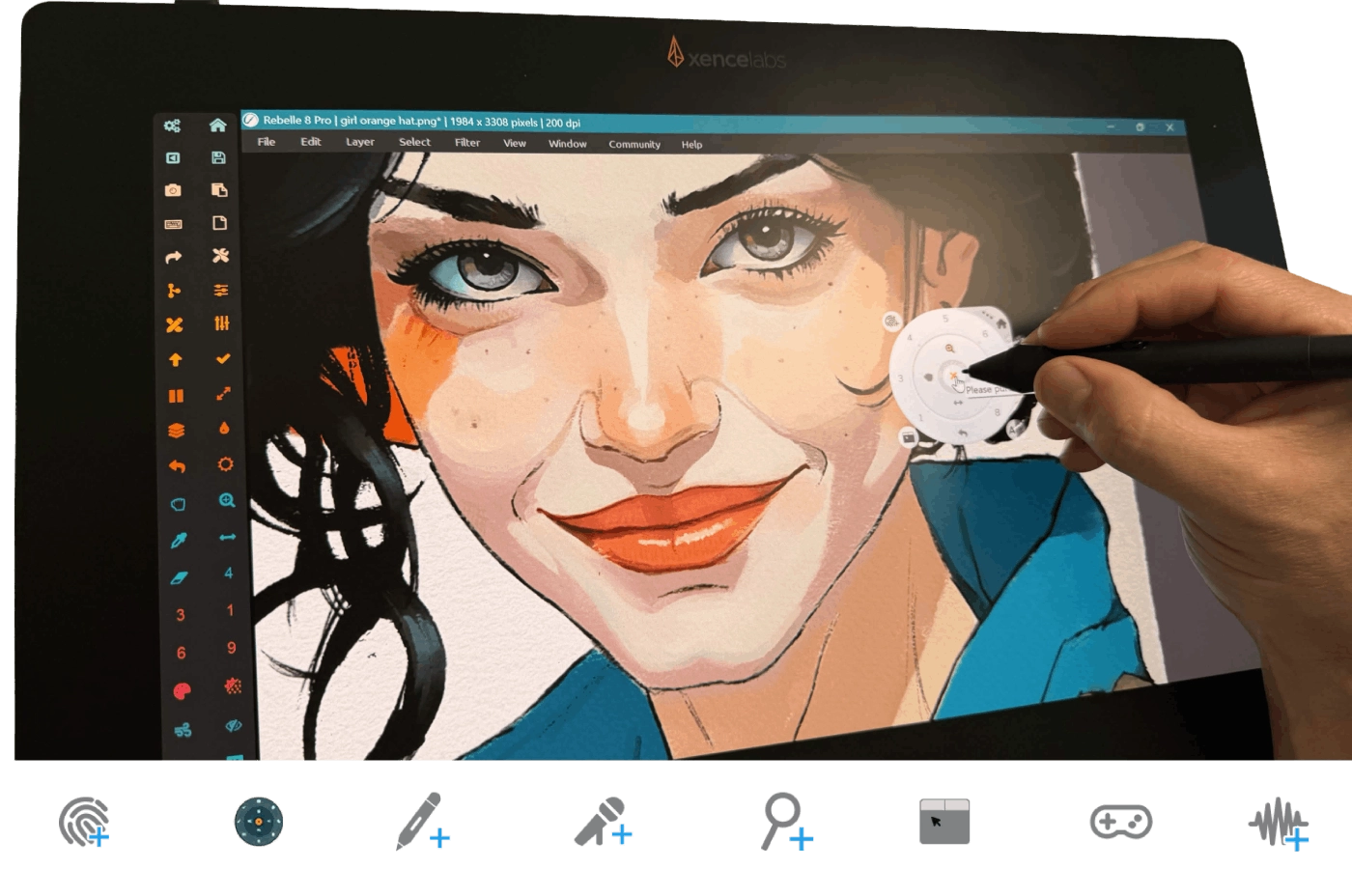
• Creates customizable touch buttons for keyboard shortcuts, mouse events, and hotkey combinations.
• Adds radial menus for comfortable one-hand access while drawing, painting, sculpting, or navigating.
• Remaps stylus controls and supports pen, touch, and voice-driven actions.
• Provides app-specific profiles, custom layouts, a full-screen virtual trackpad, and zoom / pan tools for desktop software.
Digital artists, illustrators, comic creators, concept artists, 2D animators, 3D artists, and other Windows users who want a more direct and customizable pen-display workflow.
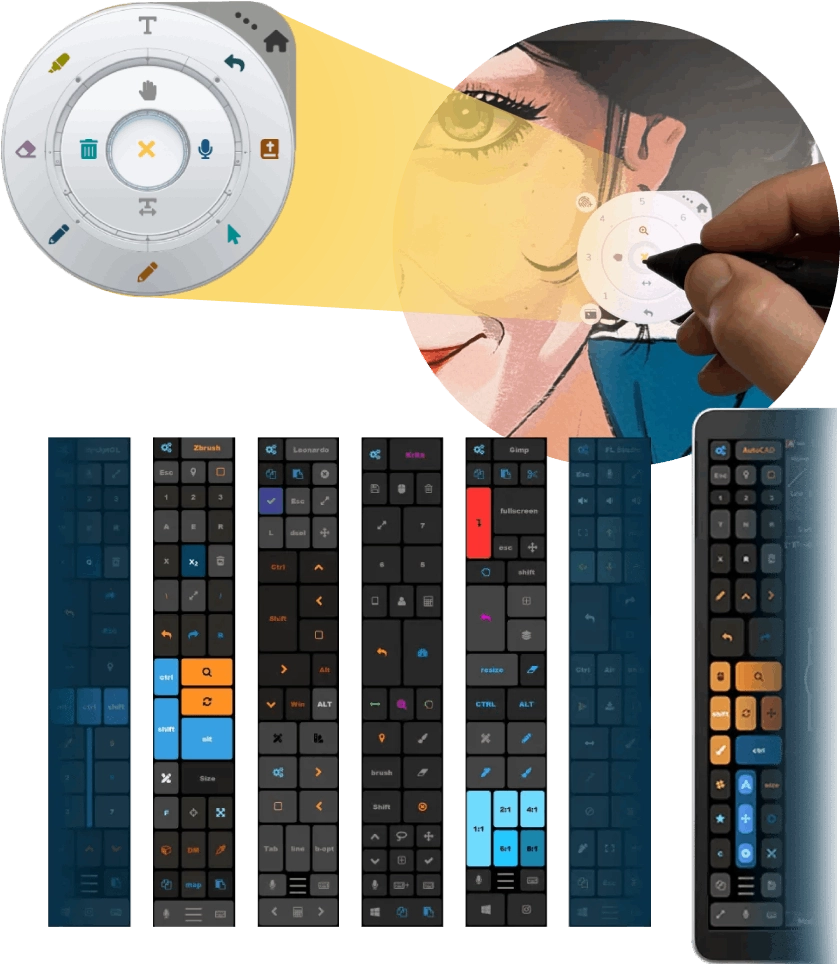
Tablet Pro STUDIO is compatible with Xencelabs pen displays and is especially useful for artists who want faster access to shortcuts, navigation, and frequently used tools on Windows. For setups where stylus side-button mapping varies by device, the software can also open its radial menu from a mouse-click / right-click workflow on a per-app basis, helping keep the experience practical across different creative applications.
Tablet Pro backs the software with a long-running YouTube education channel, a Discord community, and direct support through its website. The site also highlights an extensive tutorial library covering setup, radial menus, voice control features, and workflow customization.
To learn more about Tablet Pro STUDIO, watch setup tutorials,
see how artists customize touch and pen workflows for Windows or for support visit:
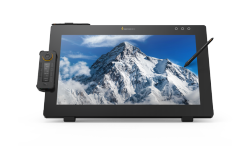
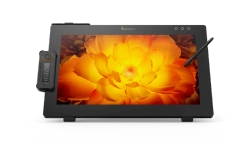
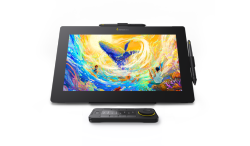
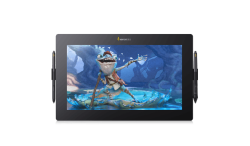
A minimalist design style that emphasizes comfort and functionality while also offering a smoother workflow and a genuine drawing experience. The Pen Displays are meticulously crafted with the feedback of professionals from across the creative industries and provides the accuracy and dependability that artists have come to rely on.
Pen Display 16 Pen Display 24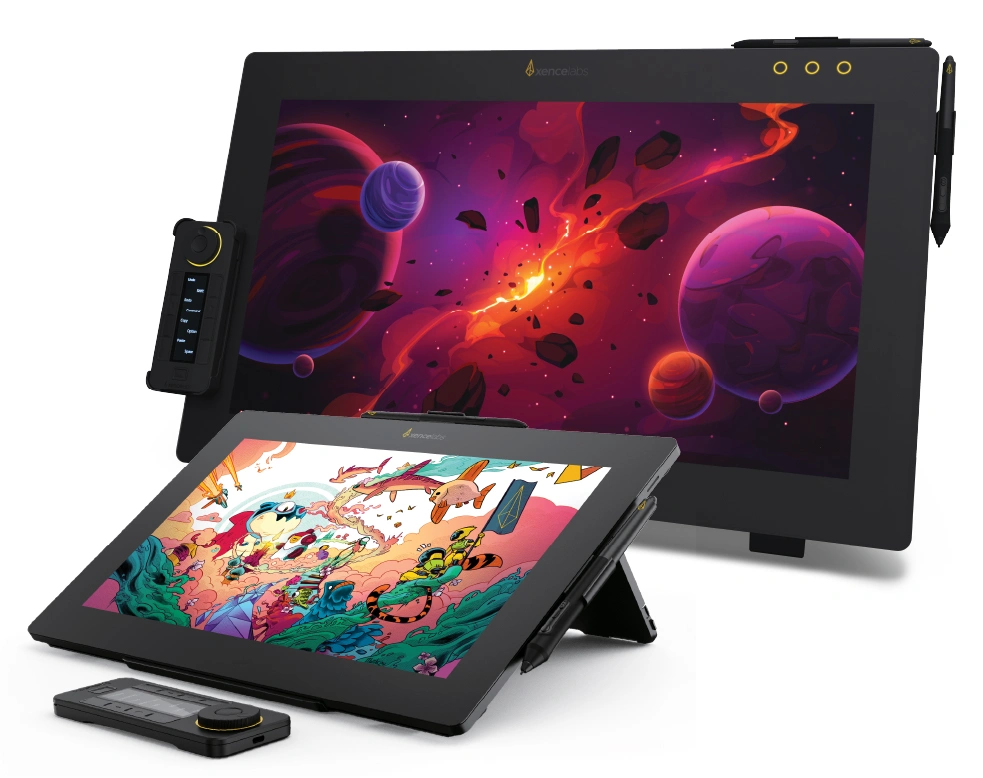
Designed with the input of industry leading artists, our Pen Tablets deliver the precision and reliability that the creative professional needs: a minimal design that prioritizes comfort and functionality with features for faster workflows, and a great drawing experience.
Learn More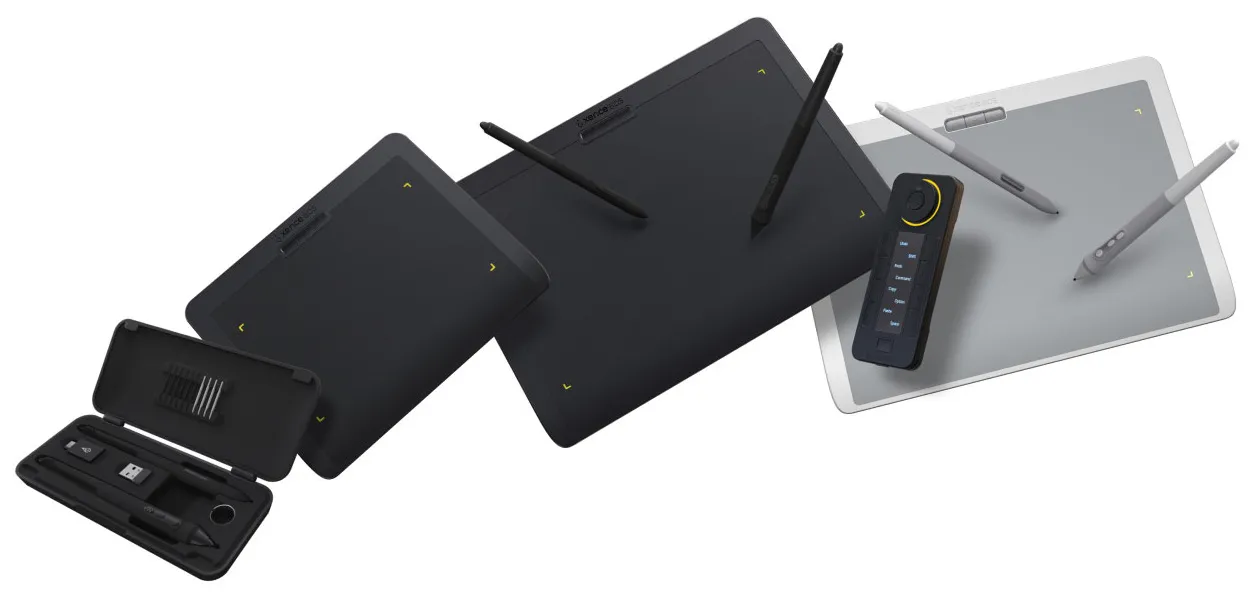
© 2026 Xencelabs Technologies Ltd. All Rights Reserved.