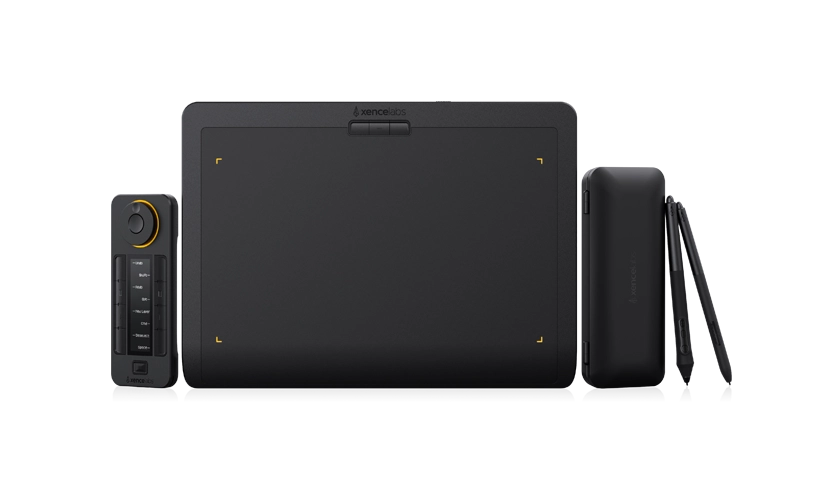

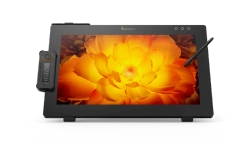
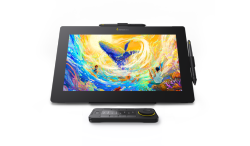
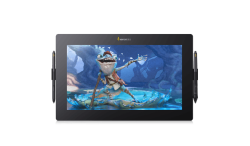
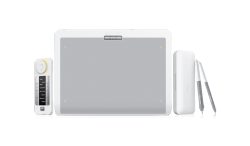
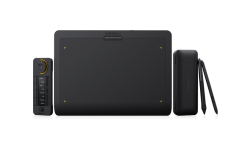
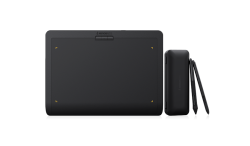



When using a Xencelabs Pen Tablet or Pen Display, the experience is defined not only by the device itself, but also by a small but crucial component: the nib of your pen/stylus. Whether you're a professional illustrator or just starting to explore digital art, choosing the right nib can have a real impact on your comfort, control, and precision.
Can you really tell the difference? Here's the 1-minute guide to picking the right one.
What Is a Stylus Nib and How Long Do Stylus Nibs Last?
A stylus nib is the small, replaceable tip at the end of a digital pen or stylus that comes into contact with the tablet or display surface. It directly affects how your pen feels, including friction, precision, and the overall writing or drawing experience.
For most people, the stylus nib will retain its conical shape for a long time. The length of time between stylus nib replacements will depend greatly on how heavy-handed you are and how hard you press the pen nib into the tablet when you draw.
You will want to keep an eye on your stylus nib. When you see the pen nib start to form a chisel or pointed shape, that is when you will want to replace your stylus nib.
Learn More about Drawing Tablet Pen Nib Care
Tutorial Video on How to Replace Your Pen Nib
Types of Pen Nibs (Stylus Nibs): Felt Nibs and Standard Nibs
There are two types of nibs available for your pen/stylus. Different stylus nibs are made from different materials, and each one works better for certain uses or drawing situations.
1. Felt Nibs
• Material: Synthetic or natural Fiber
• Feel: Soft, paper-like
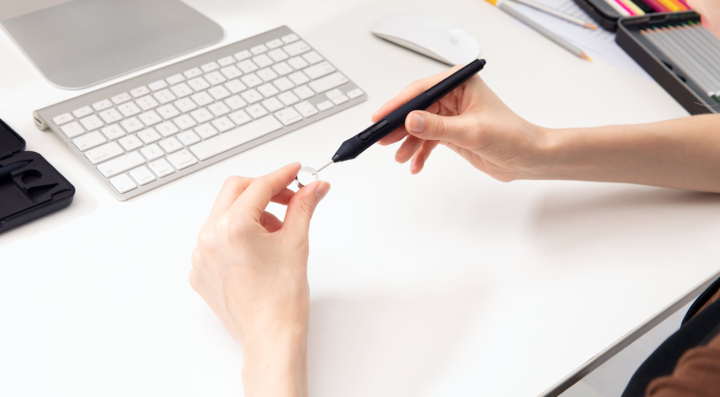
Felt nibs are designed to mimic the resistance and texture of drawing on paper. These nibs offer a tactile experience that many artists find intuitive and comfortable, especially for sketching or creating detailed illustrations. The texture enhances control and gives a friction that feels more like using a pencil or traditional pen.
However, felt nibs tend to wear out faster than standard nibs due to their softer material. Frequent replacements may be necessary if you use them daily for extended periods.
2. Standard Nibs
• Material: Hard plastic or rubber
• Feel: Hard, smooth
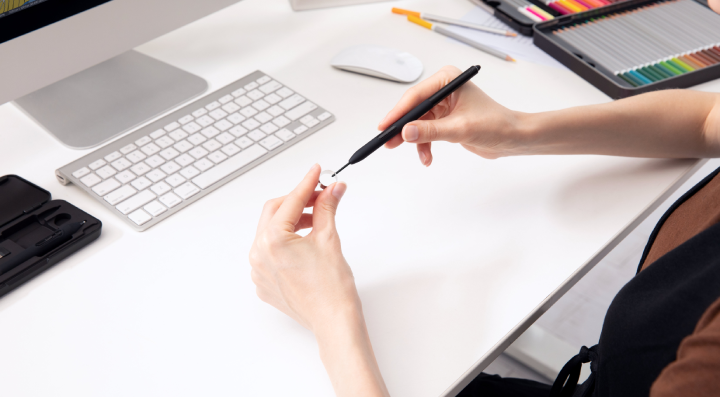
Standard nibs are the most robust nib. With a hard and smooth finish, these nibs are built for performance and longevity. They glide quickly across glass or screen surfaces and are perfect for users who prioritize speed over texture.
While they may not offer the exact same paper-like resistance of felt nibs, they are perfect for long writing sessions or fast-paced work environments.
How to Choose Pen/Stylus Nibs: Which Nib Is Best for Drawing?
Felt Nibs: Ideal for artists or anyone who wants a more traditional, tactile drawing experience. If your focus is on sketching or digital painting and you love that "on-paper" feel, felt nibs are your best bet. Just be prepared to replace them more often.
Standard Nibs: The best option for heavy use and fast writing tasks. If you don't need much resistance and value speed, efficiency, and long-lasting performance, standard nibs will serve you well.
Do Xencelabs stylus nibs work with both Gen 1 and Gen 2 stylus pens?
No, they are not compatible.
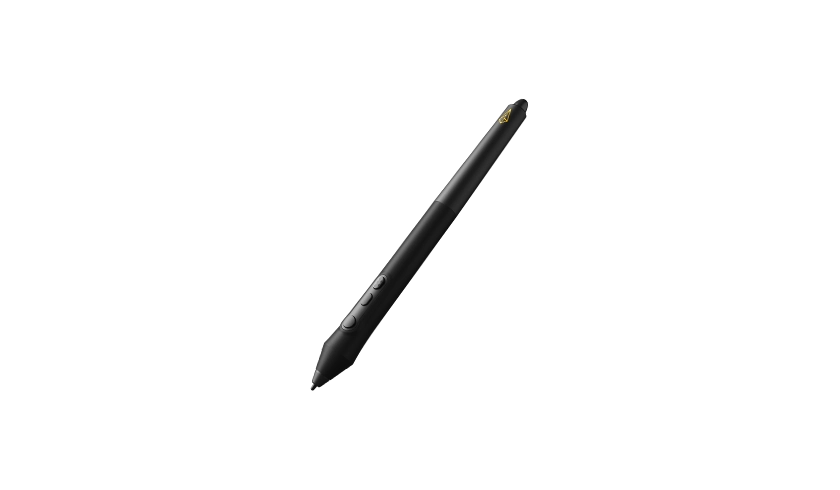
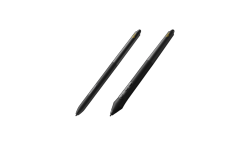
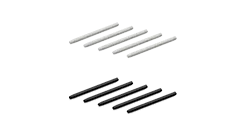
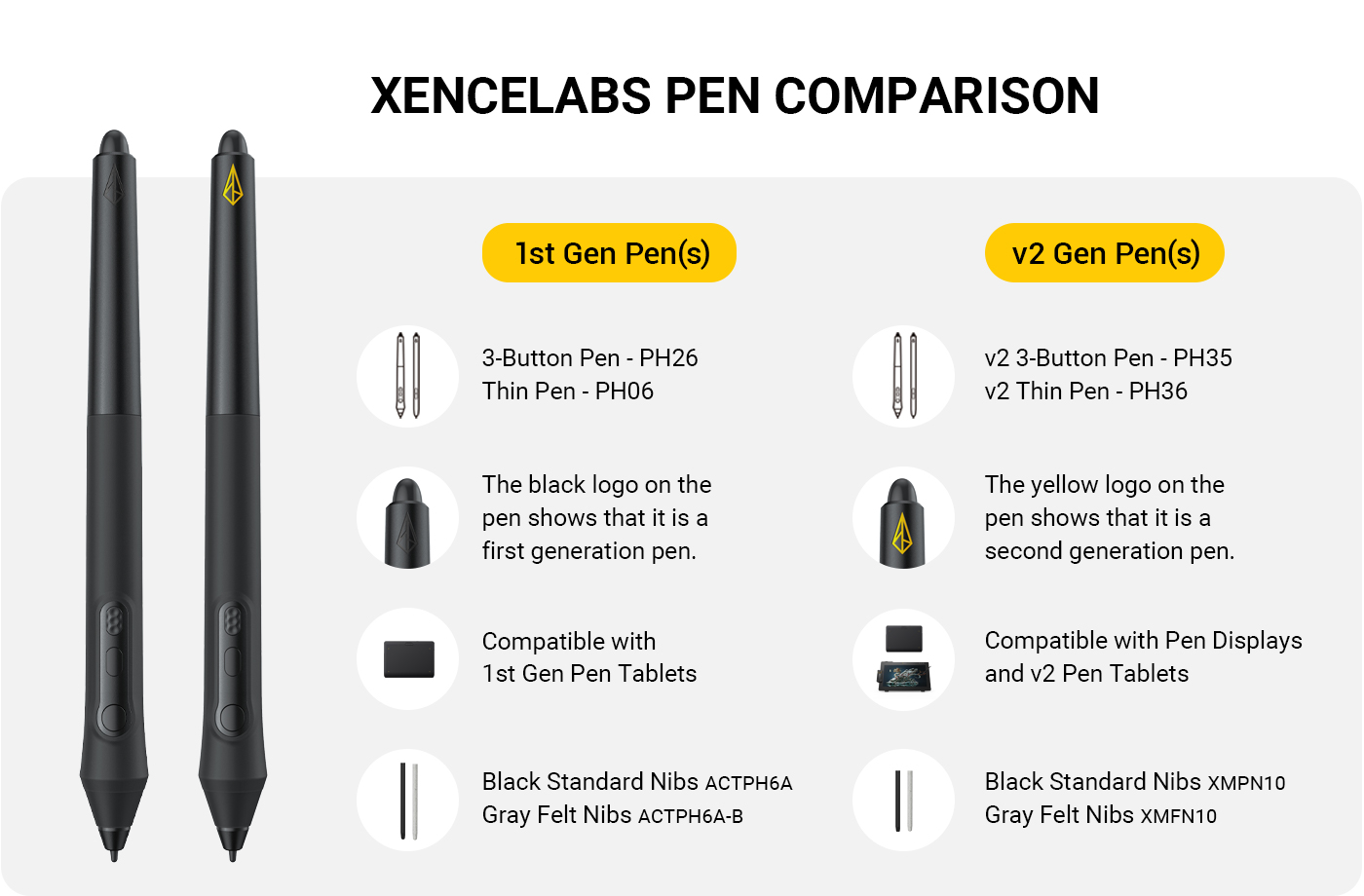
Xencelabs v1 Pen tablet uses Gen 1 stylus pens, the nibs are Black Standard ACTPH6A and Gray Felt ACTPH6A-B.
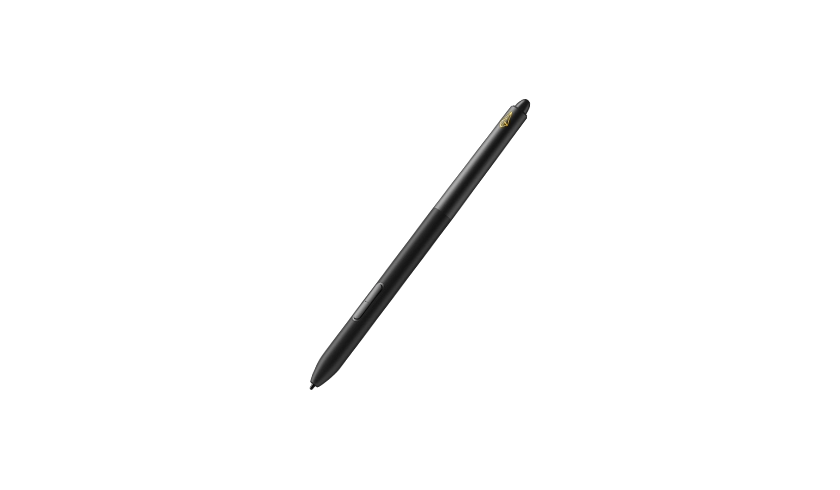
Xencelabs Pen Display and v2 Pen Tablet use Gen 2 stylus pens, the nibs are Black Standard XMPN10 and Gray Felt XMFN10.
The comparison image will clearly show the differences in pen design and compatibility.
Frequently Asked Questions
How do I replace a pen nib safely?
To replace a nib safely, use the nib removal tool that came with your tablet, or you can gently pull the old nib out with your fingers. Then, insert the new nib straight into the tip of the pen until it clicks or feels secure.
How often should I replace the pen nib on my drawing tablet?
It depends on how much you use it. Generally, you should consider changing the stylus nib when it starts to look noticeably shorter, feels scratchy, or begins to impact the quality of your lines. A worn nib may develop sharp edges or become uneven, leading to scratches on your graphic tablet's surface.
Essential Tips for Taking Care of Drawing Tablet
Why does my stylus nib wear out so fast and Why is my stylus scratching the screen?
The stylus nib of your Thin Pen and Three-Button Pen is designed as "sacrificial" parts to absorb friction and protect the surface of your Pen Tablet from scratches. Once a nib wears down into a sharp, flat angle or traps dust particles, it can cause scratches.
If nibs are wearing out too quickly, you can adjust pen pressure in the Xencelabs application. With softer pen pressure settings, you won't have to press as hard to get darker lines, thus increasing the lifespan of your pen nibs. It is also best to store your digital pen in a pen case or pen holder to avoid damage to the stylus.
Are pen nibs universal across different tablet brands?
No, pen nibs aren't universal.
Different brands, and even different models, often use their own nibs, so it's better to double-check compatibility before buying stylus nibs replacements.
Can I buy replacement nibs separately?
Absolutely! Xencelabs sells replacement stylus nibs separately. You can usually find them on our official eStore or through trusted retailers.
Your stylus nib is more than just a small accessory, it's a major part of your creative experience. Choosing the right nib for your Pen Tablet or Pen Display can greatly improve your workflow, enhance precision, and reduce fatigue over time.
For digital sketching with a realistic pen-and-paper feel: Go for Felt Nibs
For heavy-duty drawing: Pick Standard Nibs
Make sure to consider your personal preferences and work habits when selecting a nib. And if you're unsure, trying out multiple types can help you discover which suits you best.