Welcome to the Xencelabs website

You can switch to your country or region site to browse and shop online.

language English/USD
icon-close
Please select your country/region
Americas
  • Canada(English/USD)
  • México(Español/MXN)
  • United States(English/USD)
  • South America(Español/USD)
Europe
  • Austria(English/EUR)
  • Belgium(English/EUR)
  • Denmark(English/EUR)
  • France(Français/EUR)
  • Finland(English/EUR)
  • German(Deutsch/EUR)
  • Hungary(English/EUR)
  • Italy(Italiano/EUR)
  • Ireland(English/EUR)
  • Luxembourg(English/EUR)
  • Norway(English/EUR)
  • Netherlands(English/EUR)
  • Poland(English/EUR)
  • Portugal(English/EUR)
  • Spain(Español/EUR)
  • Switzerland(English/EUR)
  • Sweden(English/EUR)
  • United Kingdom(English/GBP)
Asia Pacific
  • China(Mainland)(简体中文/CNY)
  • China Hong Kong SAR(繁體中文/USD)
  • Taiwan region(English/USD)
  • China Macao SAR(繁體中文/USD)
  • Japan(日本語/JPY)
  • 대한민국(한국어/KRW)
  • Australia(English/USD)
  • India(English/USD)
  • Indonesia(English/USD)
  • Malaysia(English/USD)
  • New Zealand(English/USD)
  • Philippines(English/USD)
  • Singapore(English/USD)
  • Thailand(English/USD)
  • Vietnam(English/USD)
  • Jordan(English/USD)
  • Pakistan(English/USD)
Africa
  • Algeria(English/USD)
  • Angola(English/USD)
  • Egypt(English/USD)
  • Libya(English/USD)
  • Morocco(English/USD)
  • Nigeria(English/USD)
  • South Africa(English/USD)
  • Sudan(English/USD)
  • Tunisia(English/USD)
icon-close

XE_LOTTERY_SUBSCRIB_CAPTURE_CODE_VERIFY_TITLE

XE_LOTTERY_SUBSCRIB_CAPTURE_CODE_VERIFY_CONTENT

XE_LOTTERY_SUBSCRIB_RESEND_EMAIL_TIPS

XE_LOTTERY_SUBSCRIB_FINISH_TITLE

XE_LOTTERY_SUBSCRIB_FINISH_REWORD_SUB_TITLE

XE_LOTTERY_SUBSCRIB_FINISH_REWORD_USE_TIPS

WELCOME5
XE_LOTTERY_SUBSCRIB_COPY_BTN_TEXT
XE_LOTTERY_SUBSCRIB_REWORD_USE_TIPS

XE_LOTTERY_SUBSCRIB_HAS_ALREADY_SUBSCRIBED

image
image
image
image
image
image
image
image

Xencelabs Quick Keys

(1)  Reviews

  |  wx

(4)  Q & A

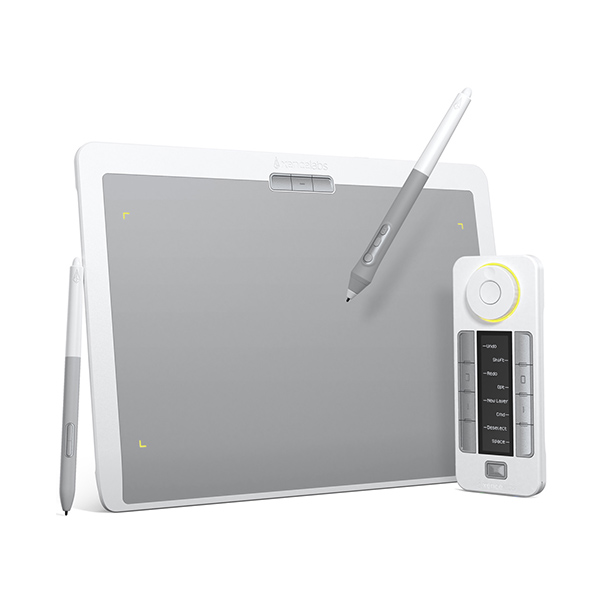
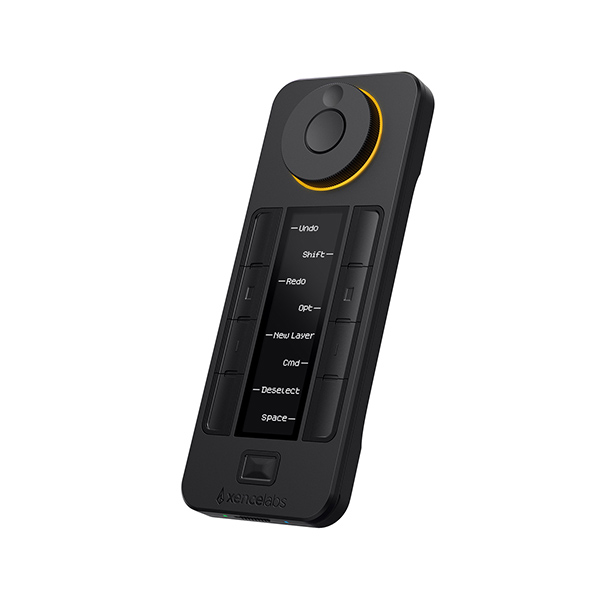
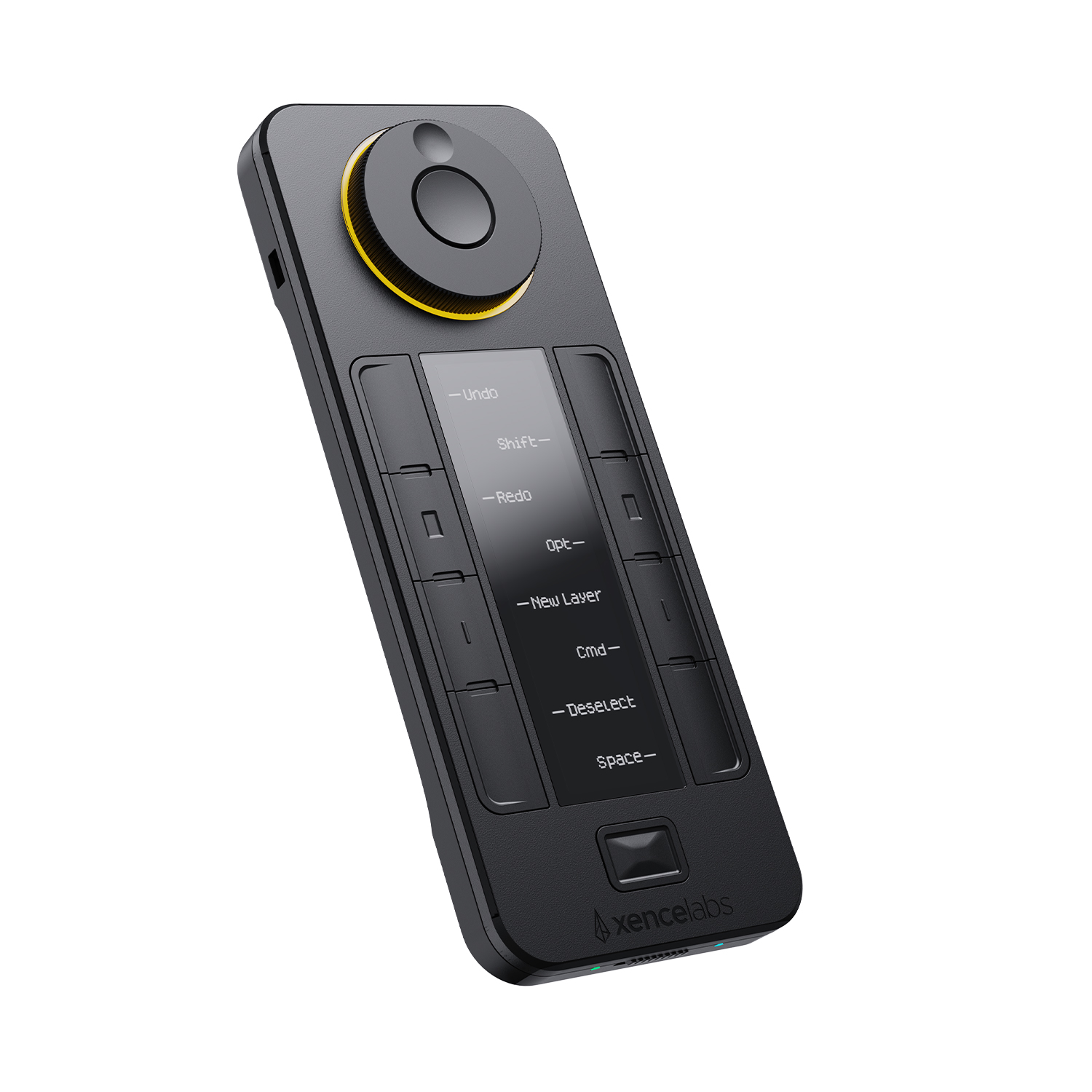
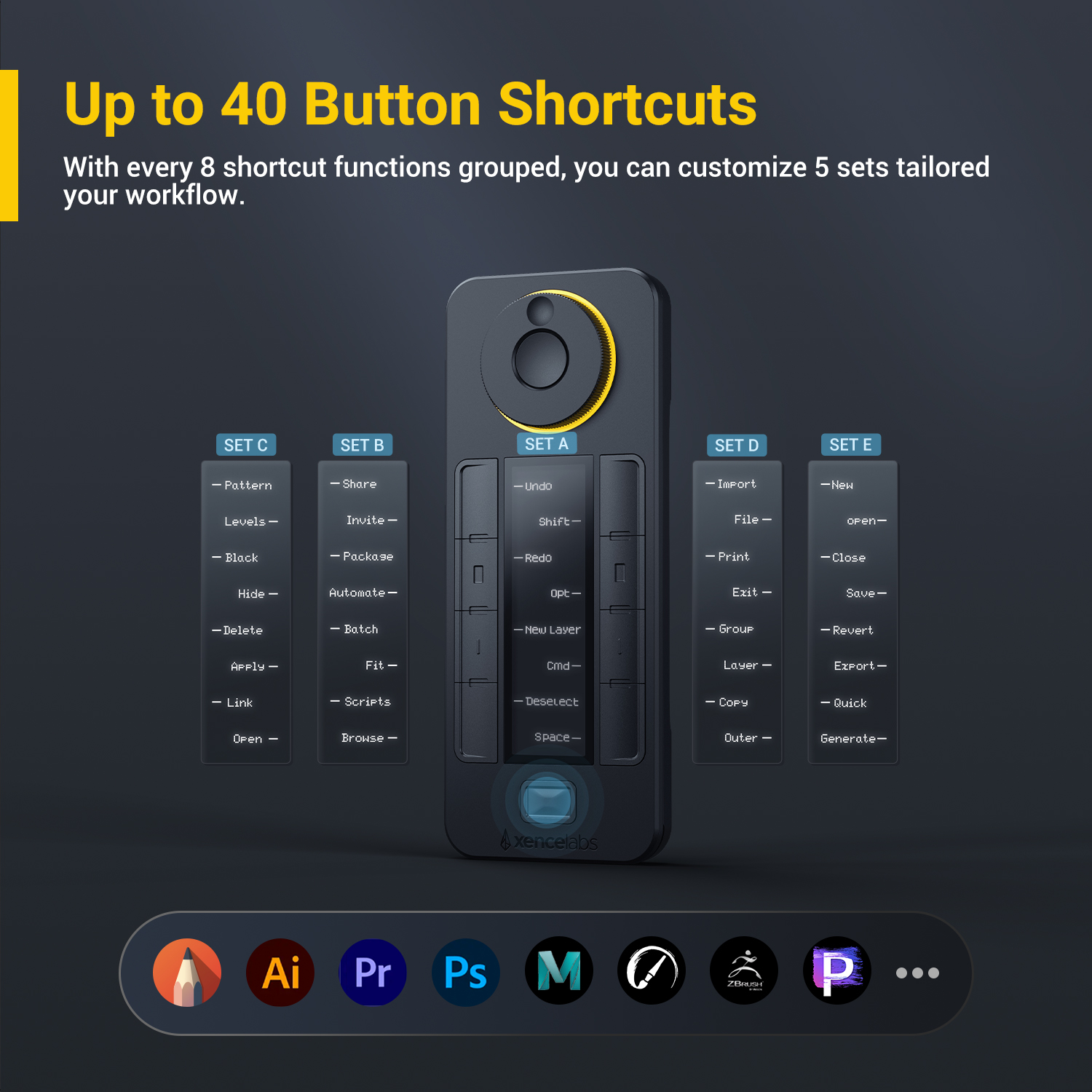
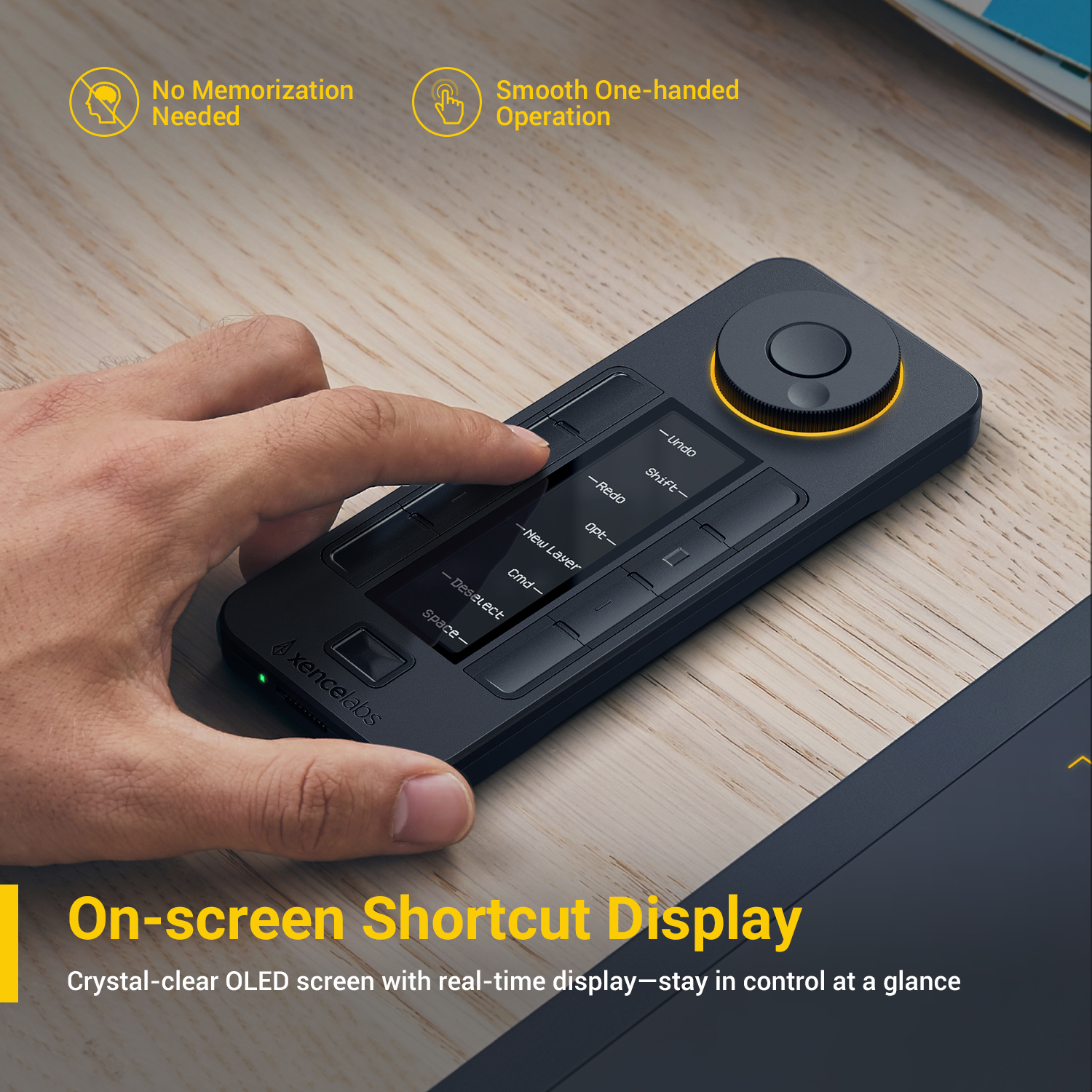
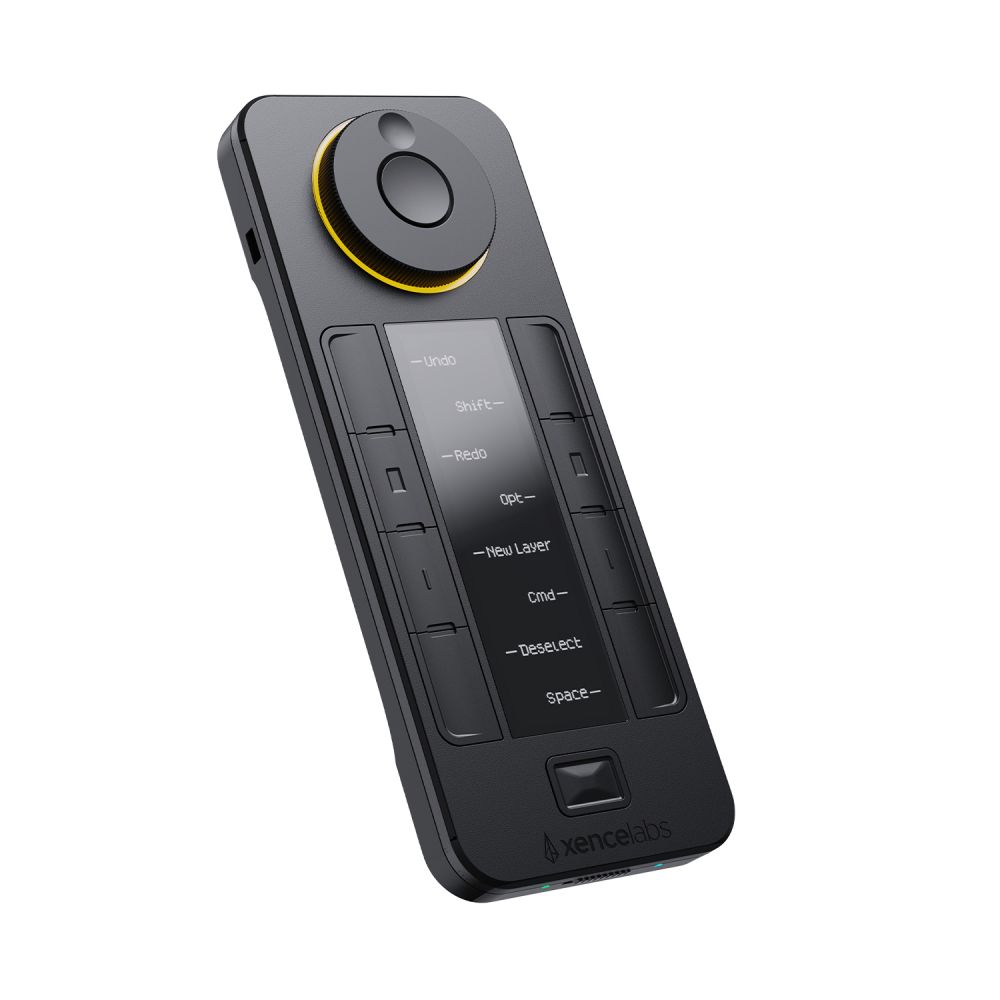
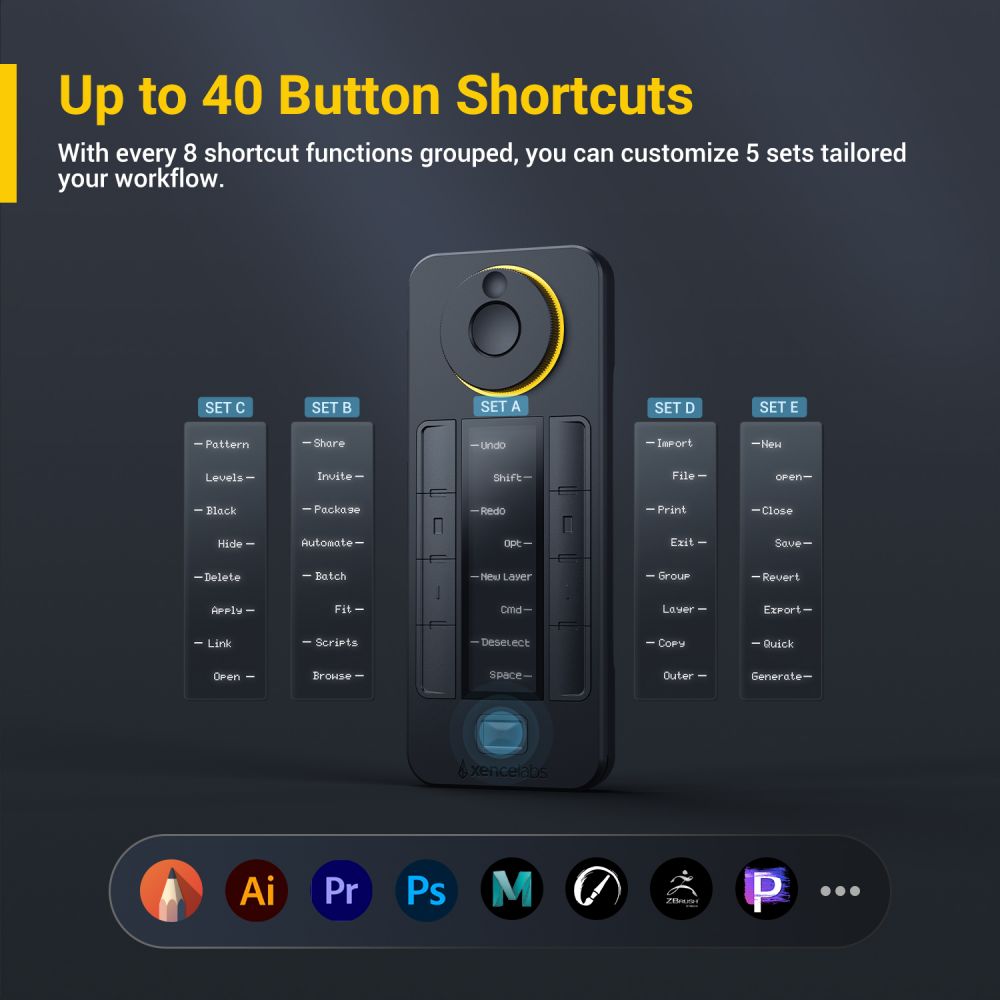
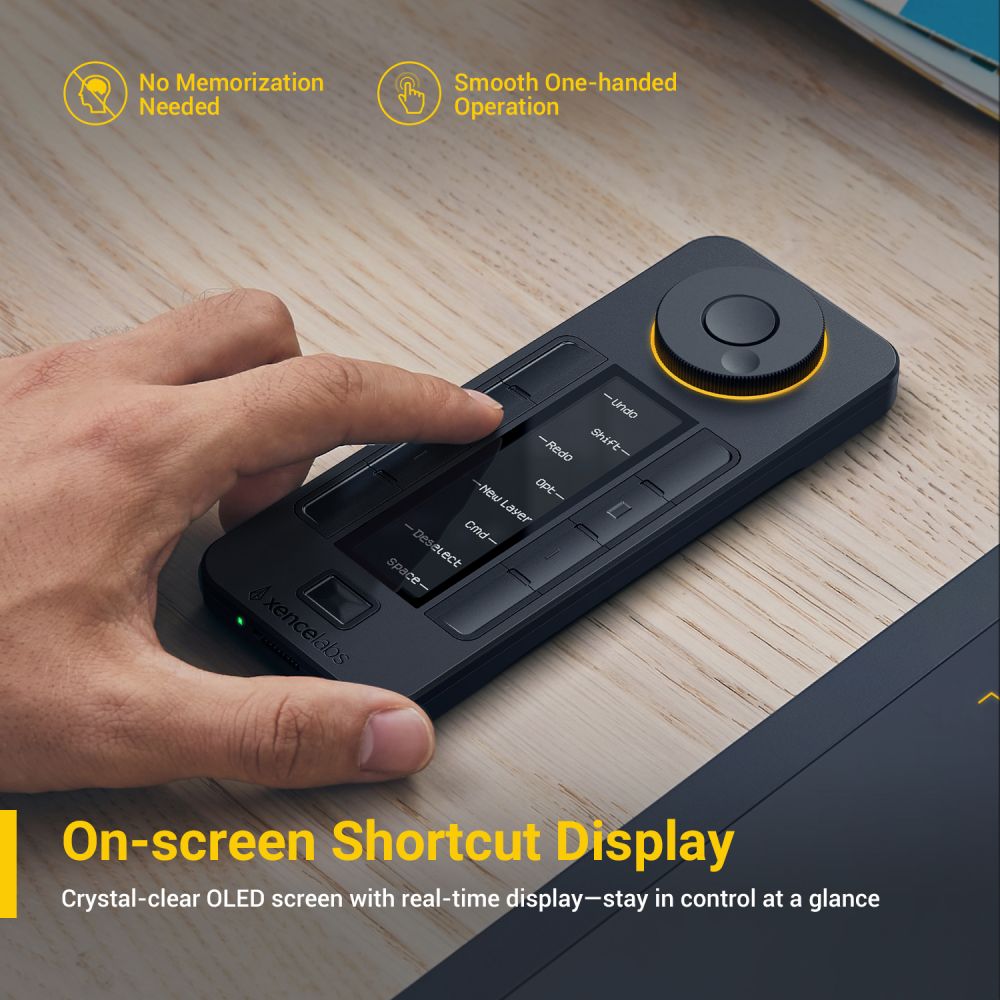
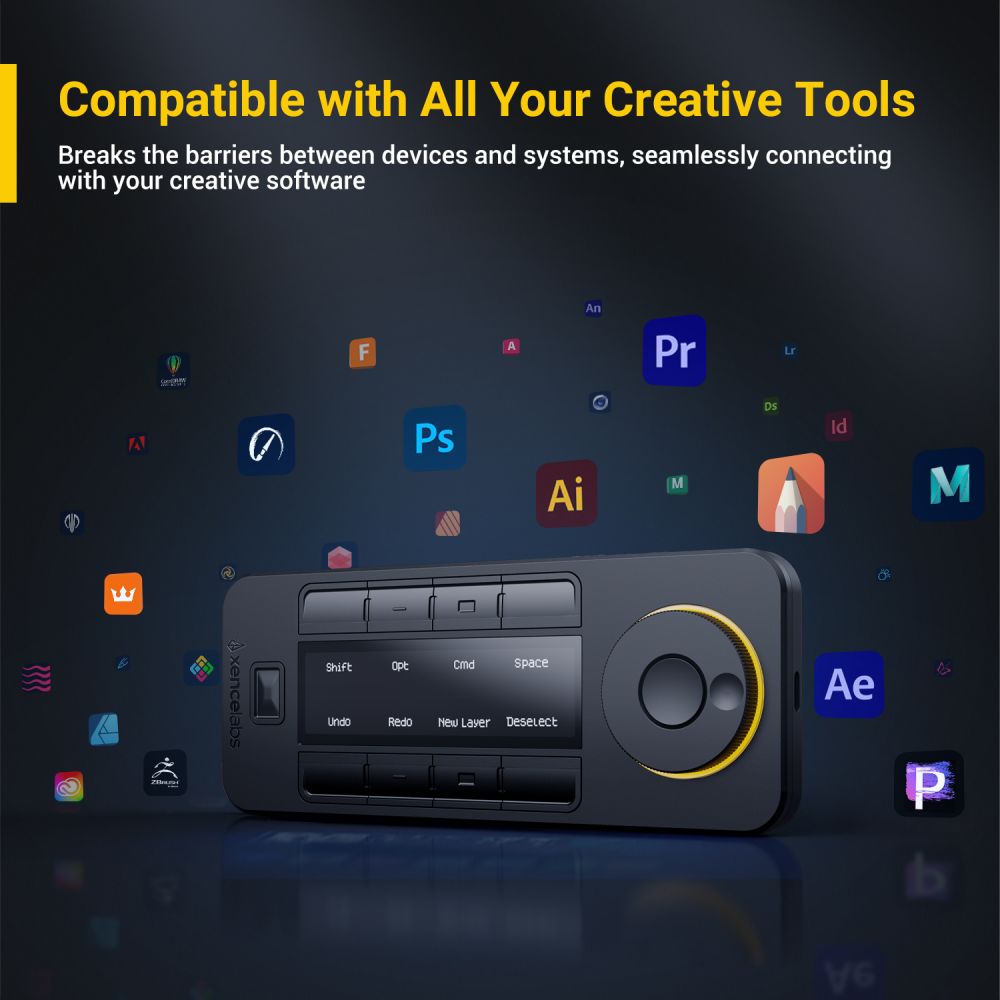
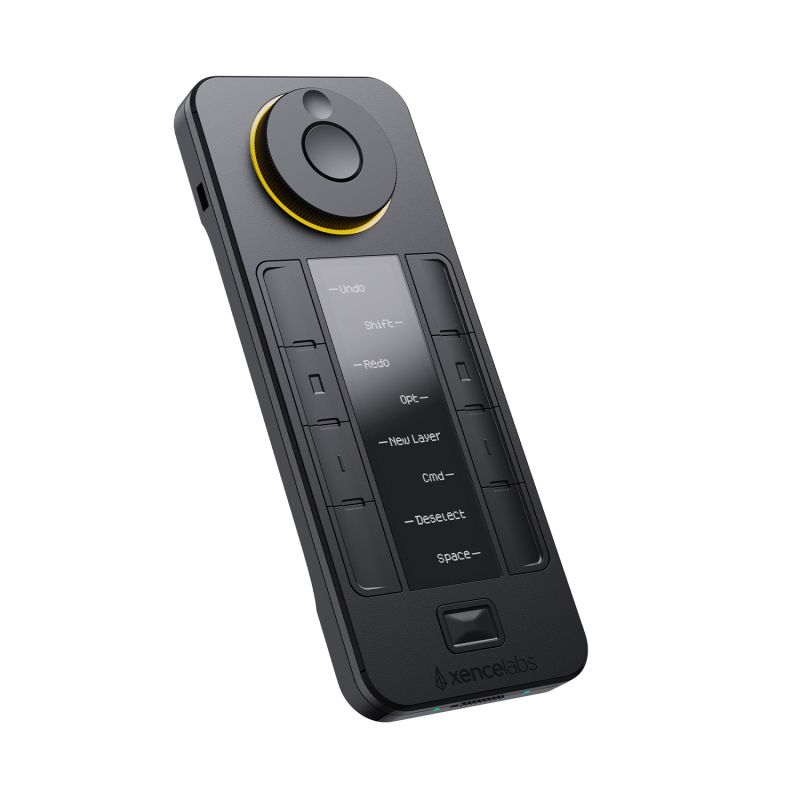
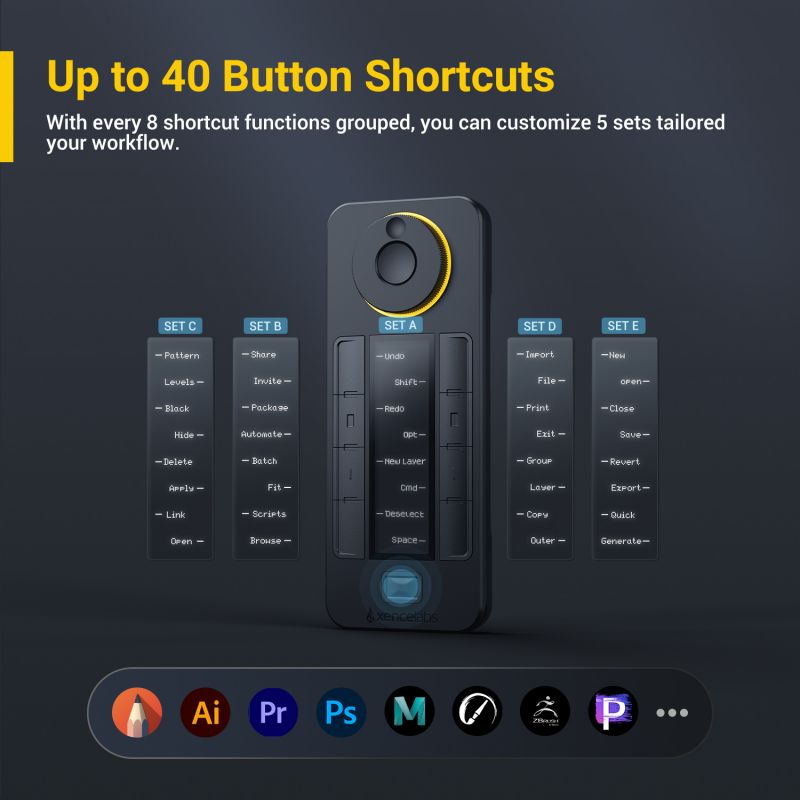
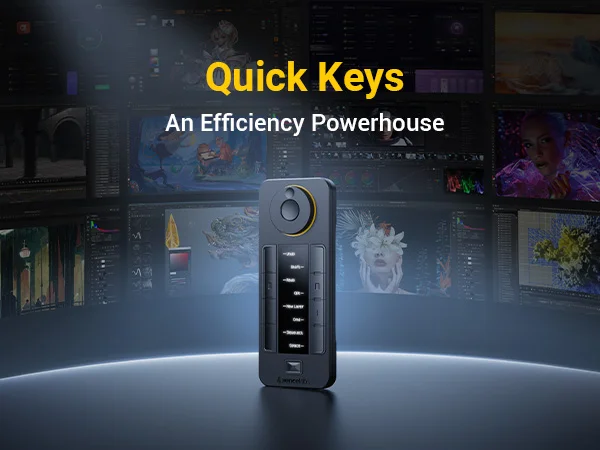
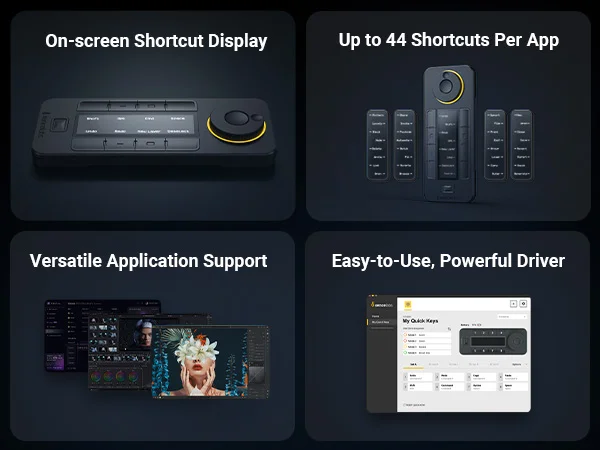
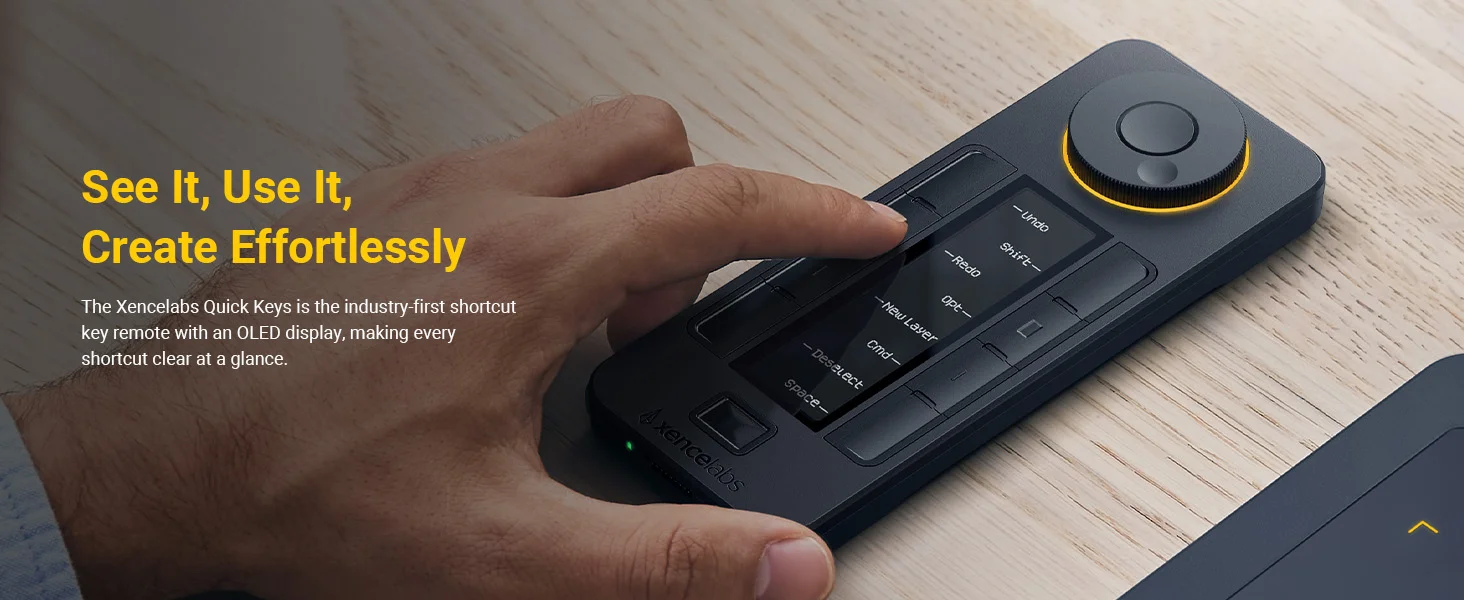
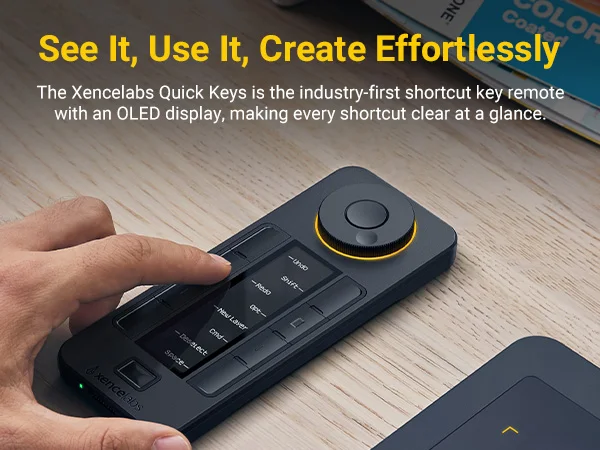
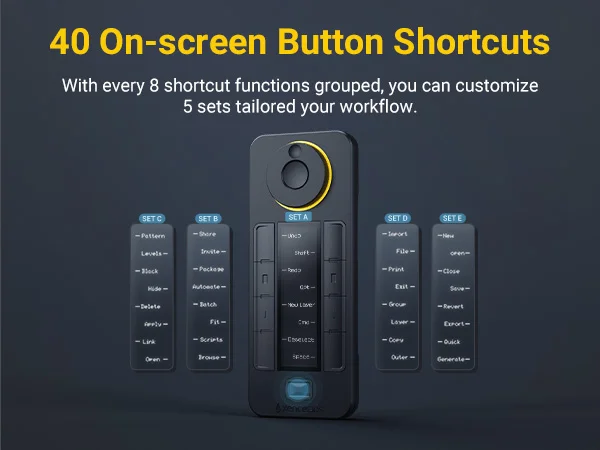
The Xencelabs Quick Keys enables artists to incorporate shortcut keys into their regular workflow through an easy-to-use interface. The remote’s OLED display and physical dial allow you to create up to 40 shortcuts per application and group sets of related functions like sketching, coloring, and editing. Artists who previously found shortcut keys cumbersome to use can now benefit from a powerful efficiency booster.

US$129.00
image
BUY 2 GET 20% OFF, BUY 3 GET 30% OFF

It may be helpful to have some accessories on hand as replacements to enhance your drawing experience. You can add them to your cart as needed.

Total:
Add to Cart

Buy Now


            Xencelabs Pen Quick KeysXencelabs Pen Quick Keys


            Xencelabs Pen Quick KeysXencelabs Pen Quick Keys


            Xencelabs Pen Quick KeysXencelabs Pen Quick Keys


                    UP to 40 Shortcuts


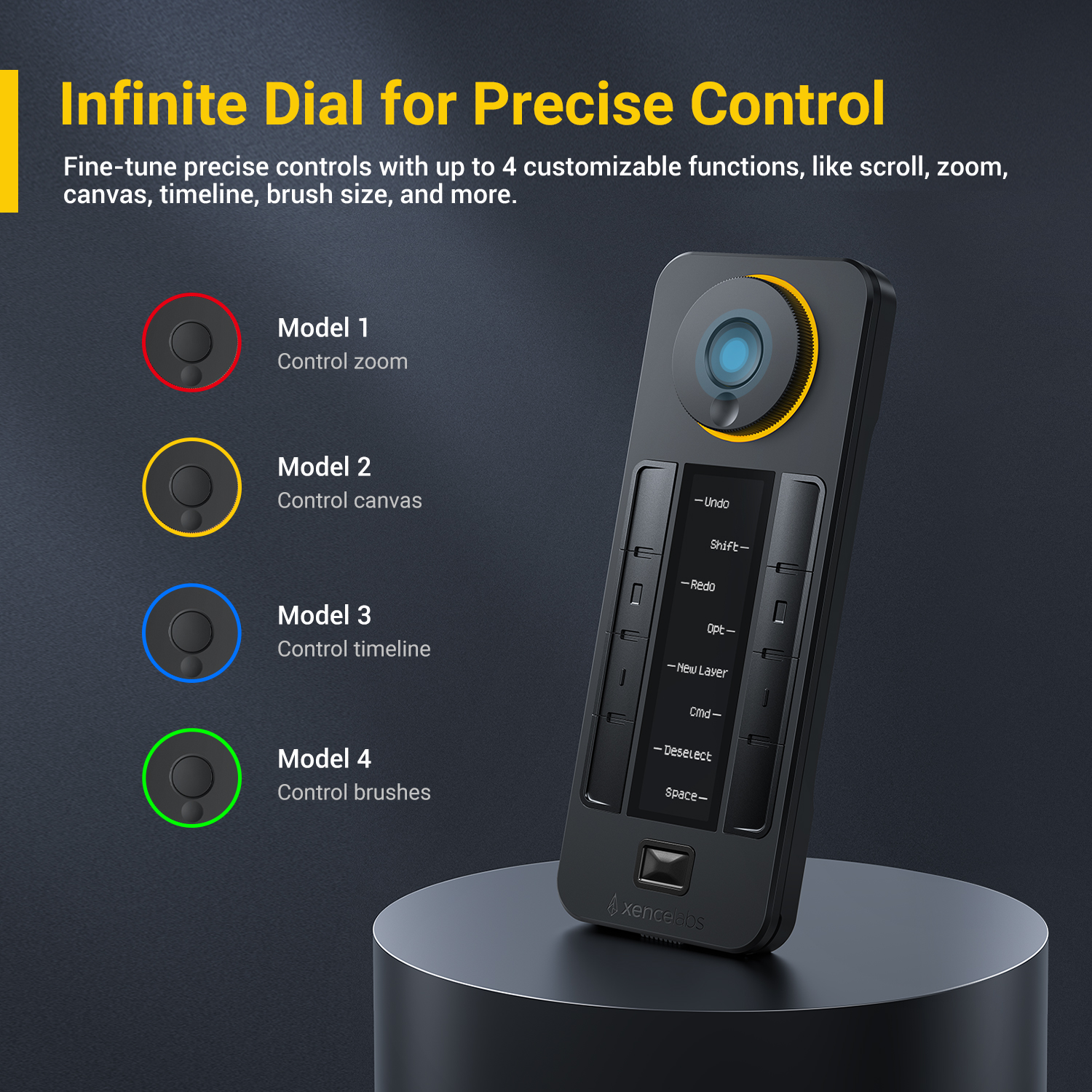
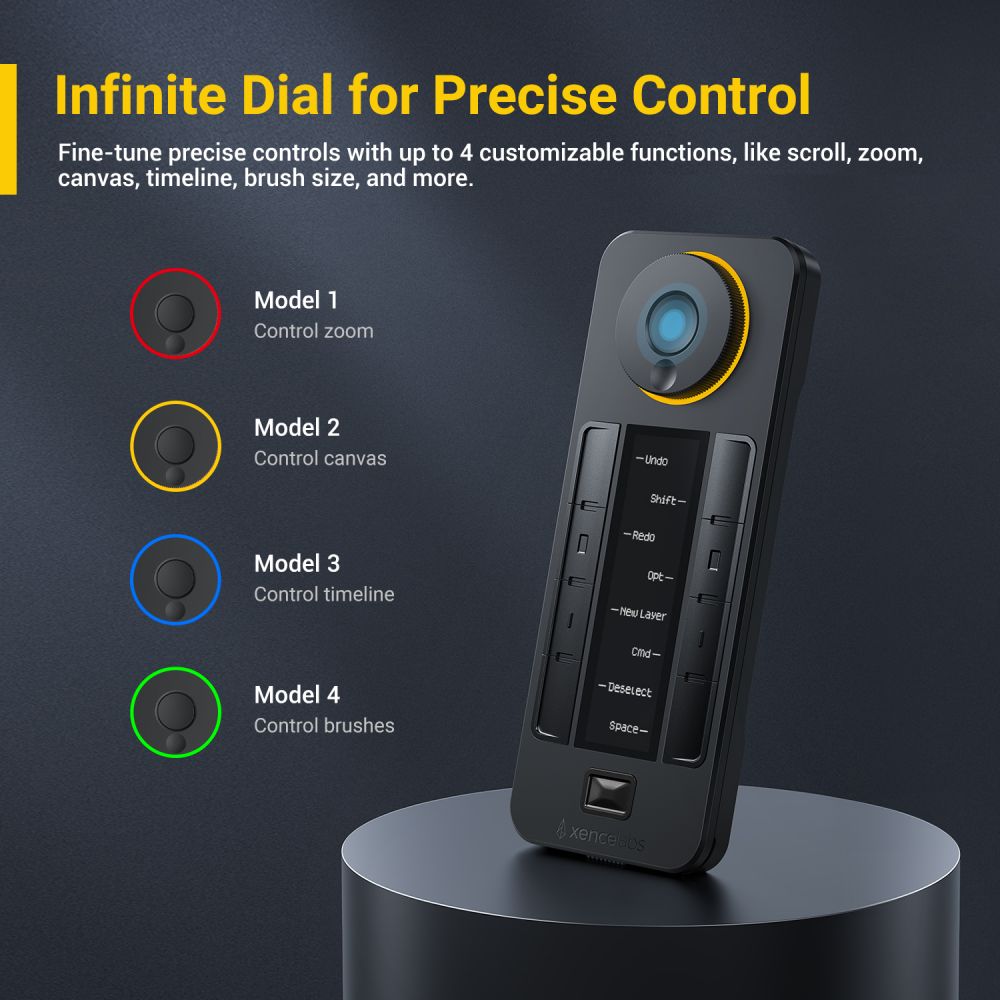
                    Infinite Dial


                        Xencelabs Pen Quick KeysXencelabs Pen Quick Keys


                        Xencelabs Pen Quick KeysXencelabs Pen Quick Keys


                    lefts


                    rightx


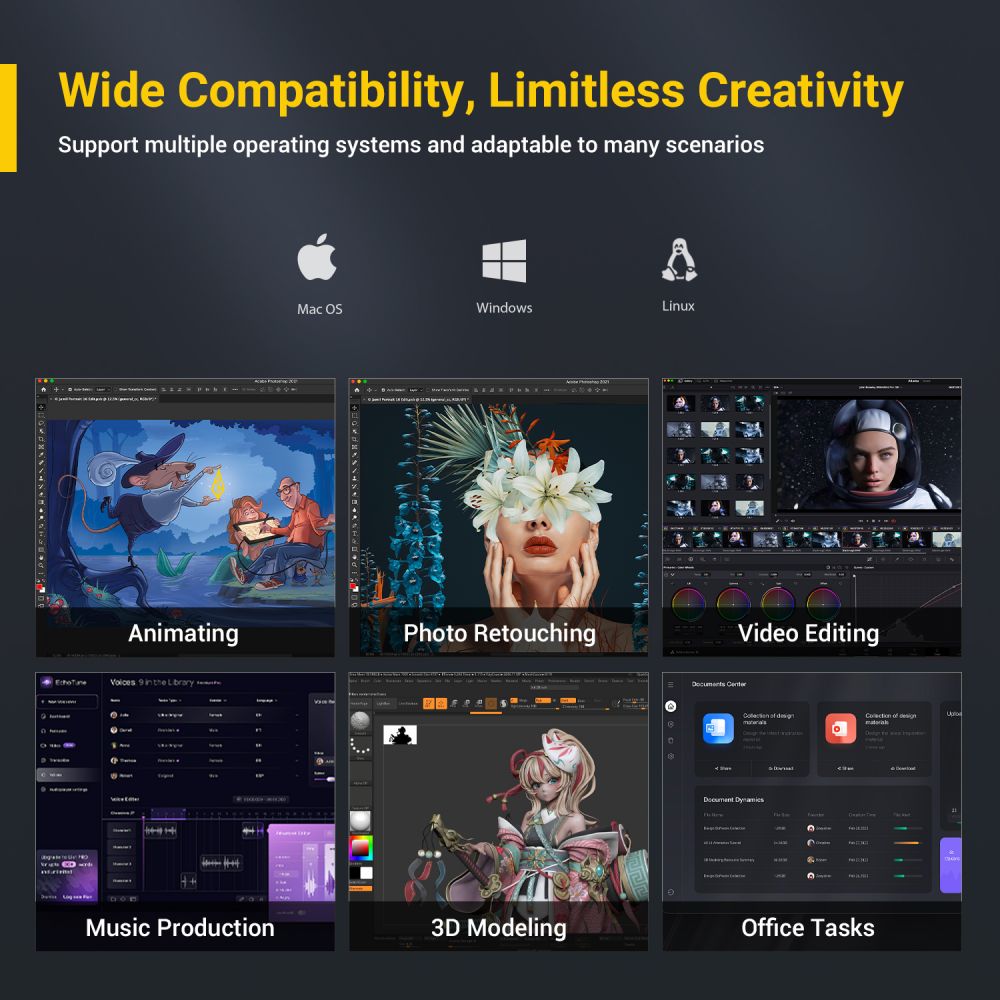
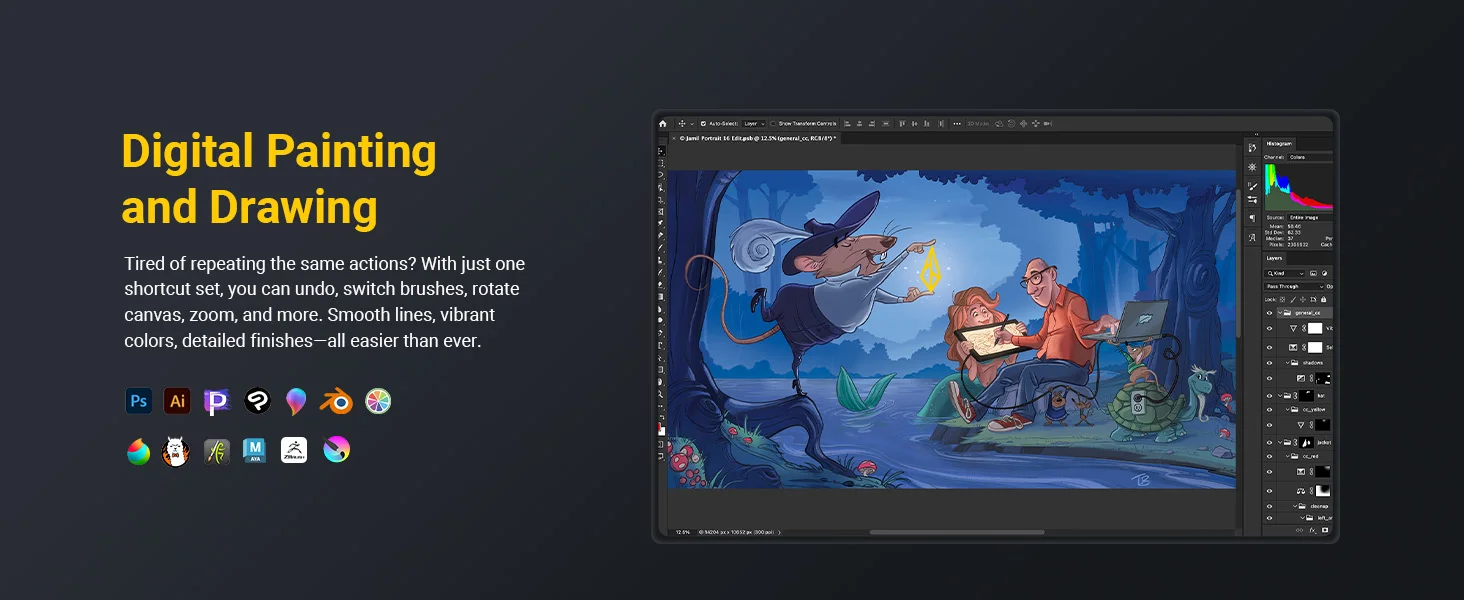
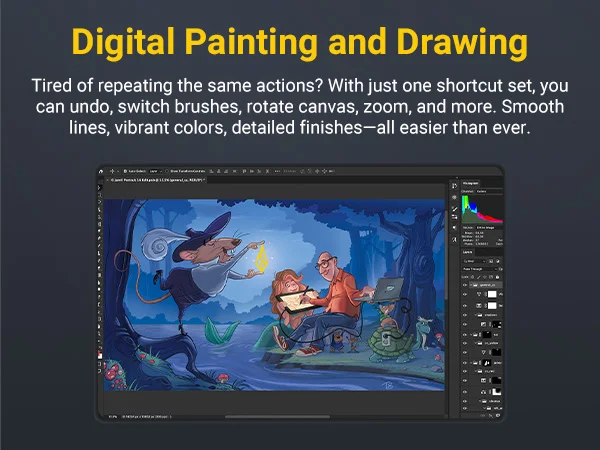
                    Digital Drawing


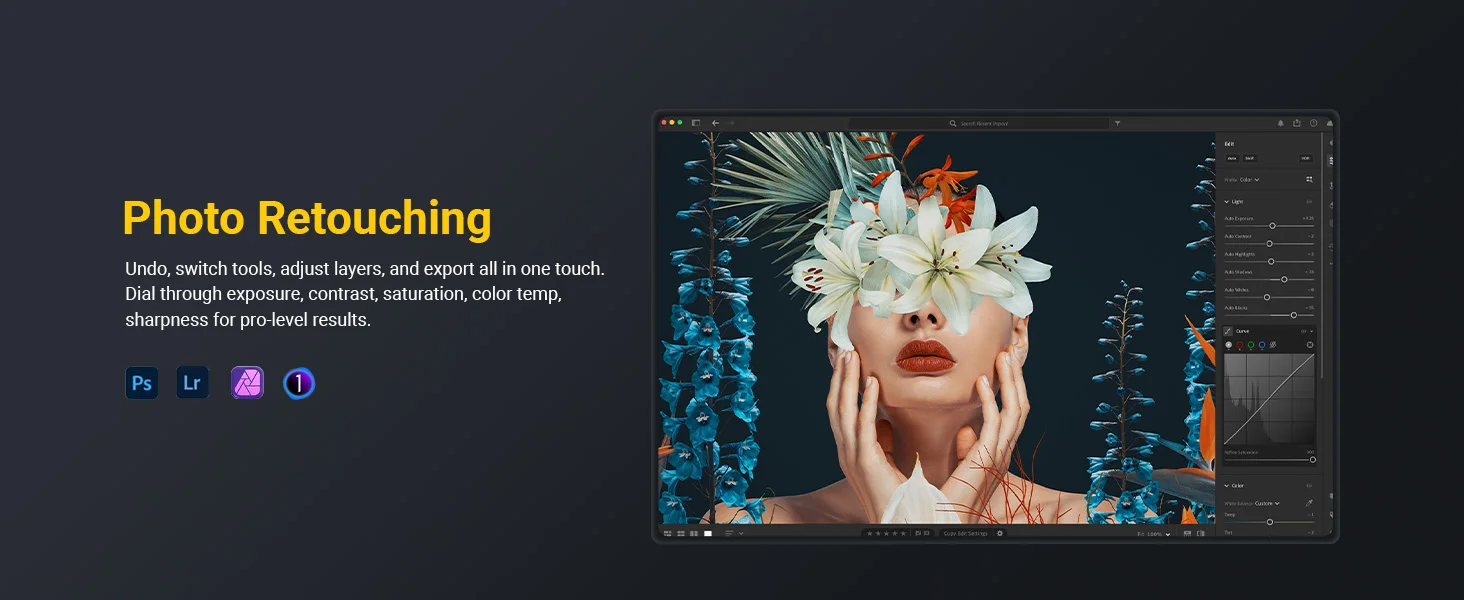
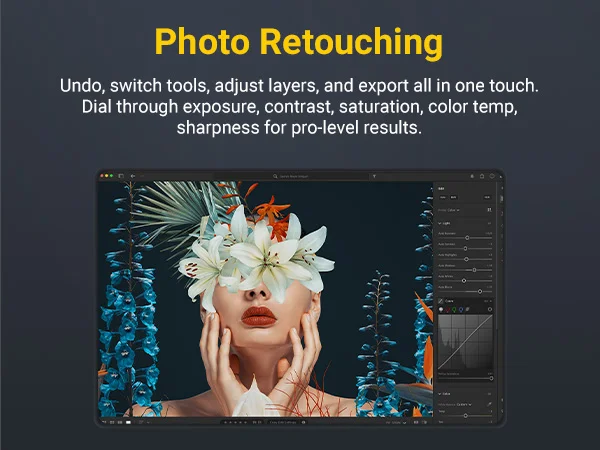
                    Photo Retouching


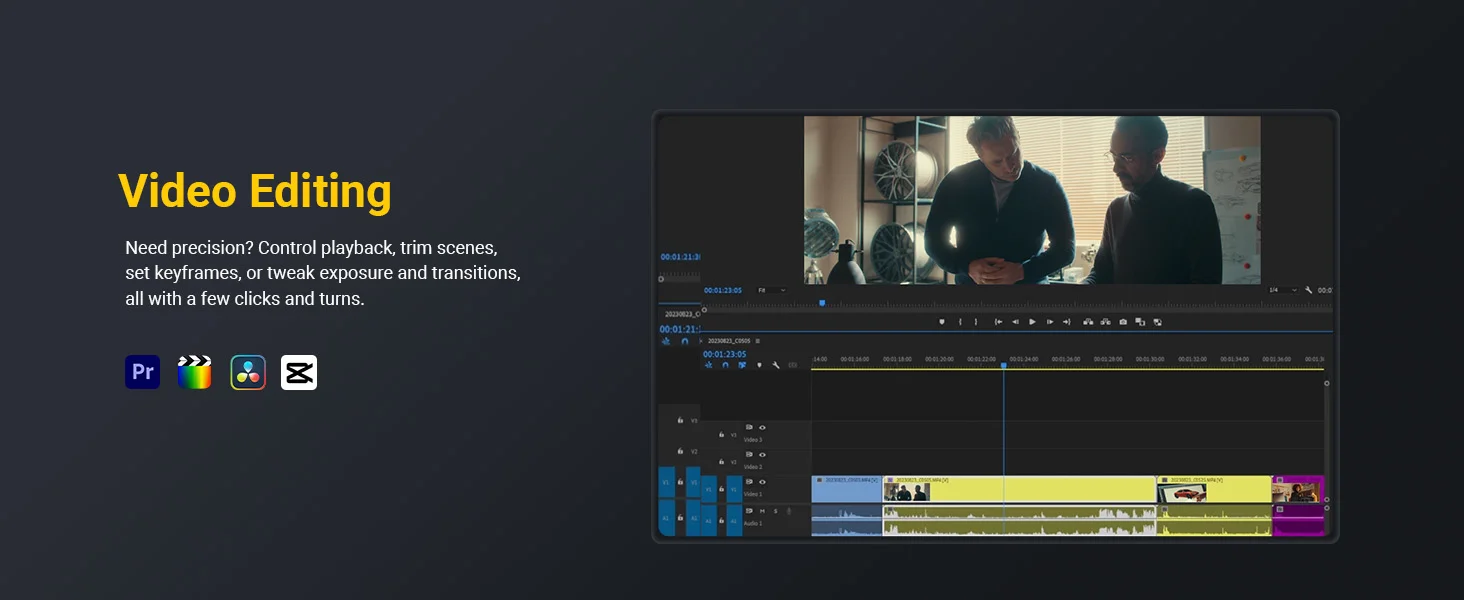
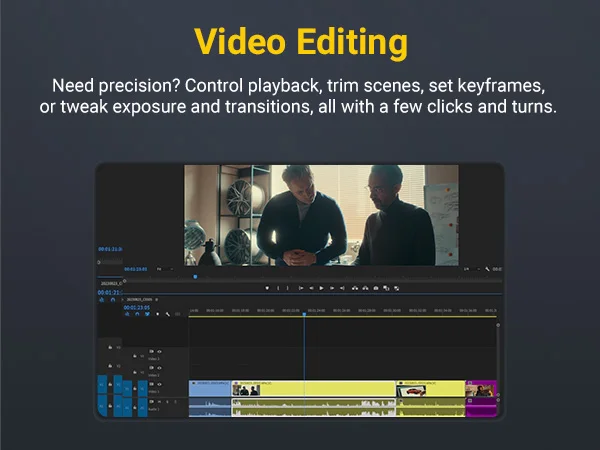
                    Video Editing


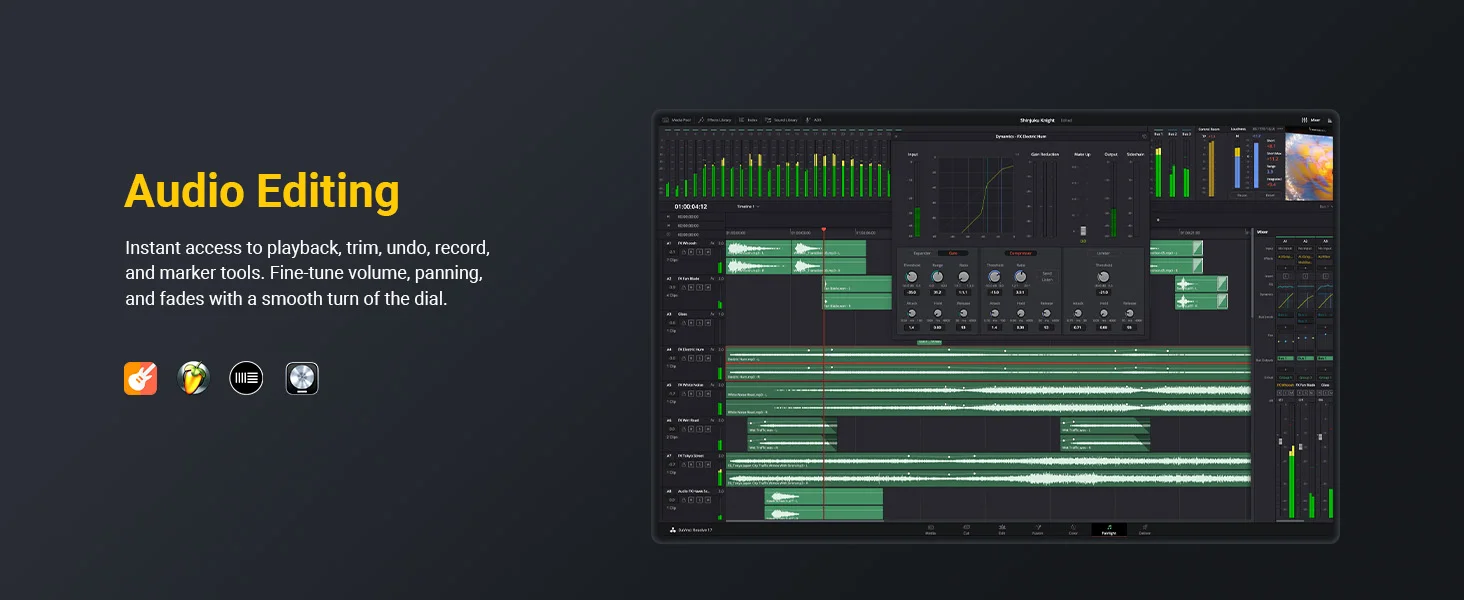
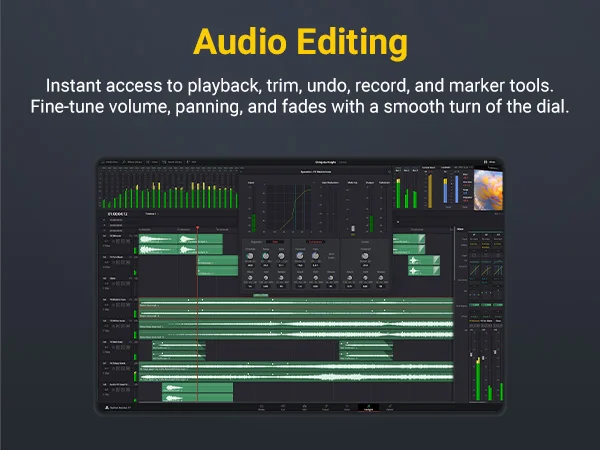
                    Audio Editing


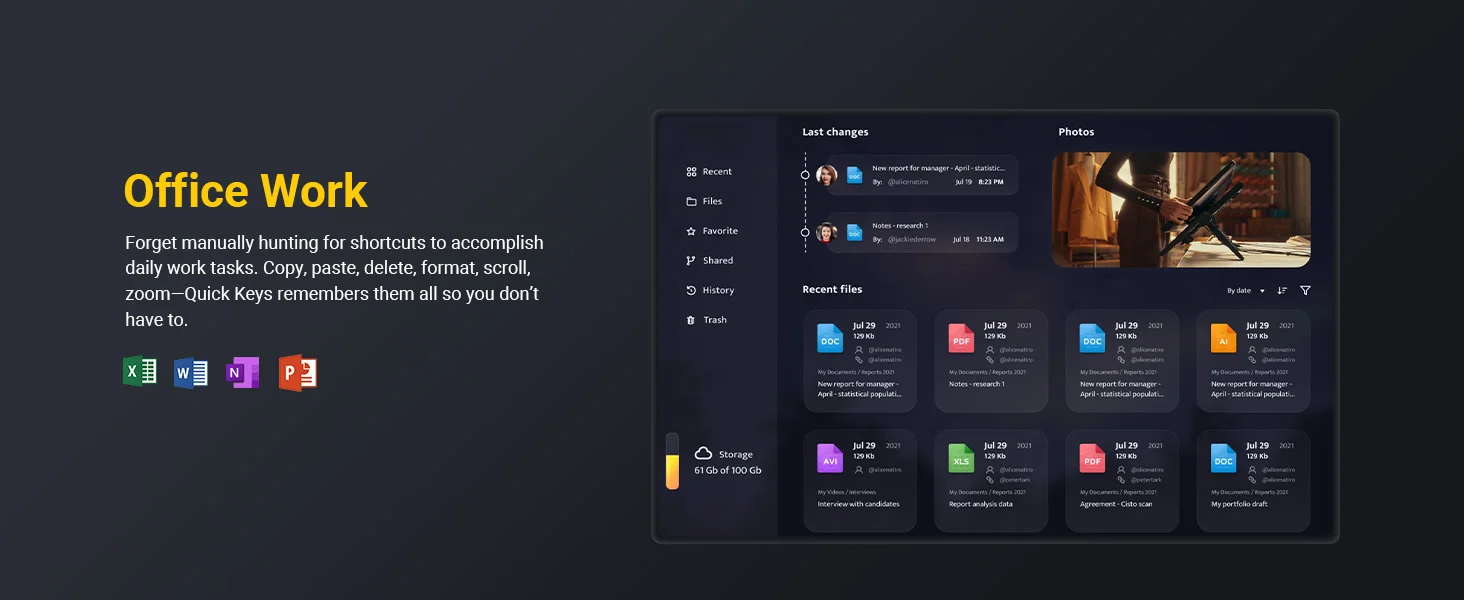
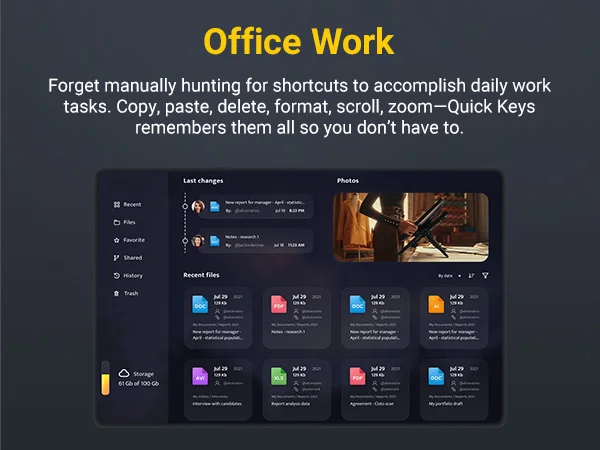
                    Office Work


                        Xencelabs Pen Quick KeysXencelabs Pen Quick Keys


                        Xencelabs Pen Quick KeysXencelabs Pen Quick Keys


                        Xencelabs Pen Quick KeysXencelabs Pen Quick Keys


                        Xencelabs Pen Quick KeysXencelabs Pen Quick Keys


                        Xencelabs Pen Quick KeysXencelabs Pen Quick Keys


                    lefts


                    rightx


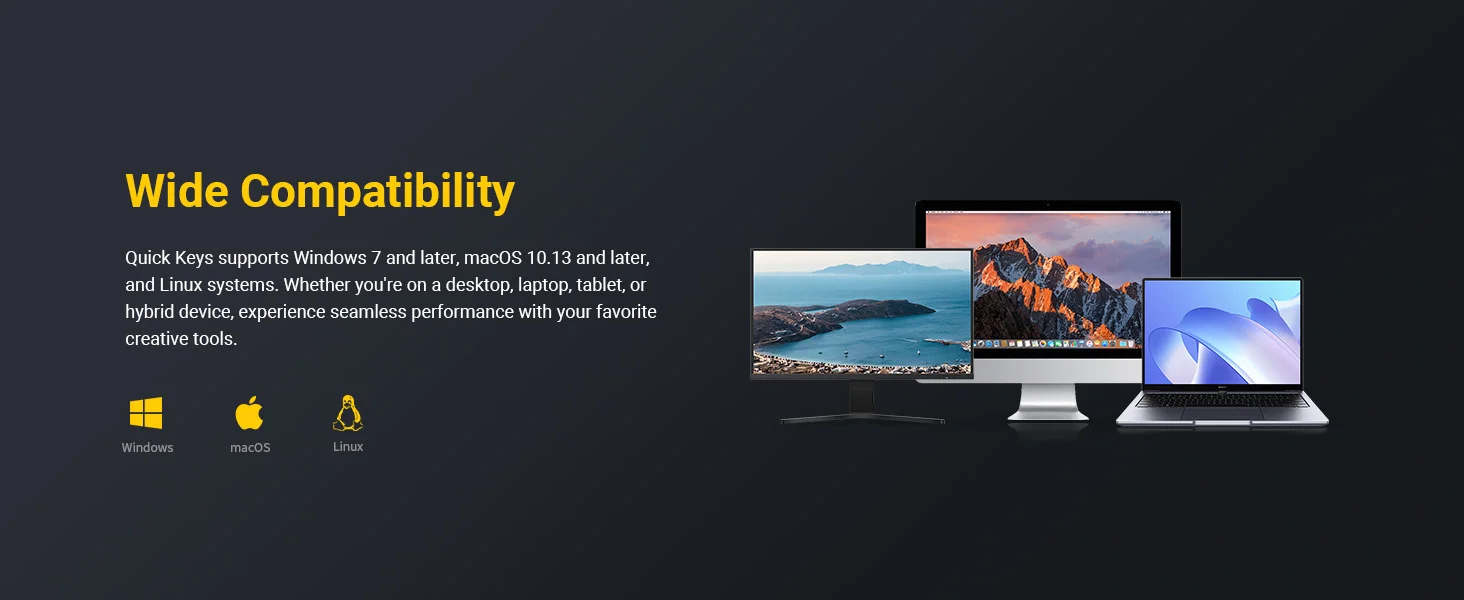
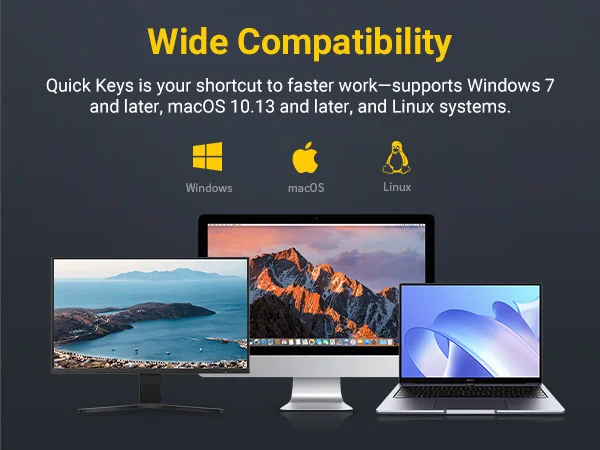
                    Wide Compatibility


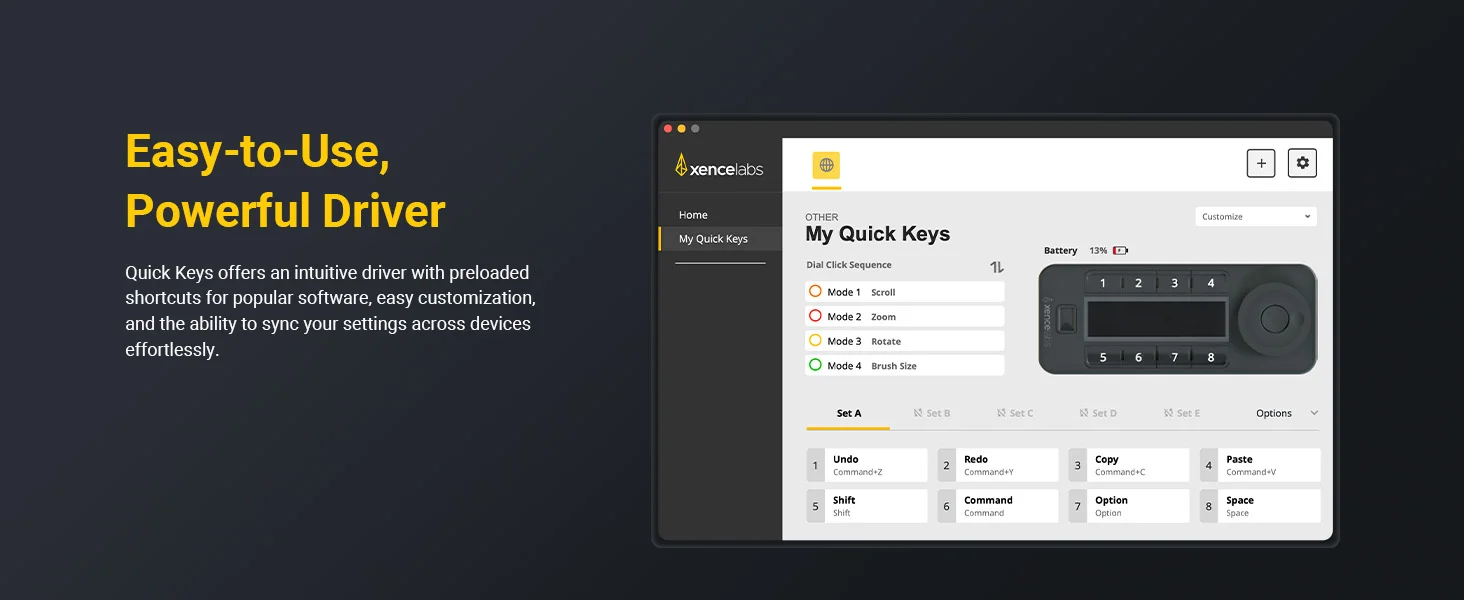
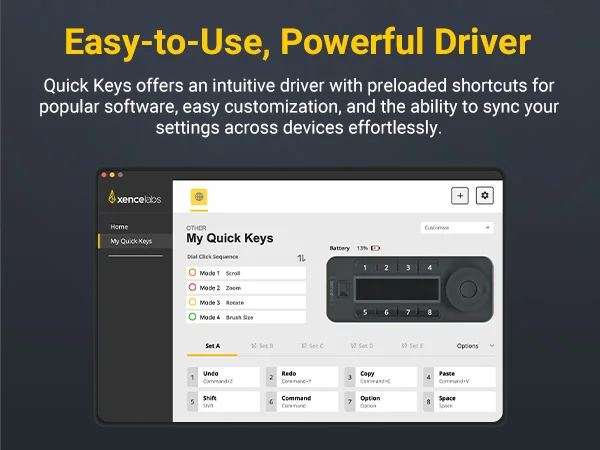
                    Easy-to-Use Driver


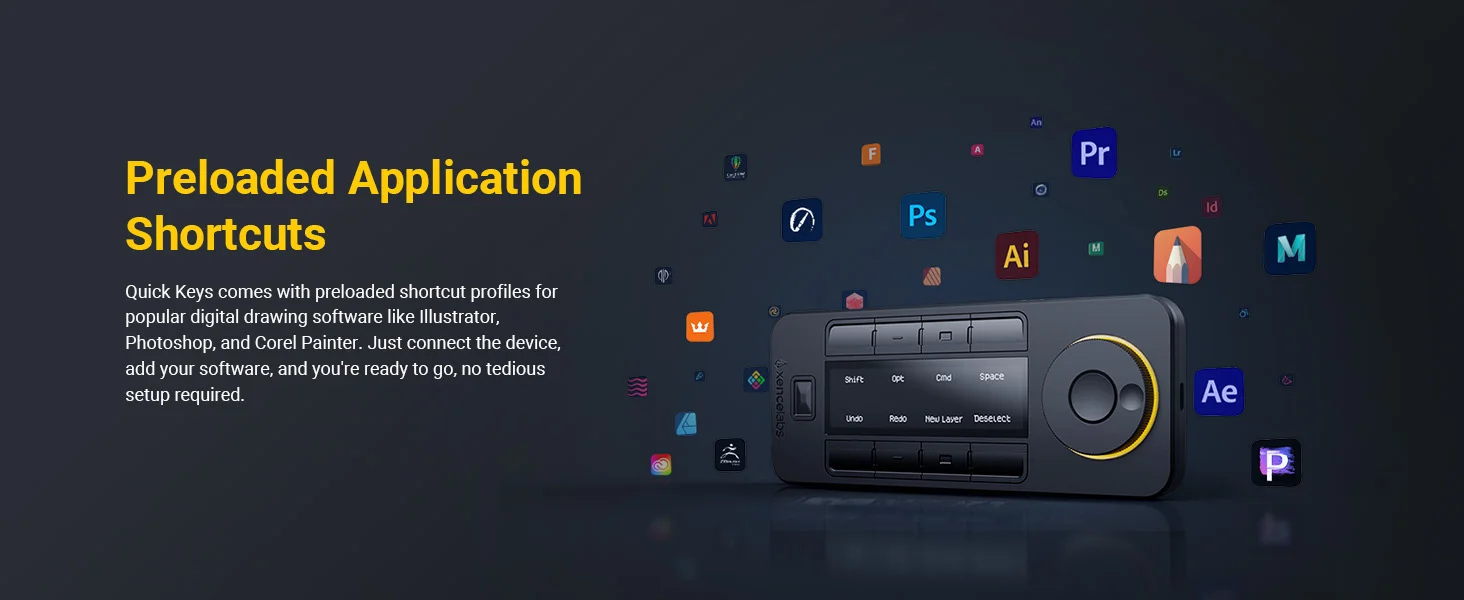
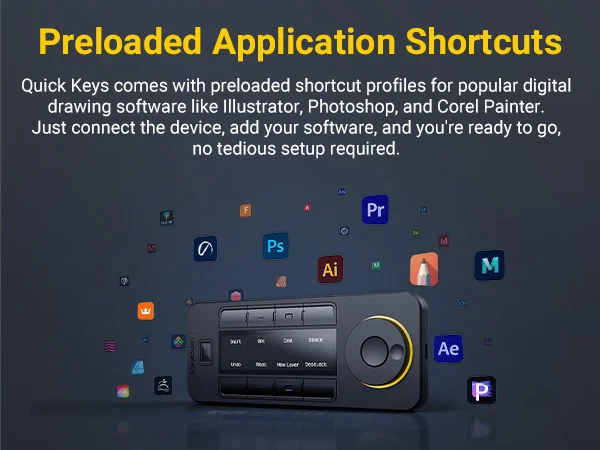
                    Preloaded Shortcusts


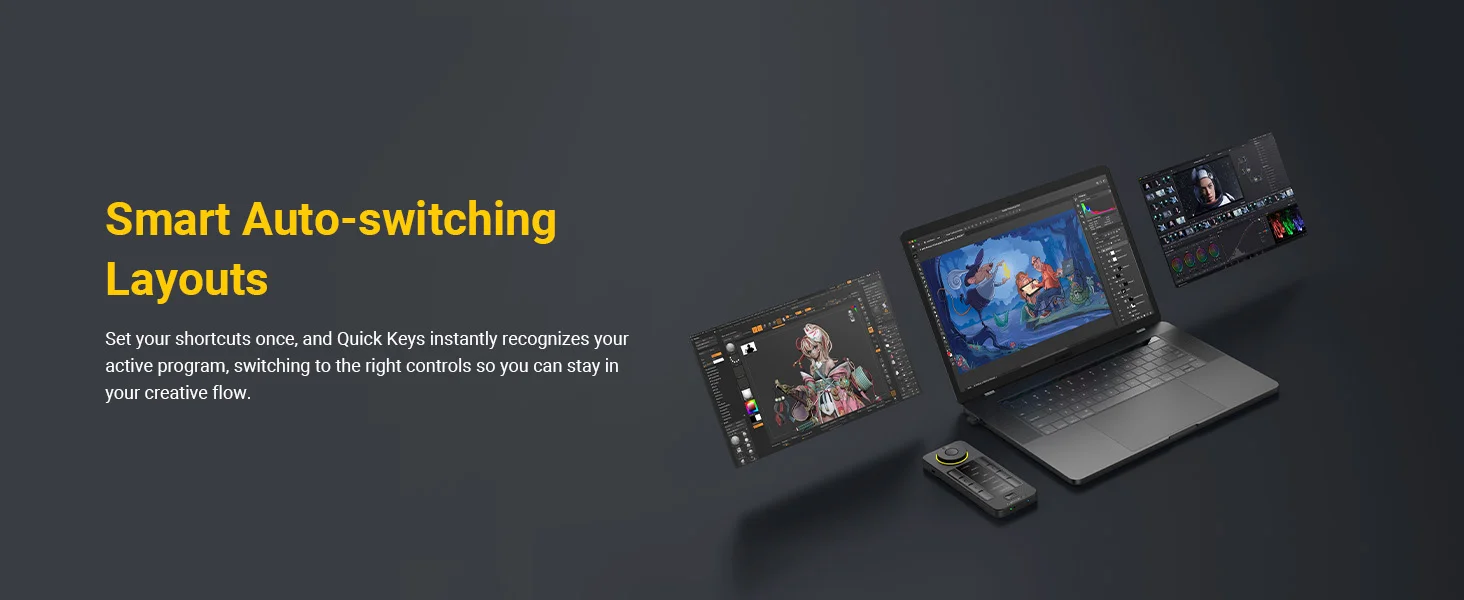
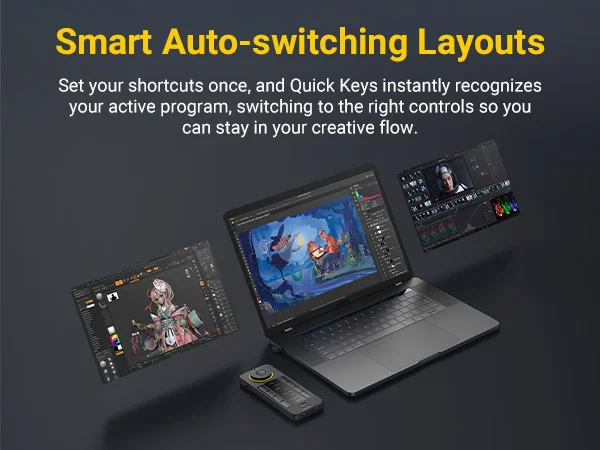
                    Auto-switching Layouts


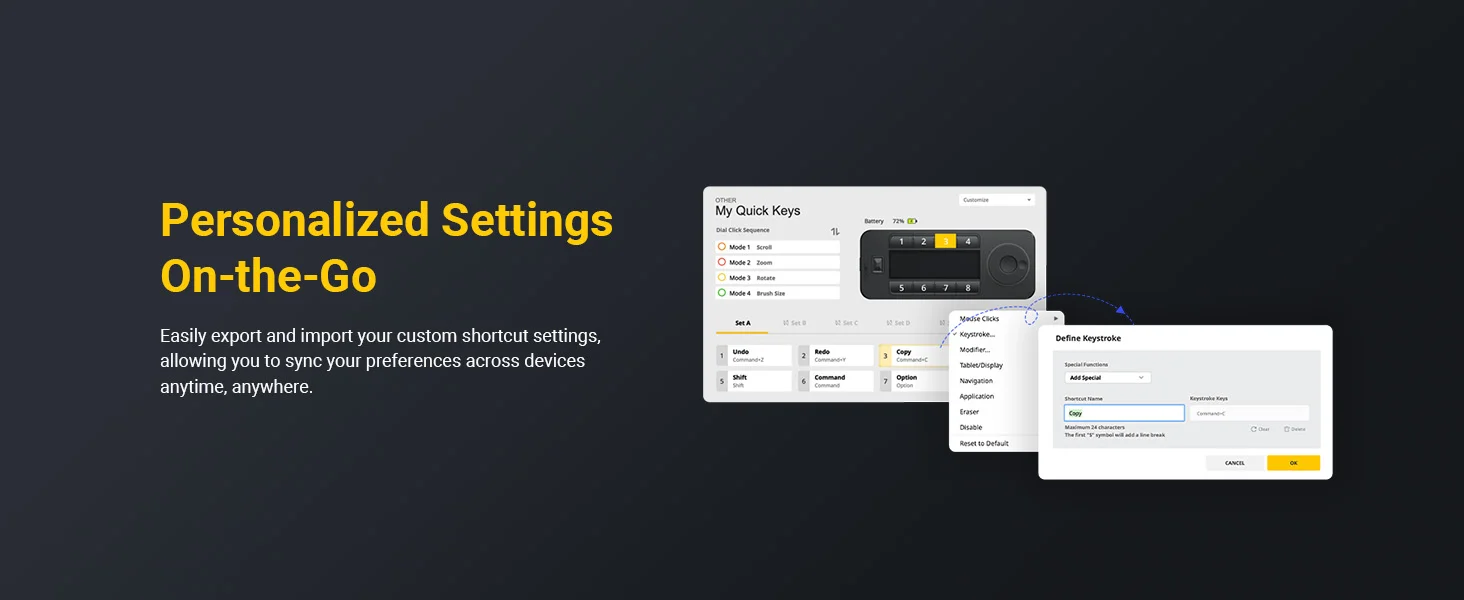
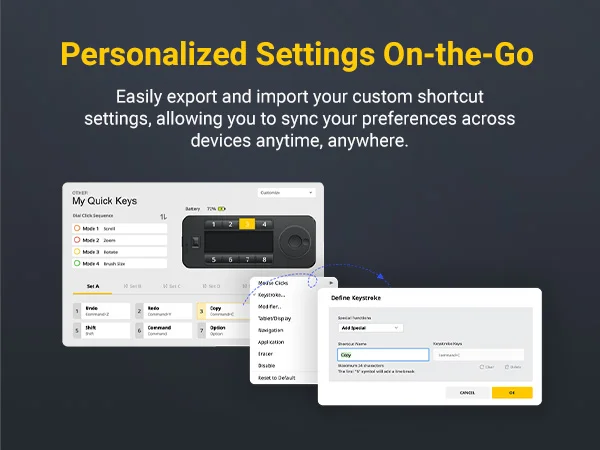
                    Settings On-the-Go


                        Xencelabs Pen Quick KeysXencelabs Pen Quick Keys


                        Xencelabs Pen Quick KeysXencelabs Pen Quick Keys


                        Xencelabs Pen Quick KeysXencelabs Pen Quick Keys


                        Xencelabs Pen Quick KeysXencelabs Pen Quick Keys


                        Xencelabs Pen Quick KeysXencelabs Pen Quick Keys


                    lefts


                    rightx


                        Xencelabs Pen Quick KeysXencelabs Pen Quick Keys


                        Xencelabs Pen Quick KeysXencelabs Pen Quick Keys


                        Xencelabs Pen Quick KeysXencelabs Pen Quick Keys


                        Xencelabs Pen Quick KeysXencelabs Pen Quick Keys


                    lefts


                    rightx


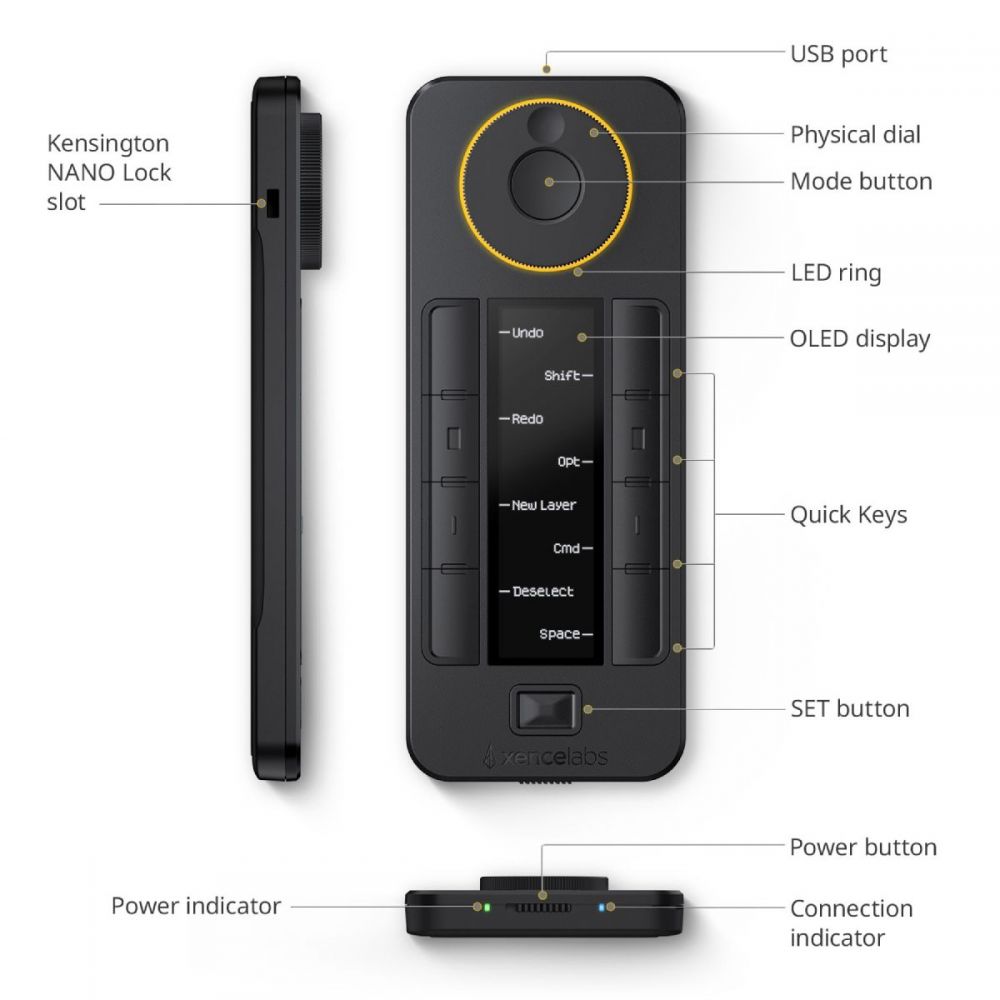
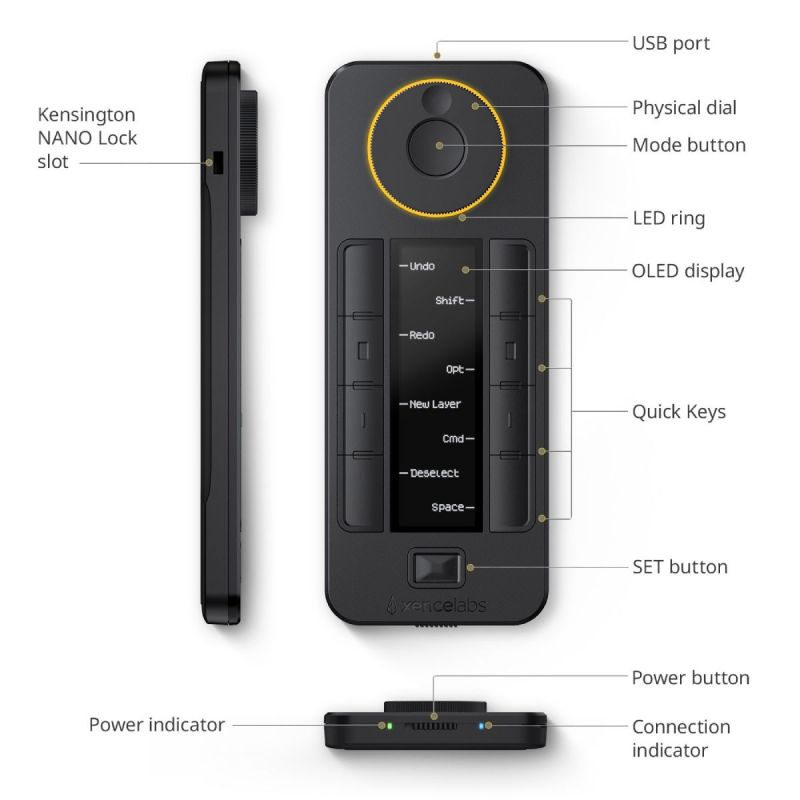
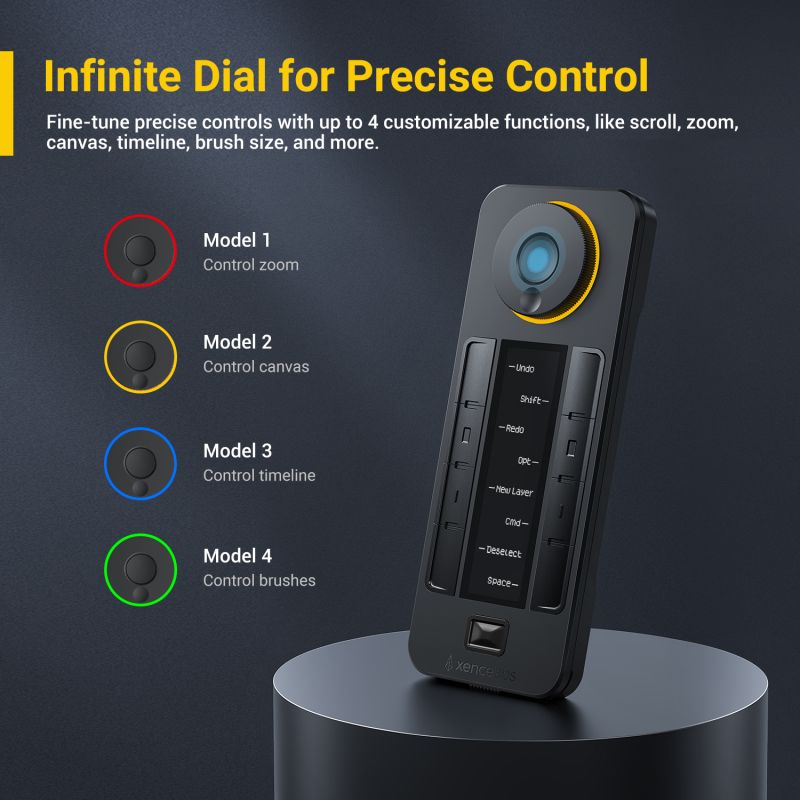
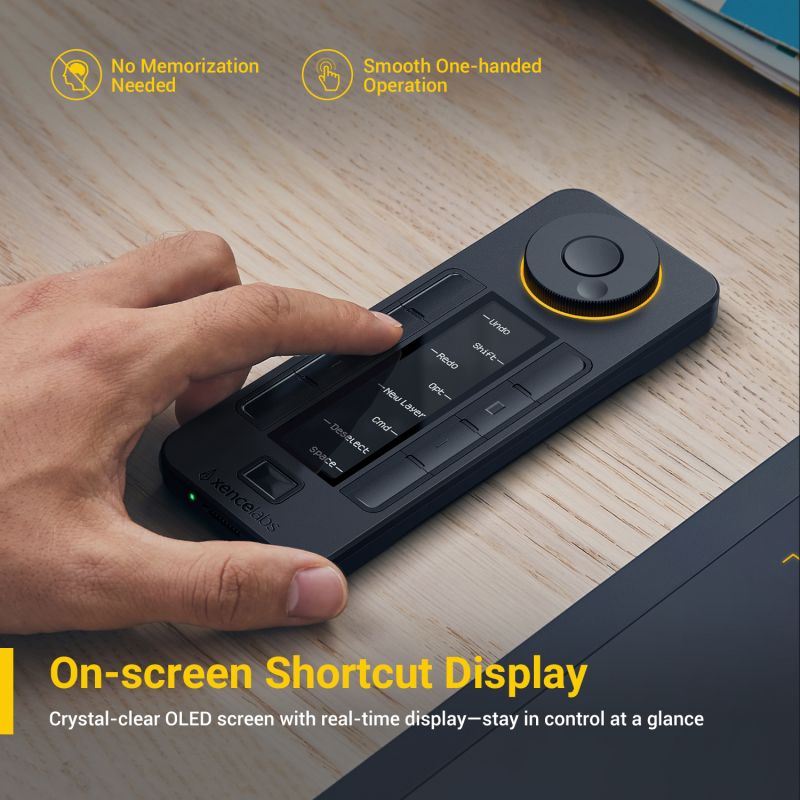
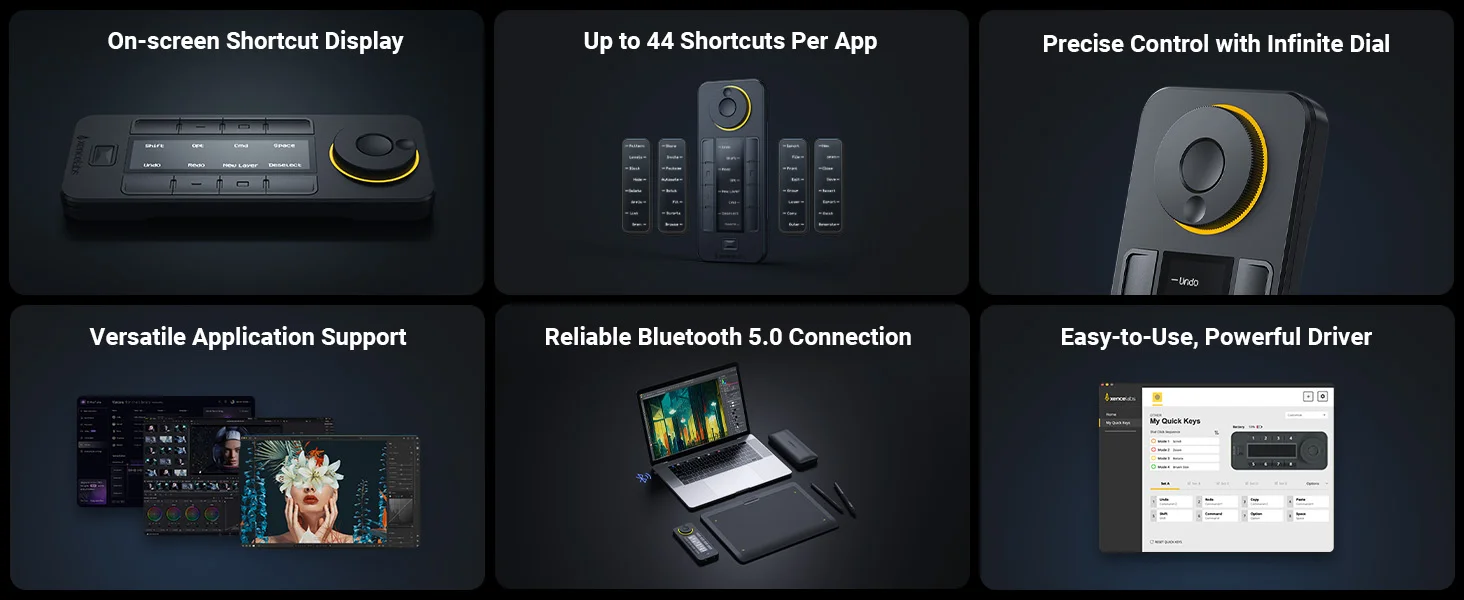
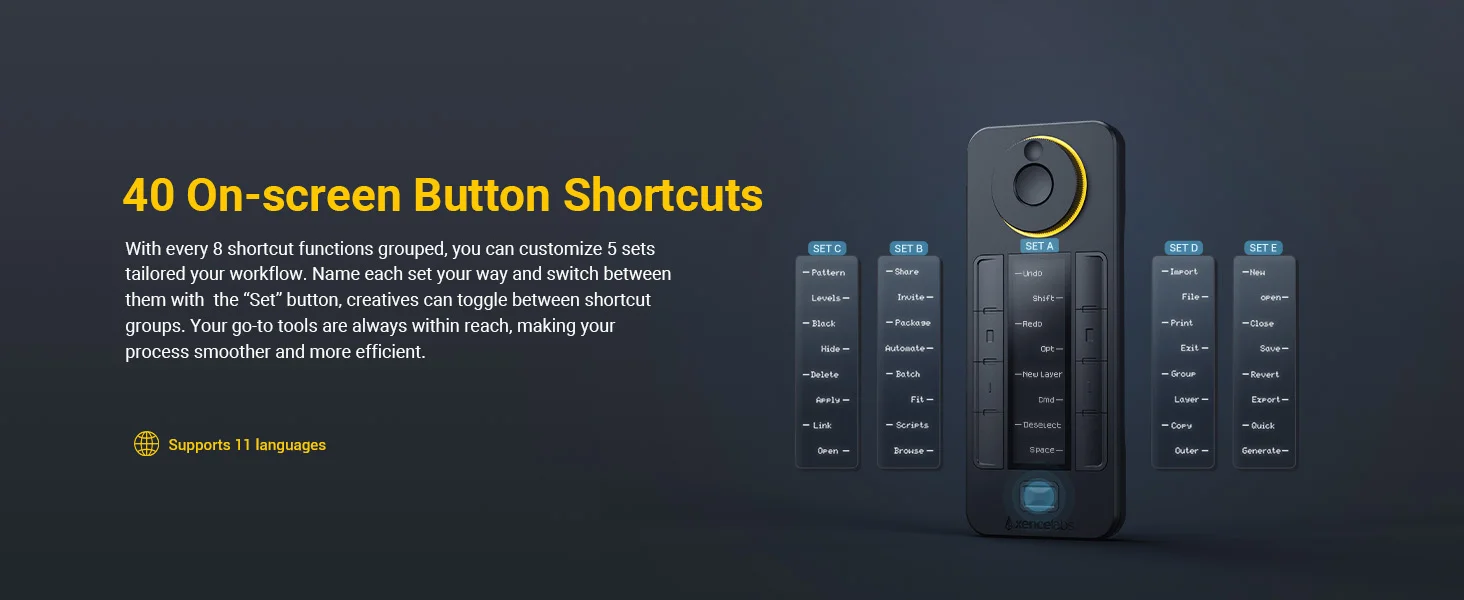
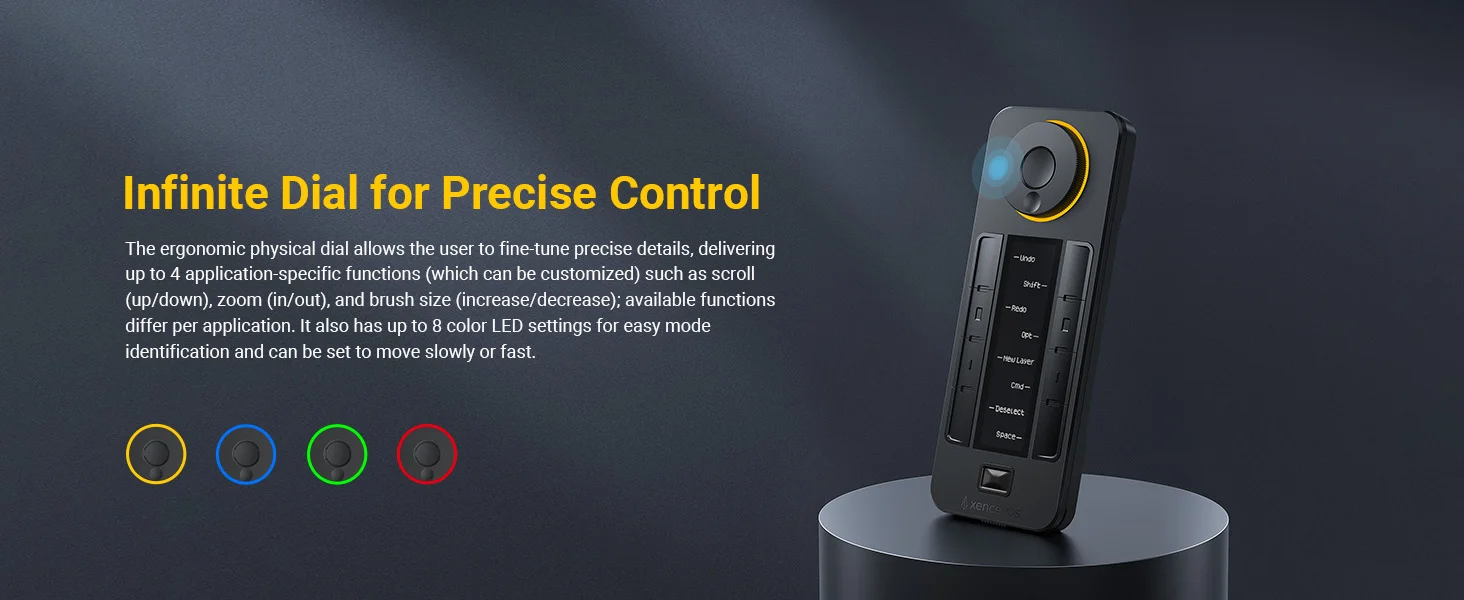
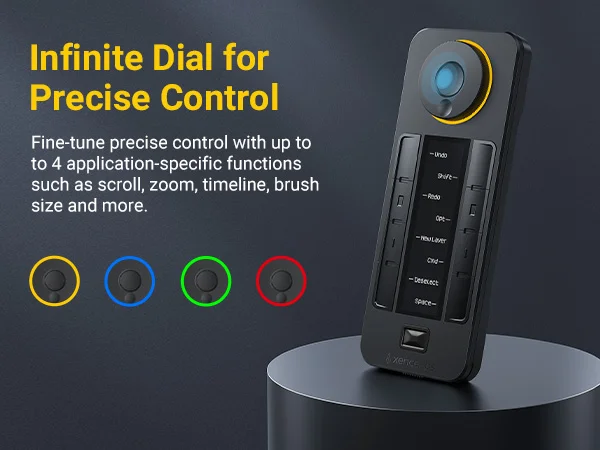
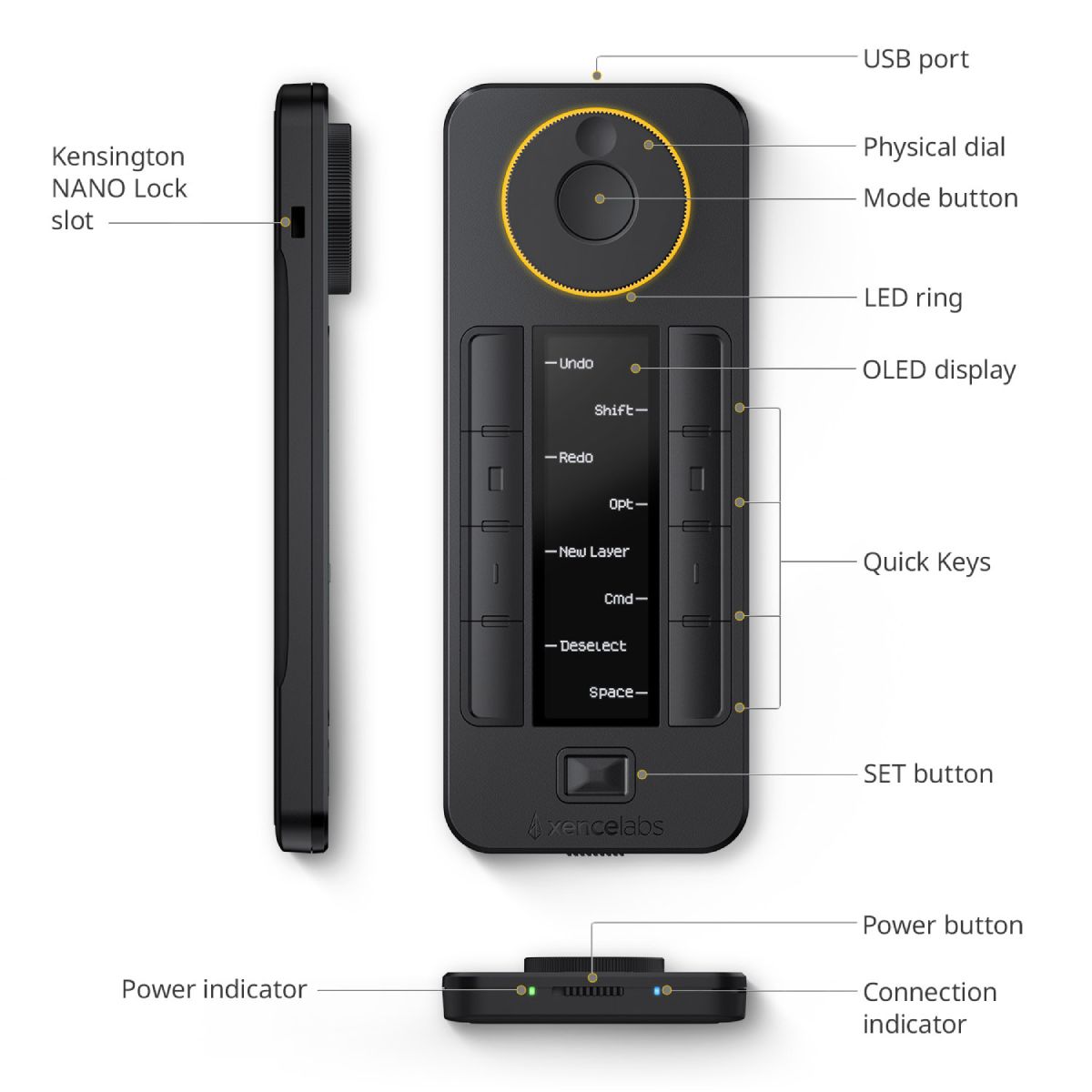
    The programmable physical dial scrolls through up to 40 shortcuts per application with specific functions like zoom, brush size, layers, etc. You can also quickly switch between key groups within an 

application (like sketching, coloring, and editing) by keying the Quick 

Keys’s “Set” button. The Quick Keys’s OLED display makes it easy to 

remember which keys are assigned to which shortcut and the programmable

 color ring indicates which function you’re currently using. The 

adjustable sleep timer ensures your Quick Keys will remain on while you 

work.


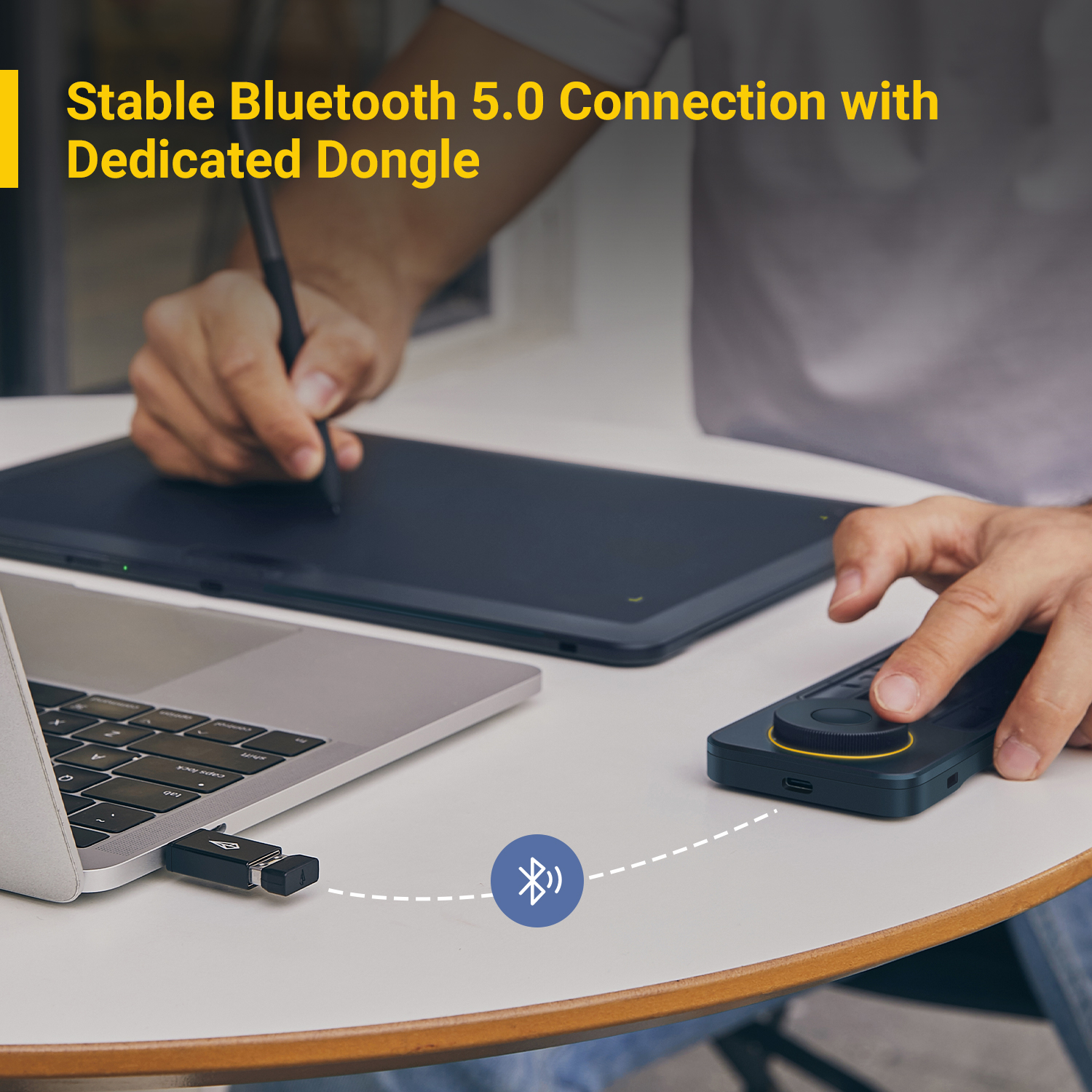
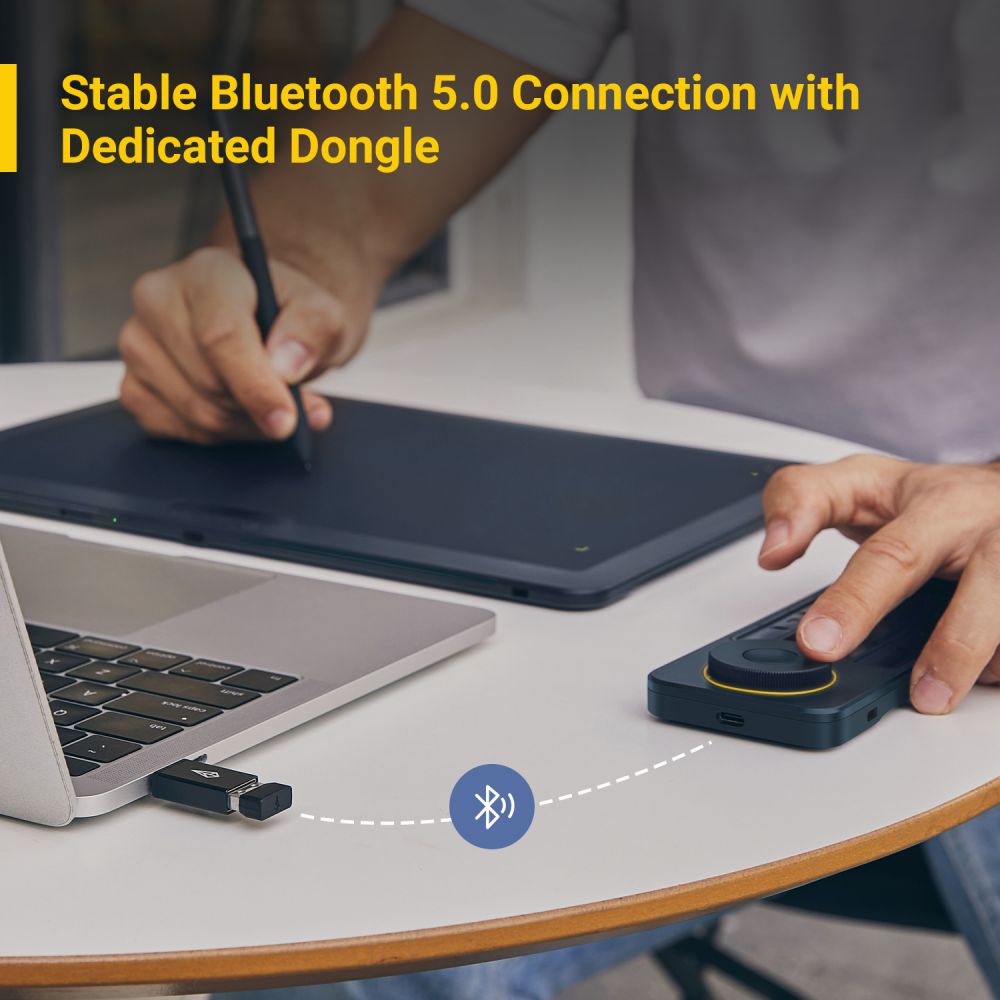
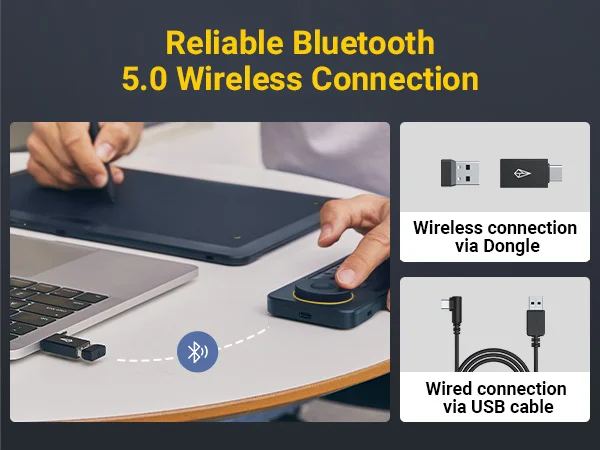
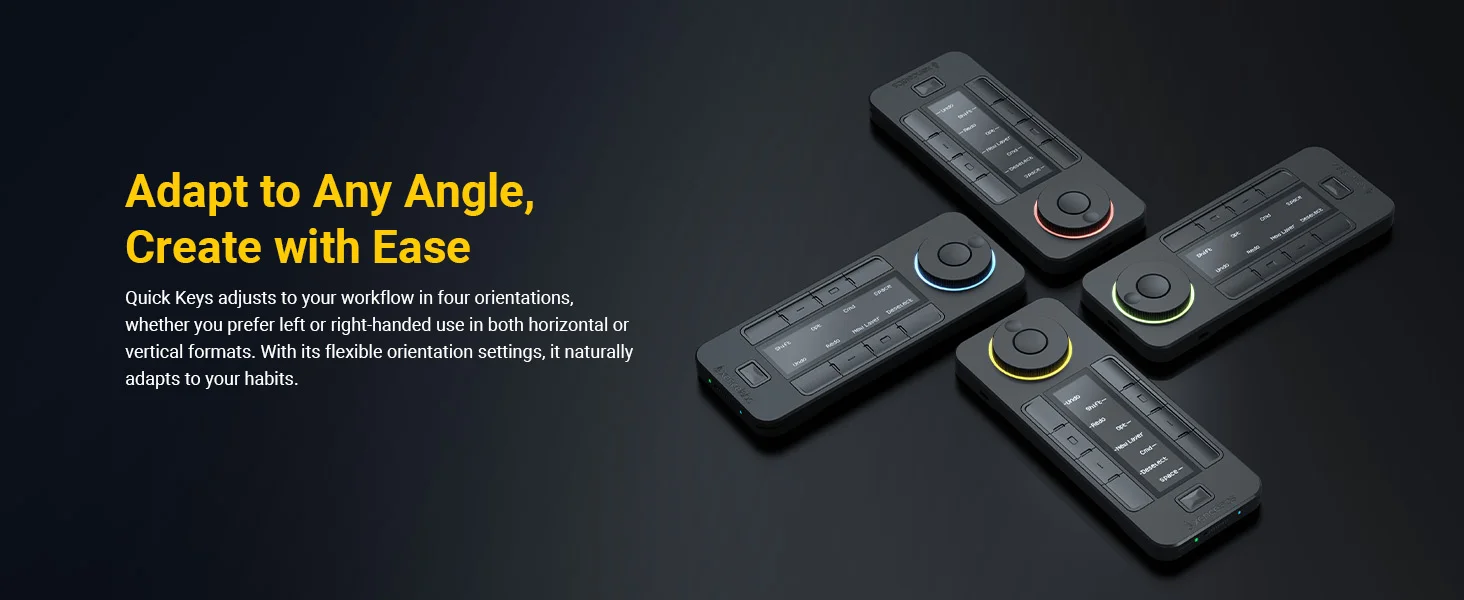
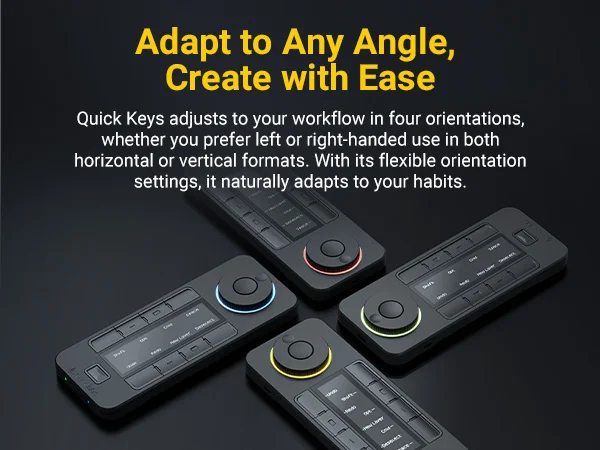
    The Quick Keys was designed for comfort which the wireless 

connection allows by giving the artist freedom to position the 

controller in four different orientations to best fit your preferences.

; Left-handed

or right-handed, wireless or wired, with 5 sets of 8 keys, that allows 

up to 40 programmable functions per application, the Quick Keys will 

optimize your workflow.


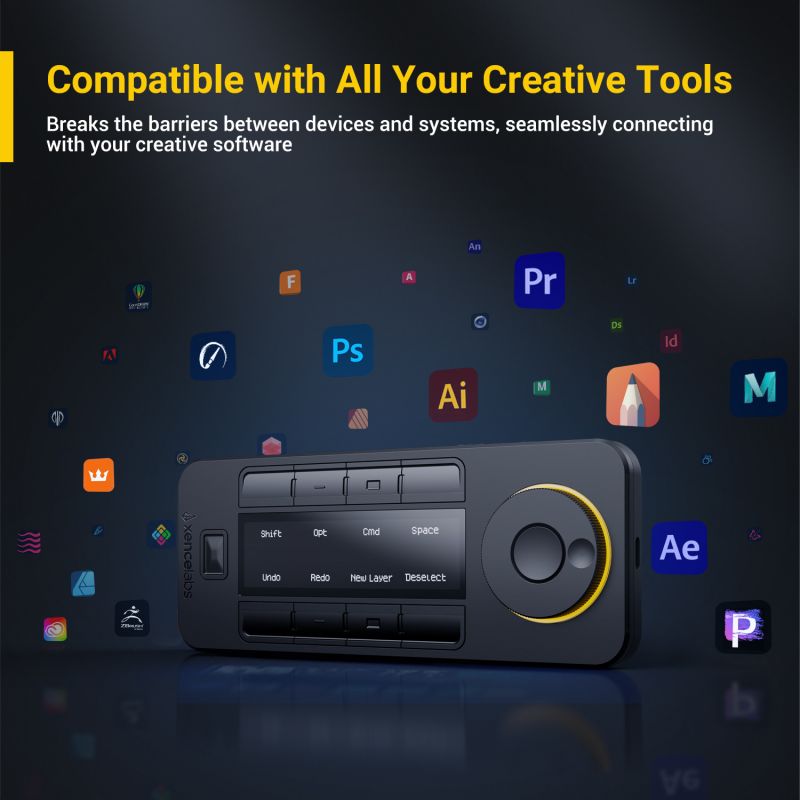
    What is not compatible and not supported with the Quick Keys and Xencelabs driver: Raspberry PI (all versions), Android operating systems, iOS (Apple iPad, iPhone) operating systems, Stream Deck, Sony PlayStation, Windows Xbox.


    Notes


                Not supported on iOS or Android; cannot run on tablets such as iPads.


                Does not support macro commands, script automation, third-party plugin integration, or multitasking automation.


    Specification
    Color
    Carbon Black
    Product dimensions (W x H x D)
    6.2 x 2.48 x 0.47 in / 157.6 x 62.5 x 12 mm
    Product weight
    142g / 0.31lbs
    Display
    Text and symbols can be read horizontal or vertical.
    Time before device sleeps from no activity
    Set by user
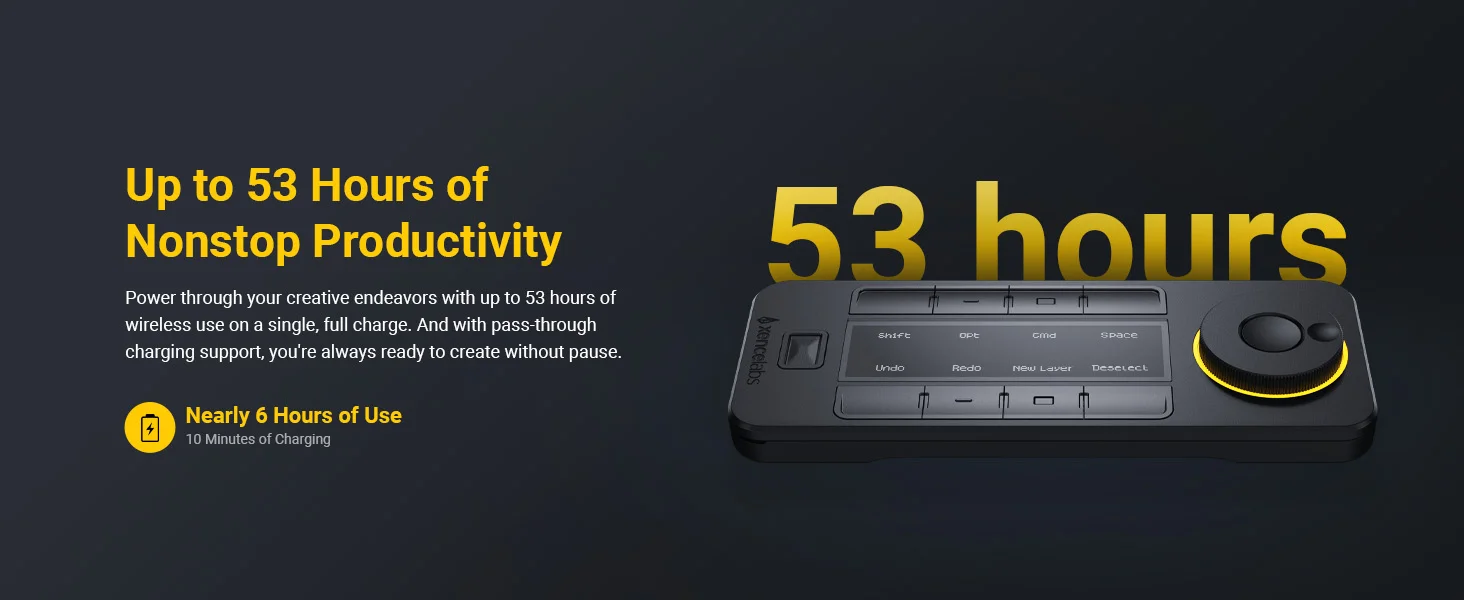
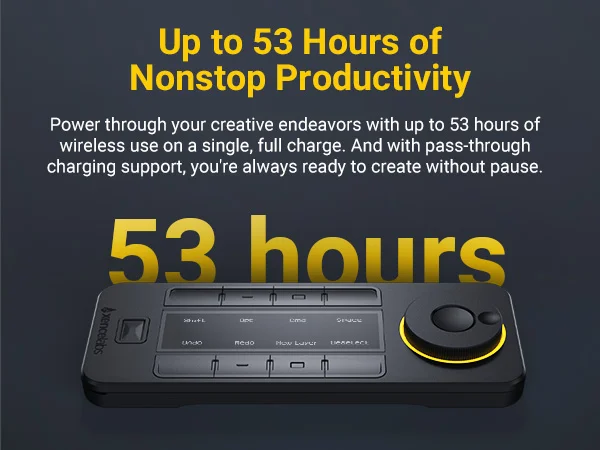
    Quick Keys hours per charge
    25-53 hours (1.5 hours charging time)
    Quick Keys Cable L included
    USB-A to USB-C Right Angle 90º Wireless via USB/USB-C connection
    Custom shortcut
    8 programmable keys, with 5 key sets, for up to 40 unique short-cut keys
    Dial
    Up to 4 (user can define)
    Security
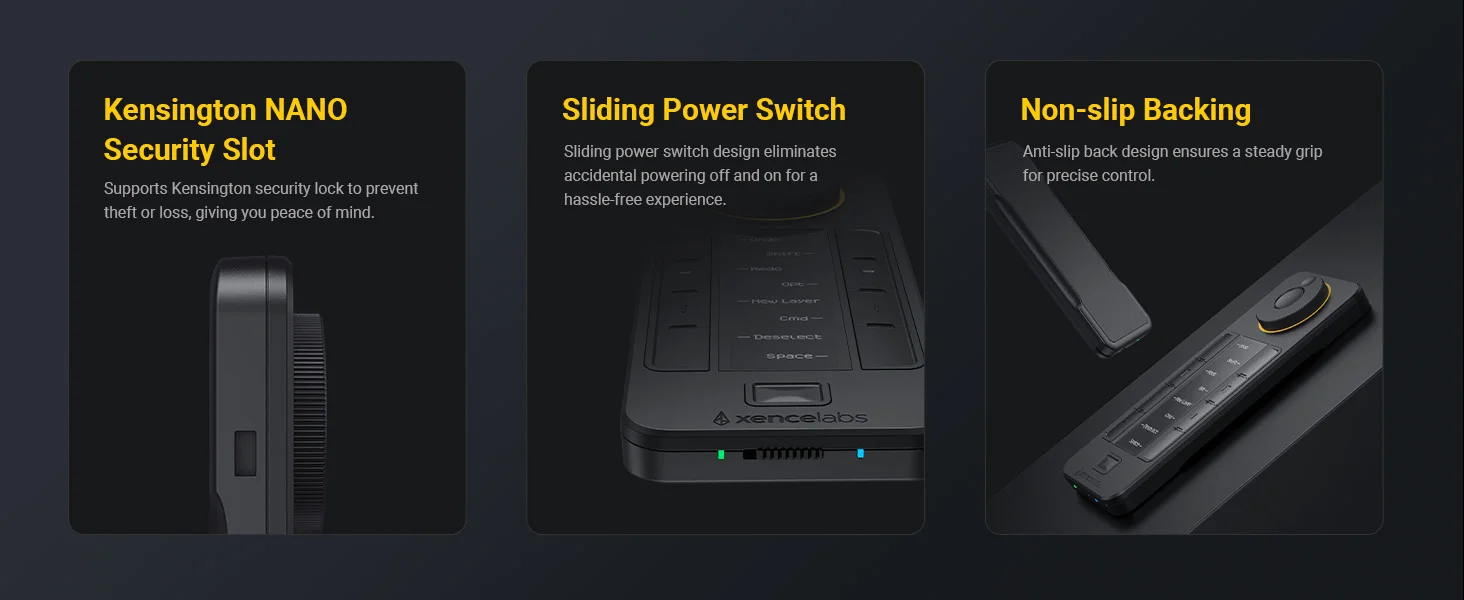
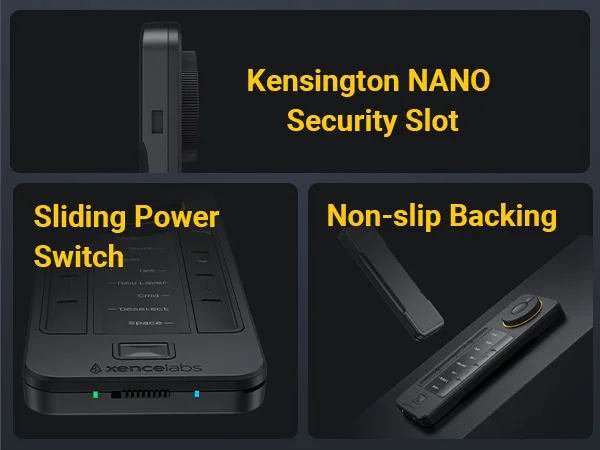
    Kensington NANO Lock®
    Connectivity
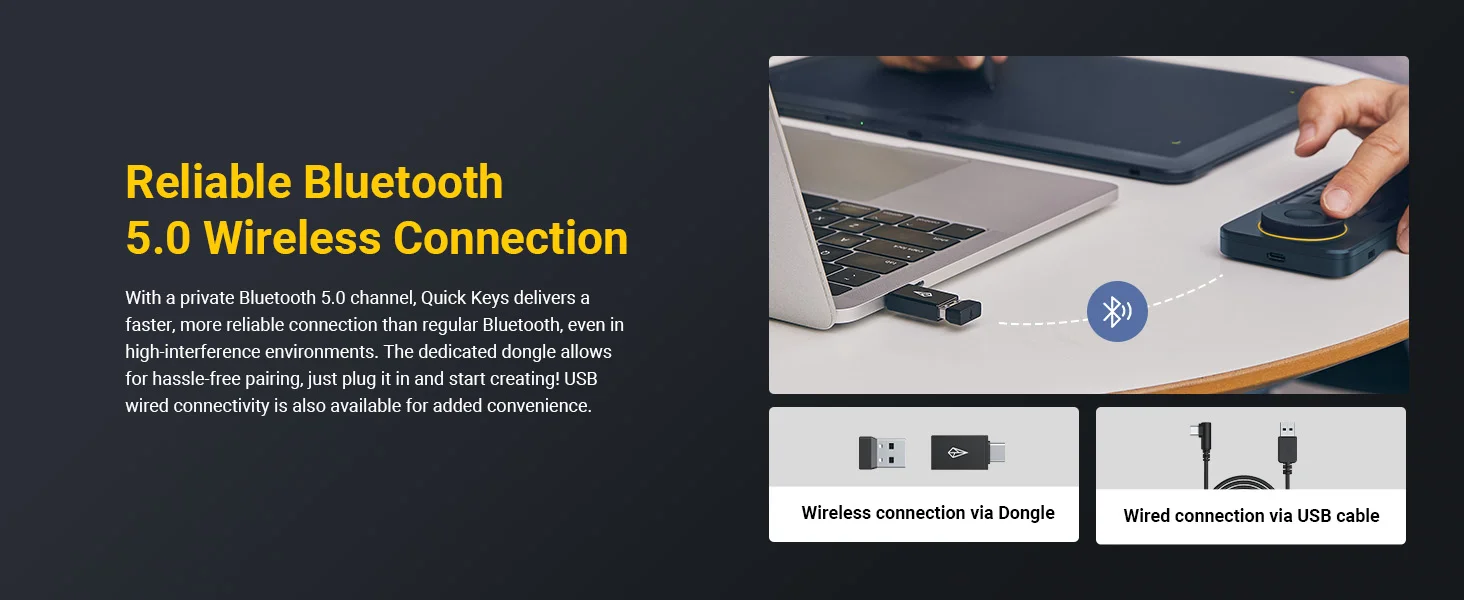
    Wireless or USB
    System requirements
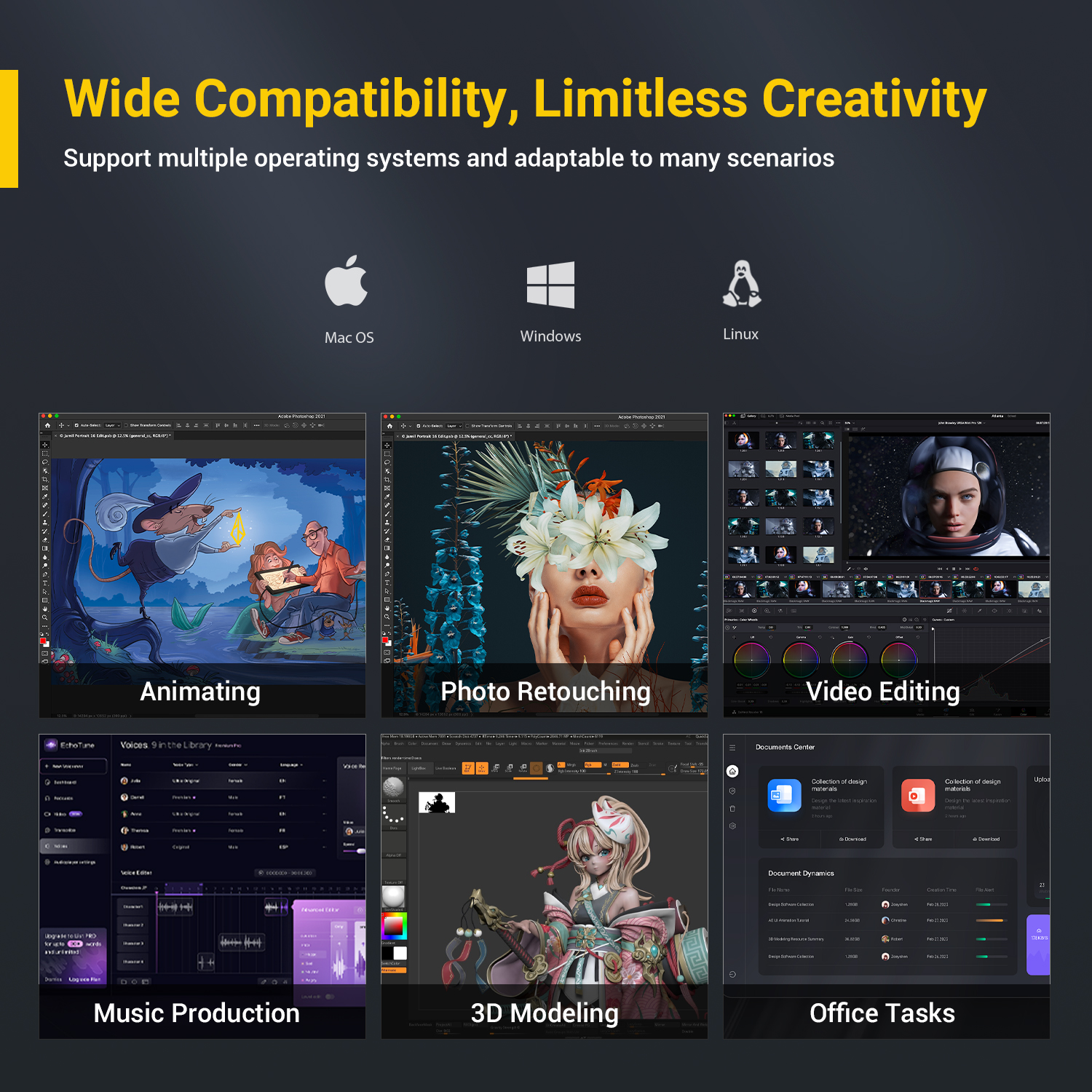
    Windows®7 or later, Mac OS X 10.12 or later, Linux version, wireless or cable connection requires USB Type-A port (includes Type-C adapter), internet access to download driver.
    Warranty
    2 years
    topdown
    What’s in the Box
    Xencelabs Quick Keys (K02-A)
    Carrying Case (for Quick Keys and Cable)
    Adapter / USB-A to USB-C
    Dongle (ACD12-A)
    USB-C cable L / USB-A to USB-C
    Quick Start Guide / Thank You Card
    Warranty Card * 1 PC
    FAQ
    What is the battery life on the Quick Keys?

    It is about 16 hours. There is a Sleep Timer in the Settings program that you can adjust to help maximize your Quick Keys battery run time.

    How long does it take to charge the Quick Keys?

    It takes about 2.5 hours to fully charge the Quick Keys.

    Can I plug the Quick Keys into my cell phone or iPad charging port?

    No, we suggest that you plug the Quick Keys into your computer’s USB port or a USB hub that is connected to your computer.

    I have a Display from another manufacturer, can I still use that Quick Keys?

    Yes, when you install the Xencelabs Driver, it will ask you if you would like to install only the Quick Keys portion or the entire Driver that also supports our Pen Tablet. You would select Quick Keys only.

    Can I connect the Quick Keys to the Bluetooth application on my computer?

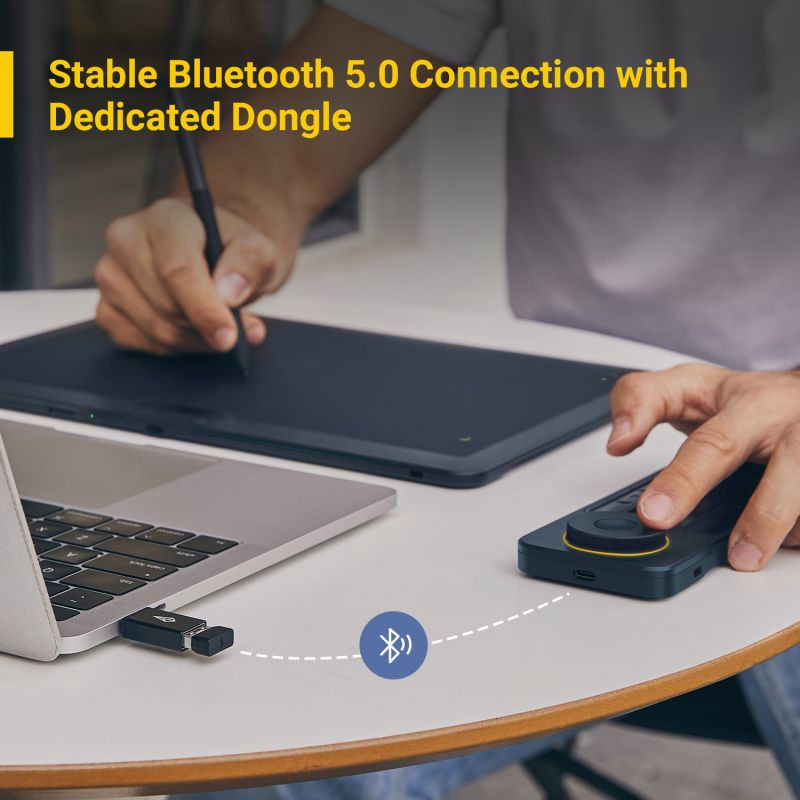
    No, Xencelabs provides a Wireless Dongle to be used to make the Bluetooth connection. Since only Xencelabs products will use this connection, it will eliminate any lag that might be encountered with using the Bluetooth connection that comes with your computer.

    Do I need to install a Driver to make the Quick Keys work?

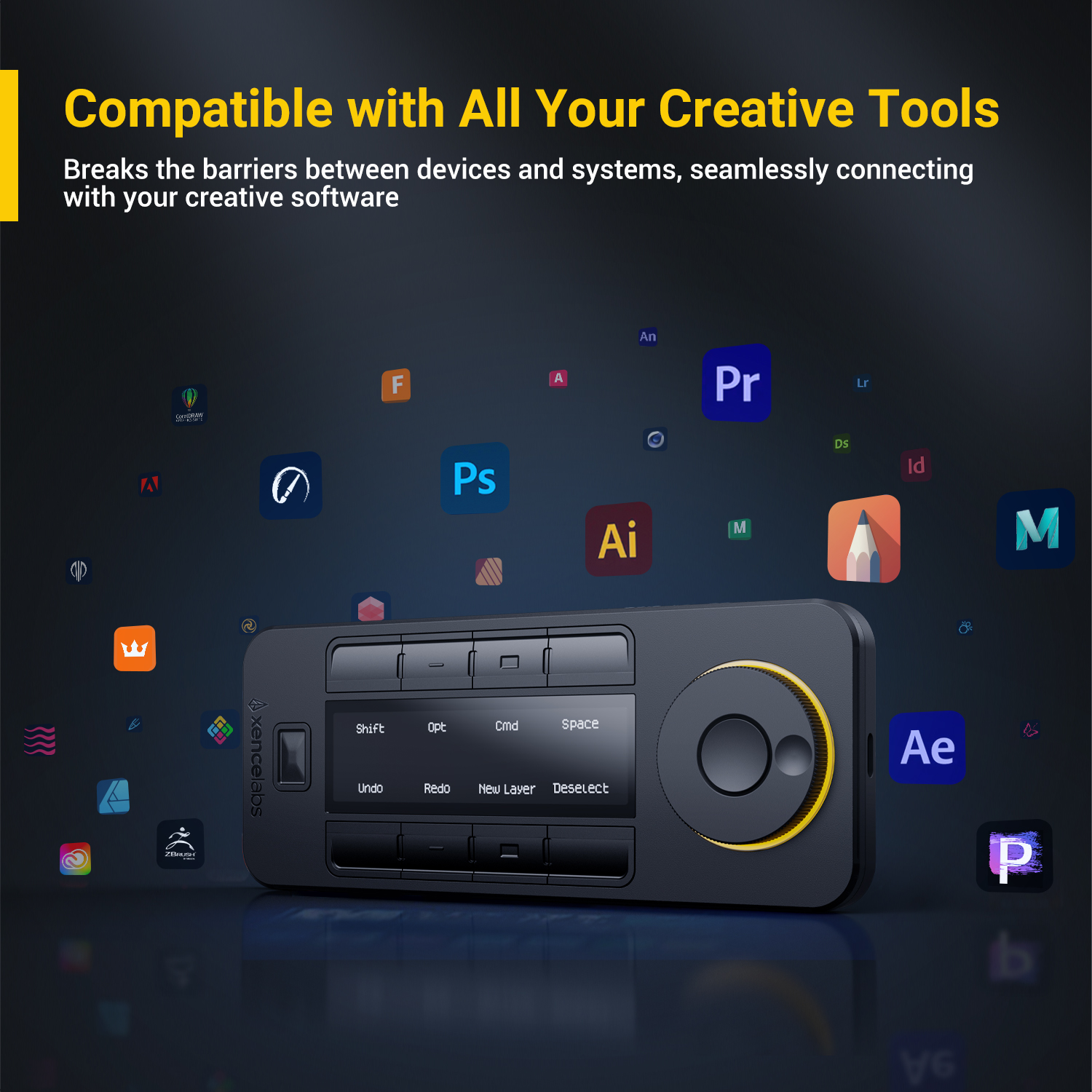
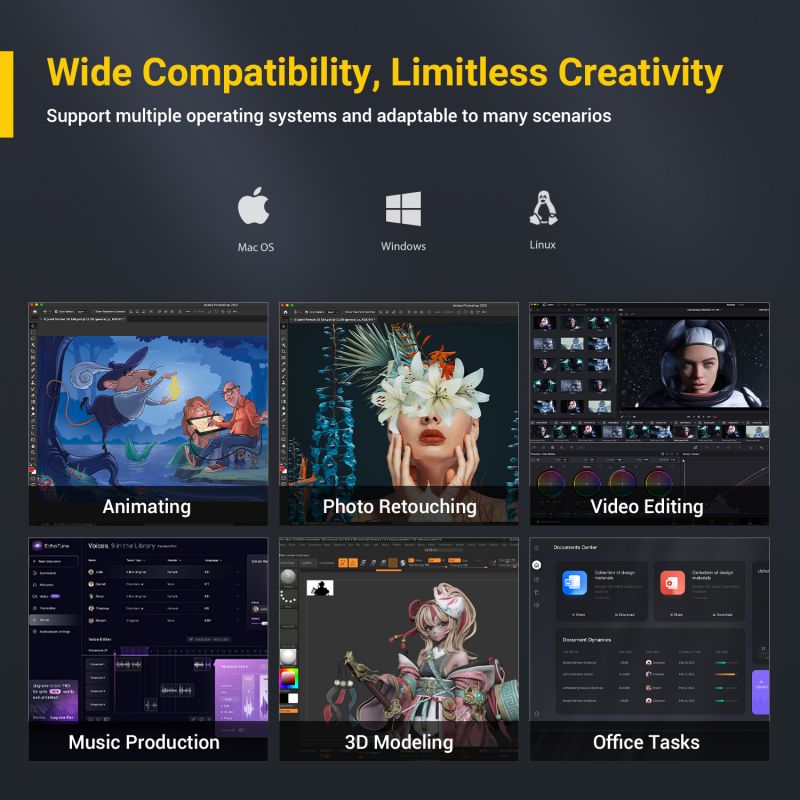
    Yes, Xencelabs provides a Driver for current or near current macOS, Windows, and Linux operating systems. The Driver must be installed for the Quick Keys to work.

    Can I connect the Quick Keys to my stereo, since it has a Bluetooth adapter?

    No, the Quick Keys is designed to work with a current or near current computer running a full version of macOS, Windows, or Linux, and requires the Xencelabs Driver to be installed.

    I’m left-handed, is the Quick Keys adjustable to meet my needs as a left-handed user?

    Yes, the Quick Keys is set up to be adjustable in any of the four major rotations. The Quick Keys can be orientated in a 0, 90, 180, and 270 degrees positions easily accommodating your environment or handedness.

    Does the Quick Keys OLEDs support other languages besides English?

    Yes, any language that your operating system supports can be displayed on the OLEDs.

    Can the Quick Keys type whole phrases into text field?

    At this time, you are limited to 244 characters. That will allow you to type short paragraphs.

    Reviews

    5.0

    Based on 1  Reviews

    Show All Comments

    100%(1)

    0(0)

    0(0)

    0(0)

    0(0)

    Leave your review

    Q & A

    Ask a Question

    We use cookies to personalize and enhance your browsing experience on our websites. You can manage your settings at any time through Cookie Preferences or read Cookie Policy to learn more.
    Required Only
    Accept All