Welcome to the Xencelabs website
You can switch to your country or region site to browse and shop online.
(0) Reviews
| 
(0) Q & A
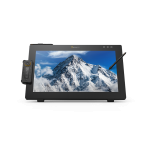
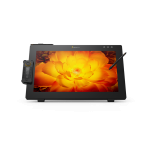
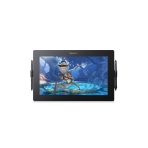
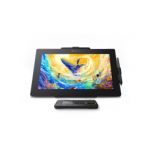
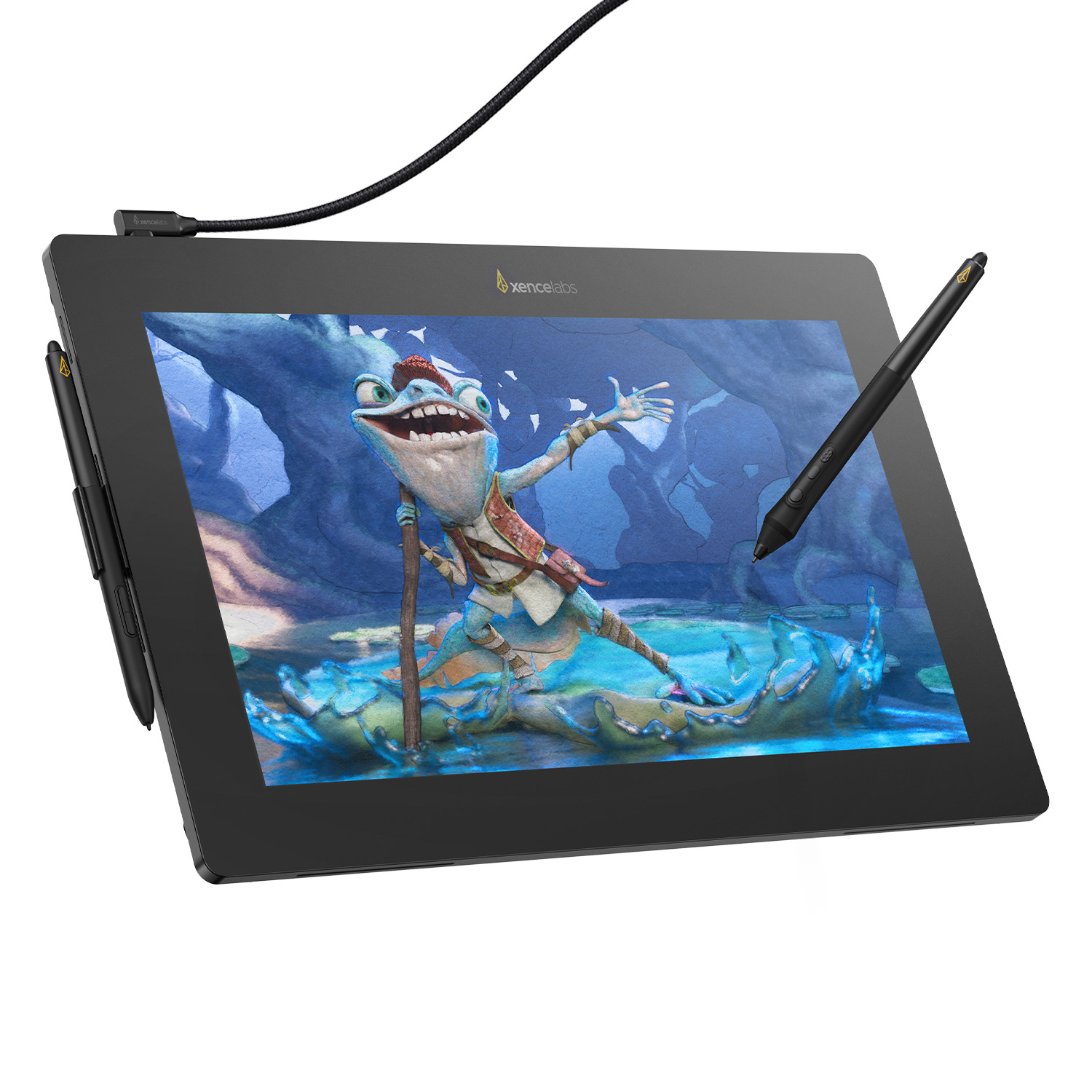
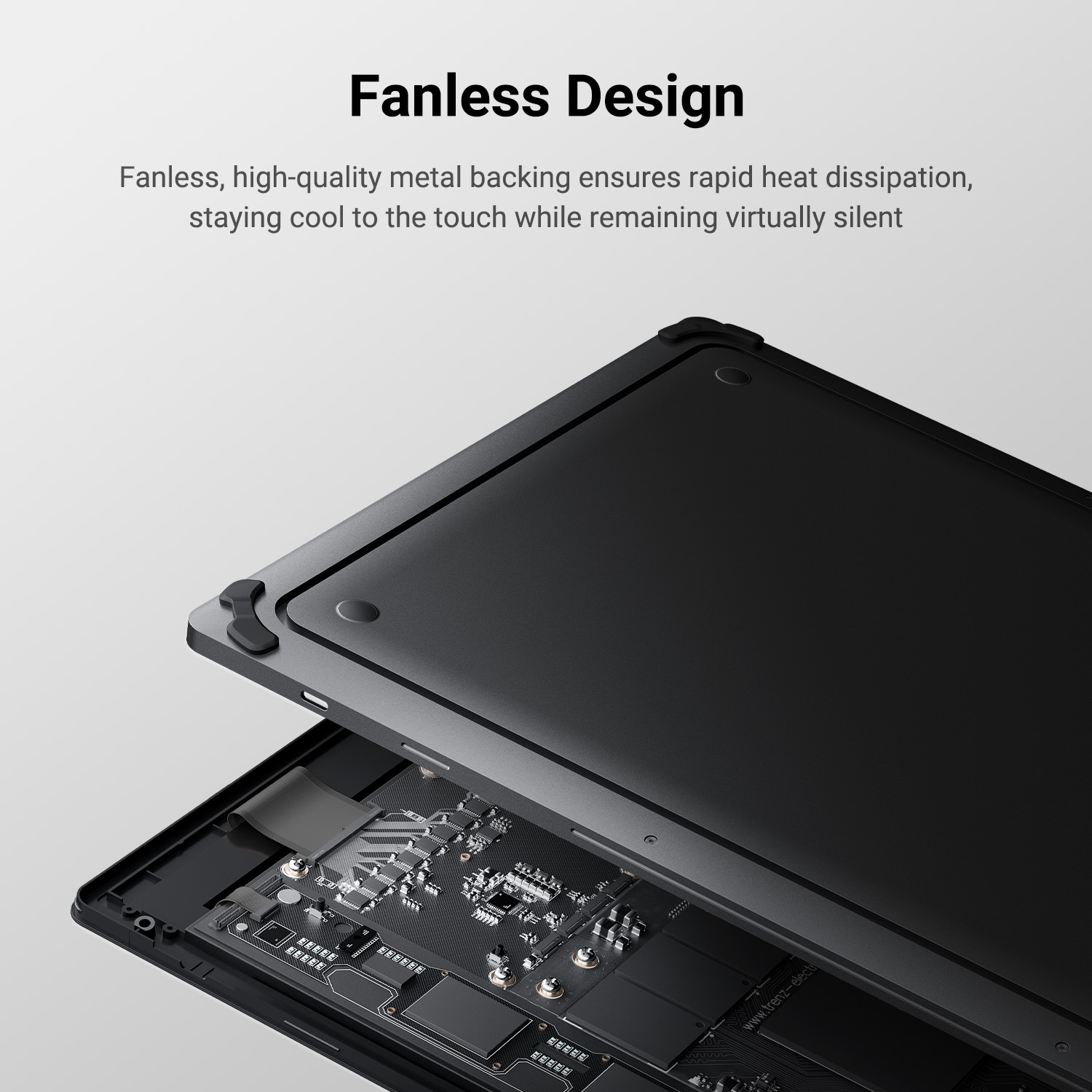
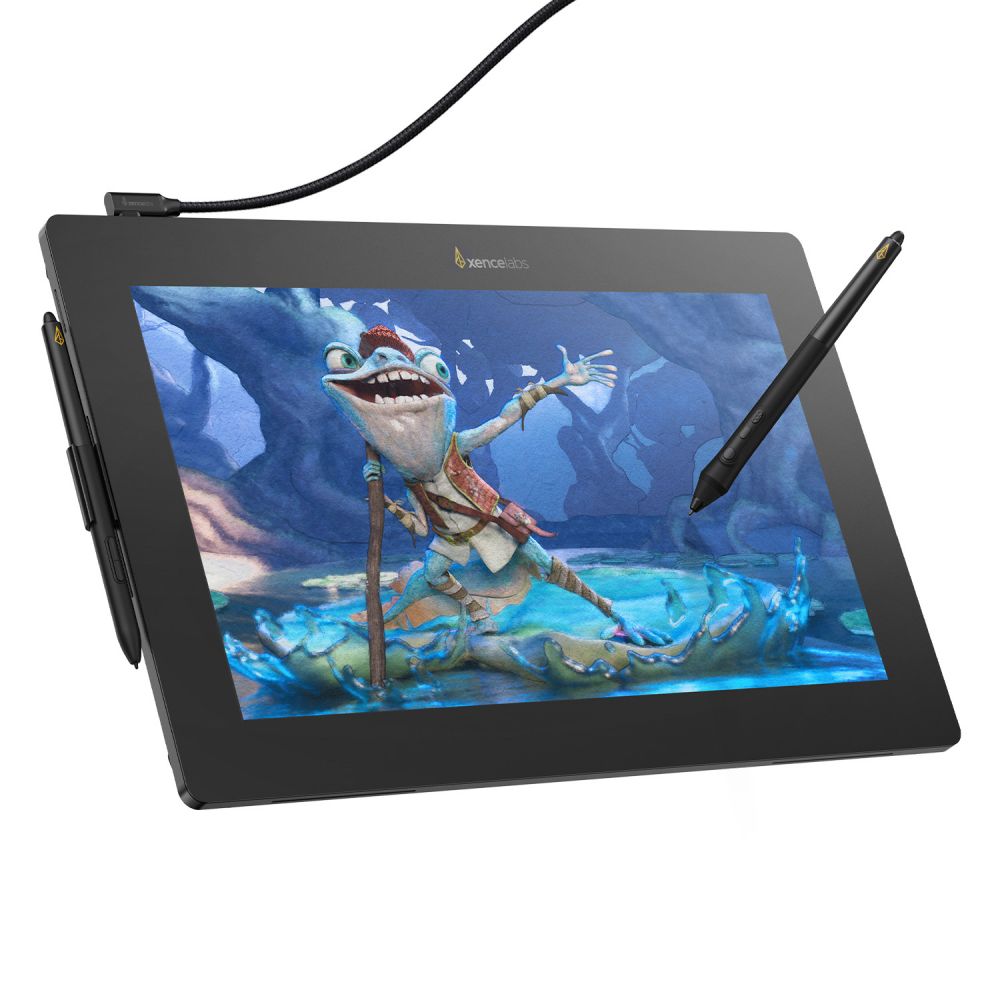
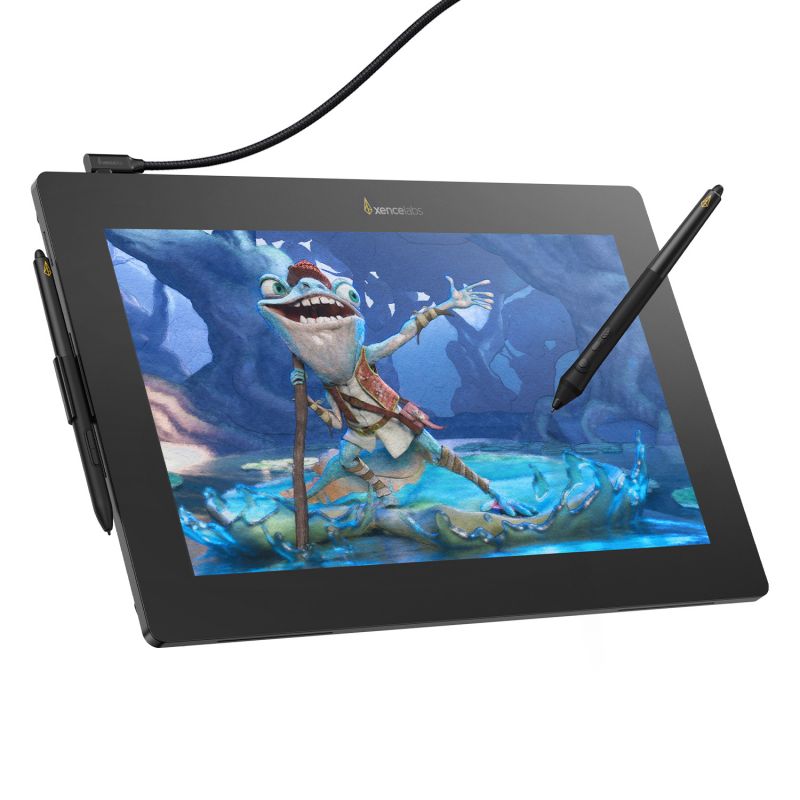
The Xencelabs Pen Display 16 Lite combines professional-grade visuals and precise pen performance in a sleek, portable design.
With a vivid 4K OLED display, single USB-C connection, and realistic color accuracy, it’s ideal for students, designers, and illustrators seeking a professional yet portable pen display.
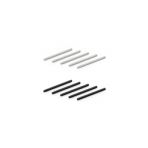
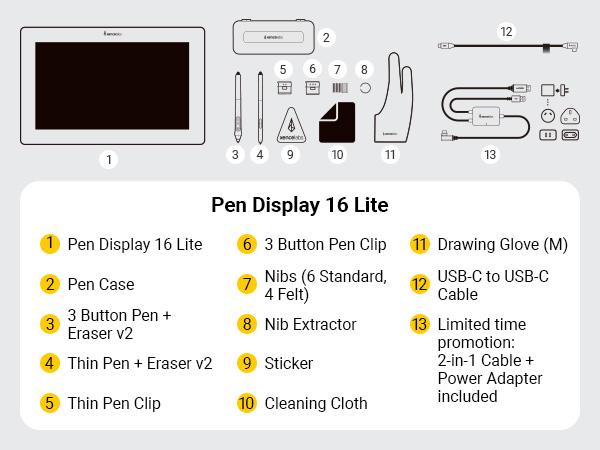
It may be helpful to have some accessories on hand as replacements to enhance your drawing experience. You can add them to your cart as needed.


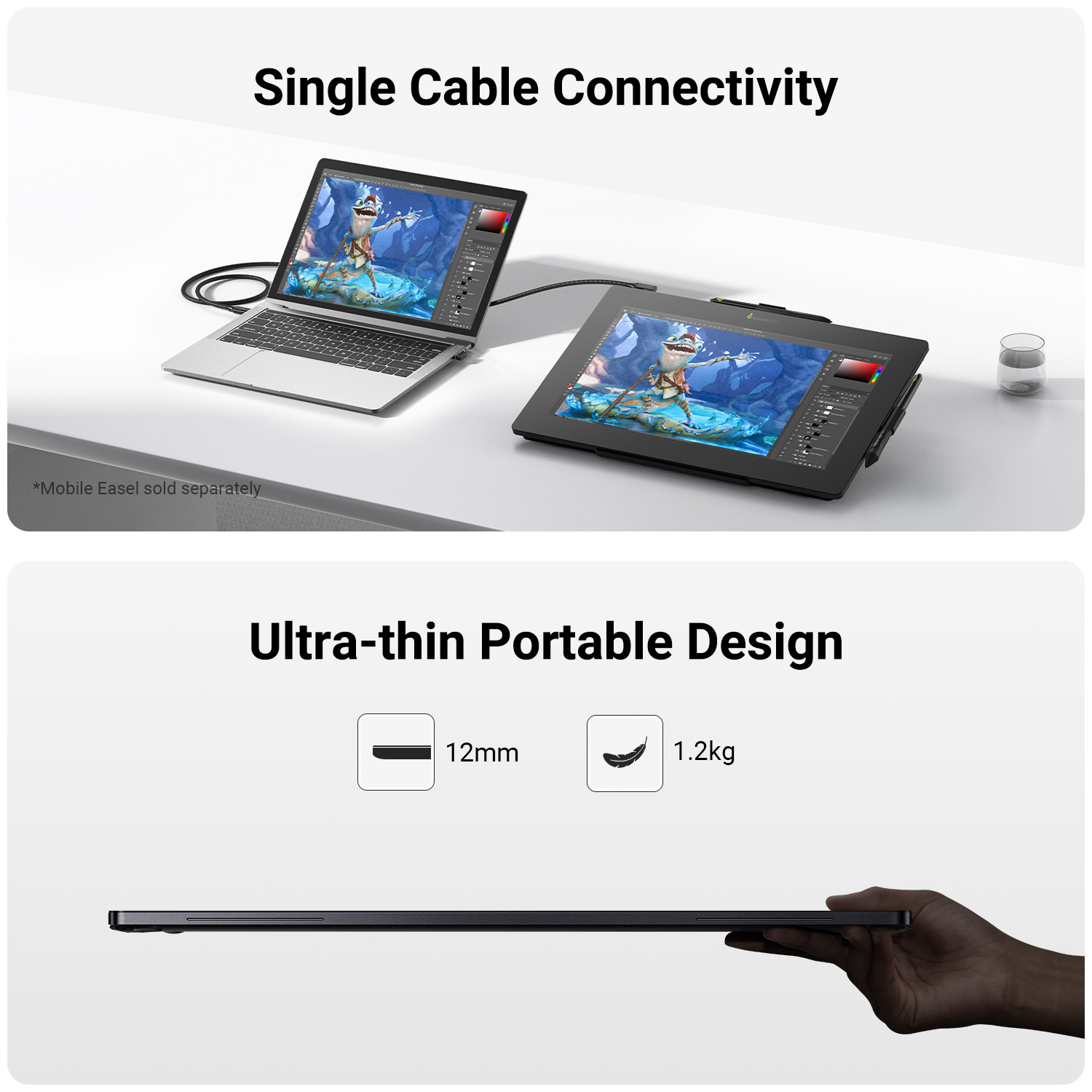
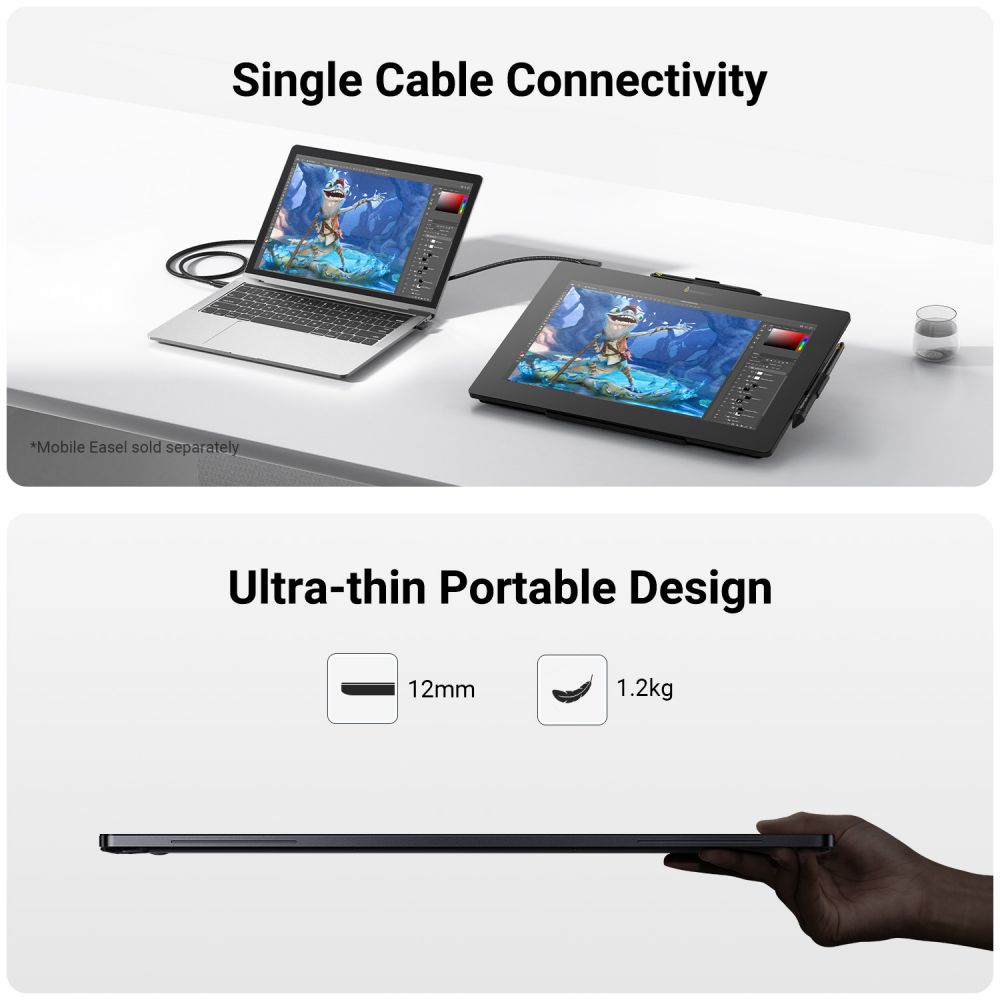
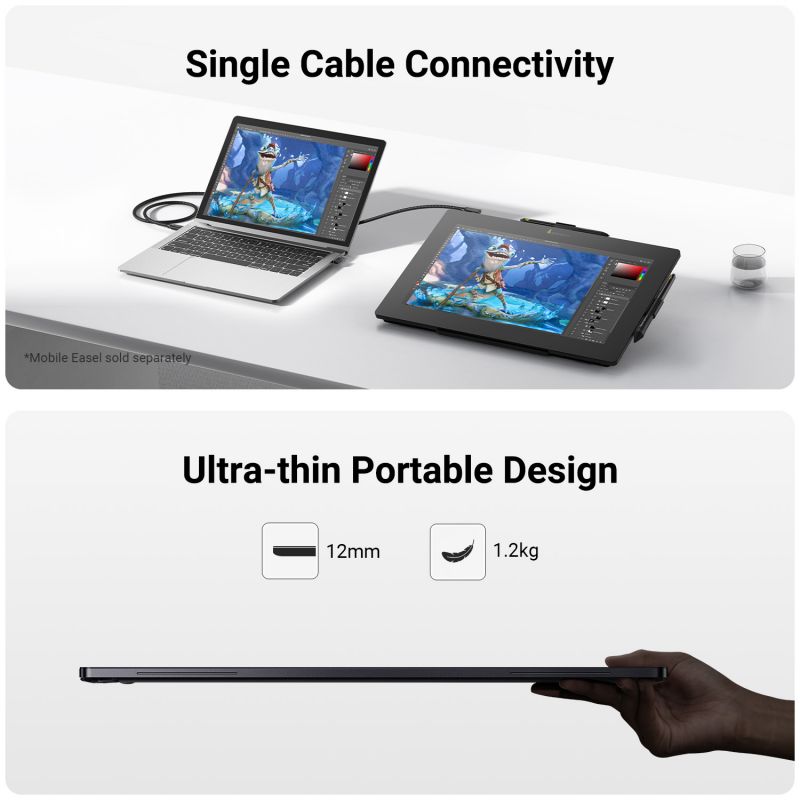
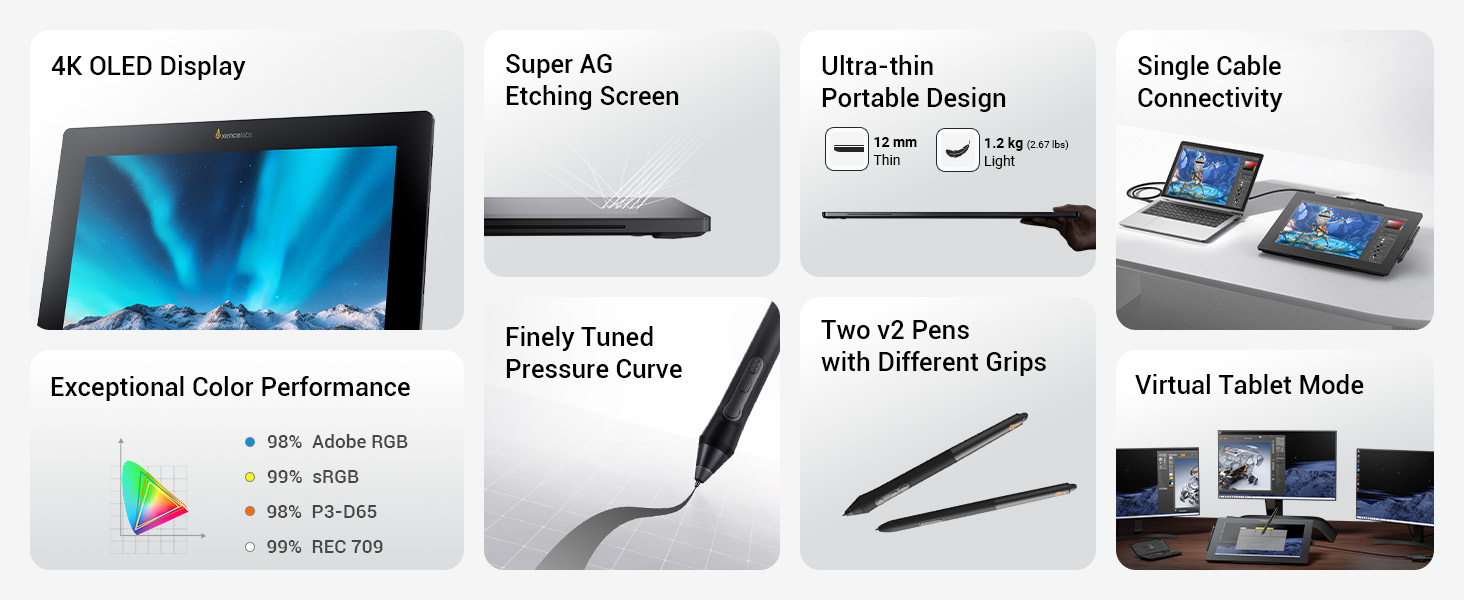
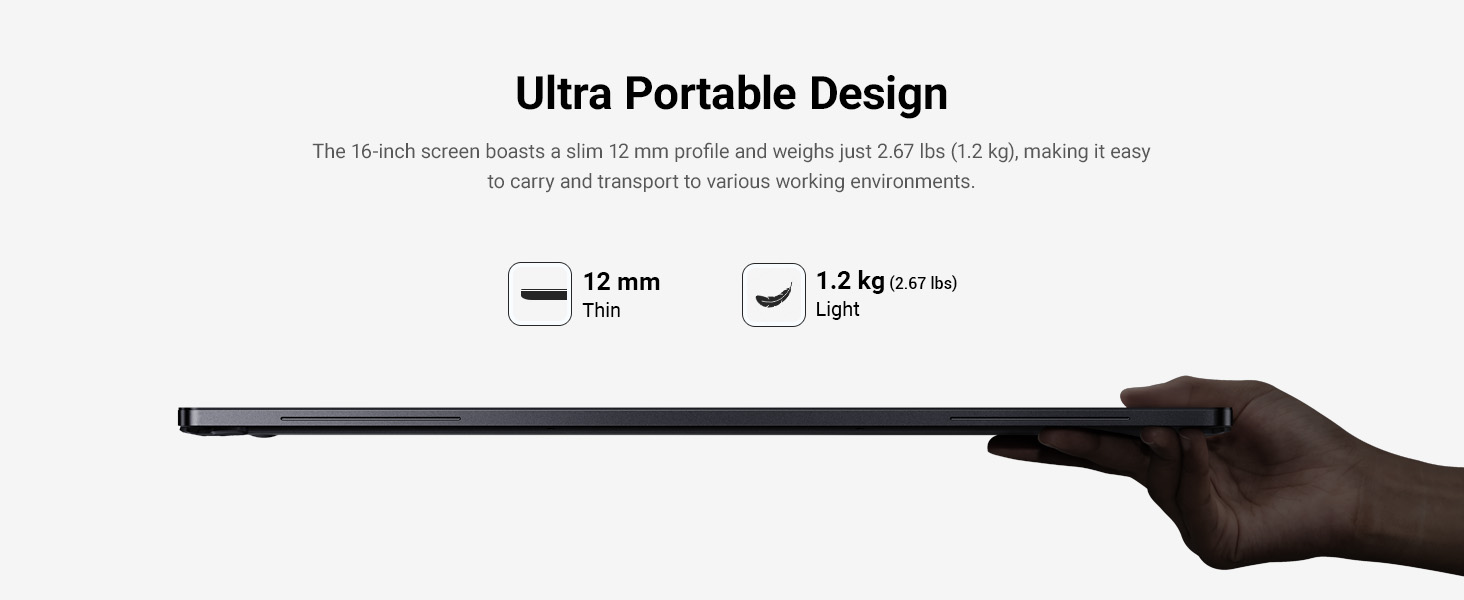
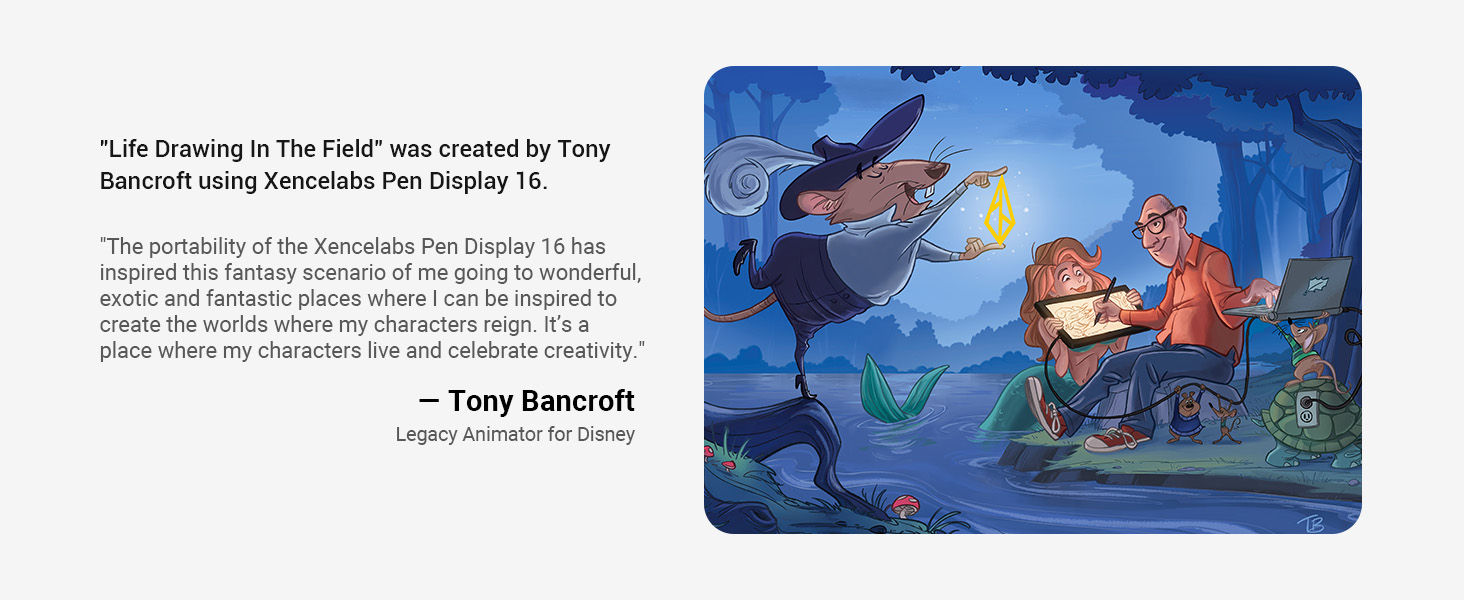
Create wherever inspiration strikes. With a lightweight 1.2 kg design and vivid 4K OLED screen, the Pen Display 16 Lite lets artists draw, design, and illustrate in true-to-life color while on the go. Two v2 Pens and single USB-C cable connectivity complete your mobile studio.
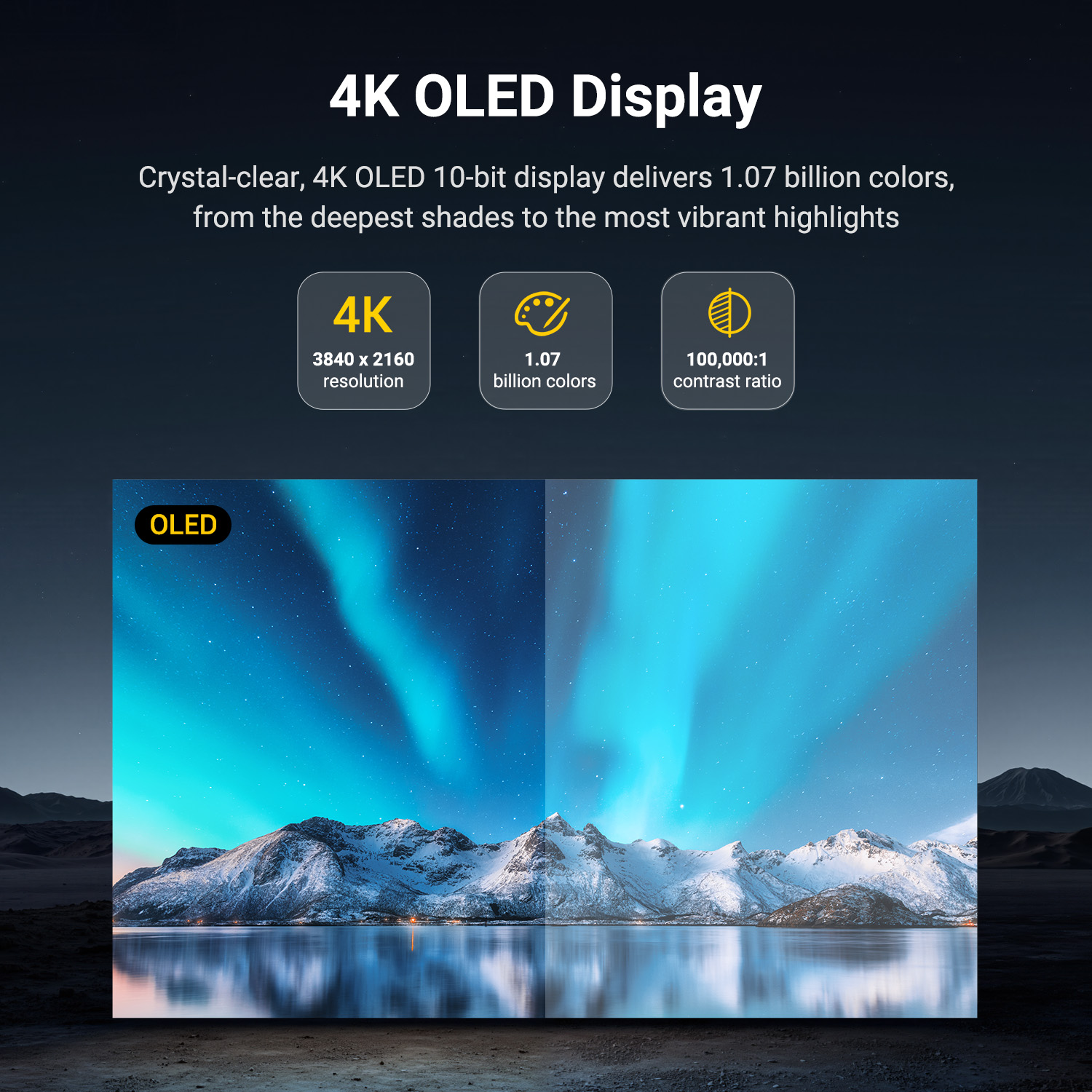
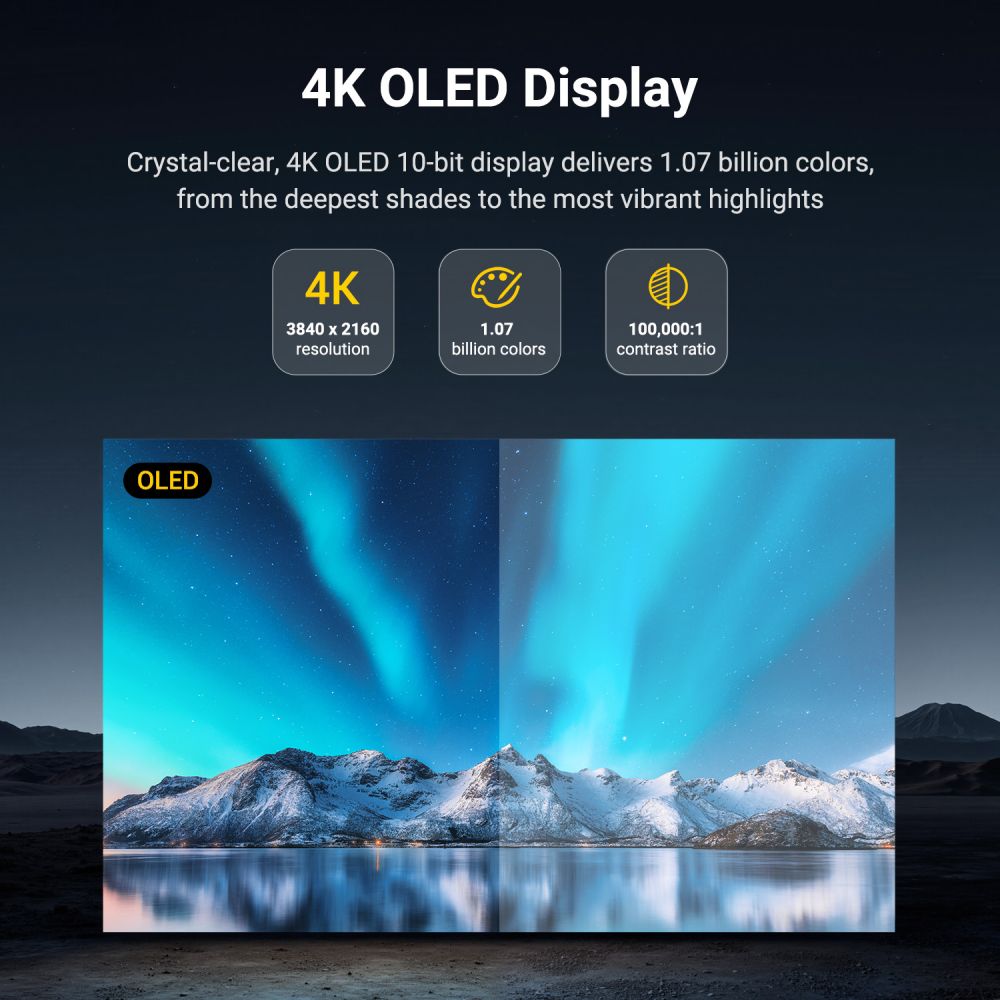
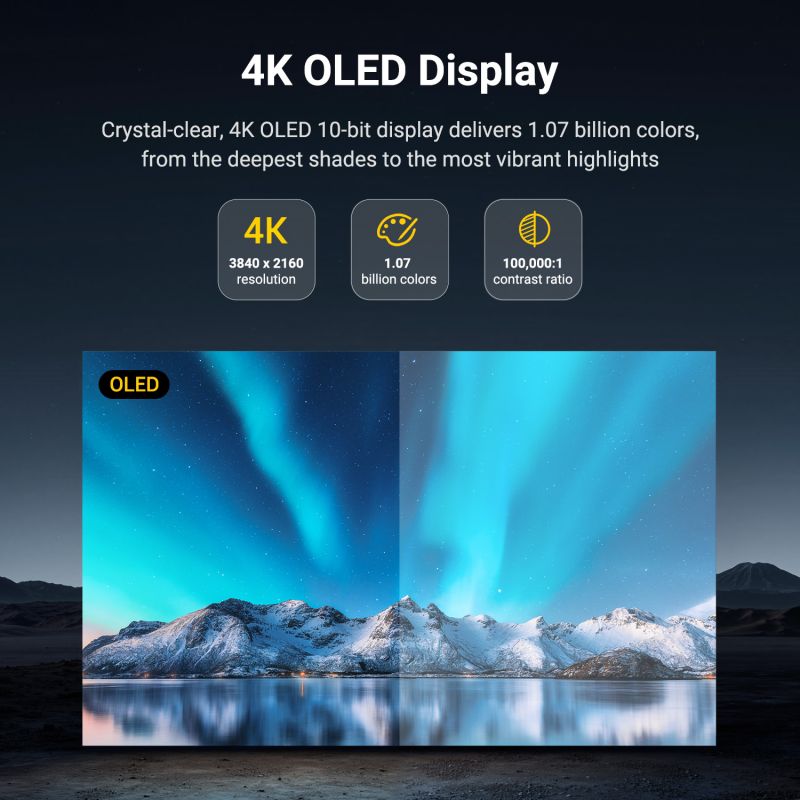
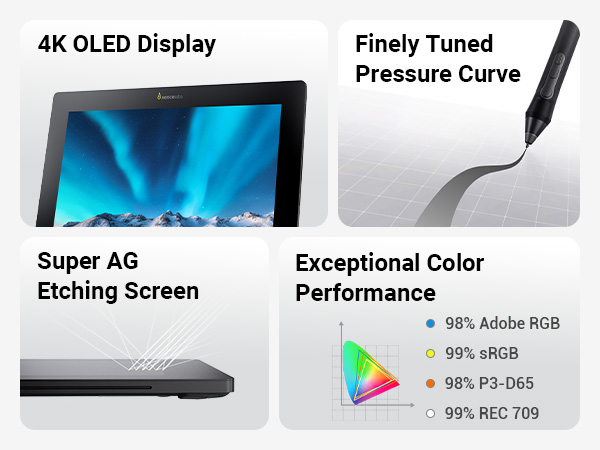
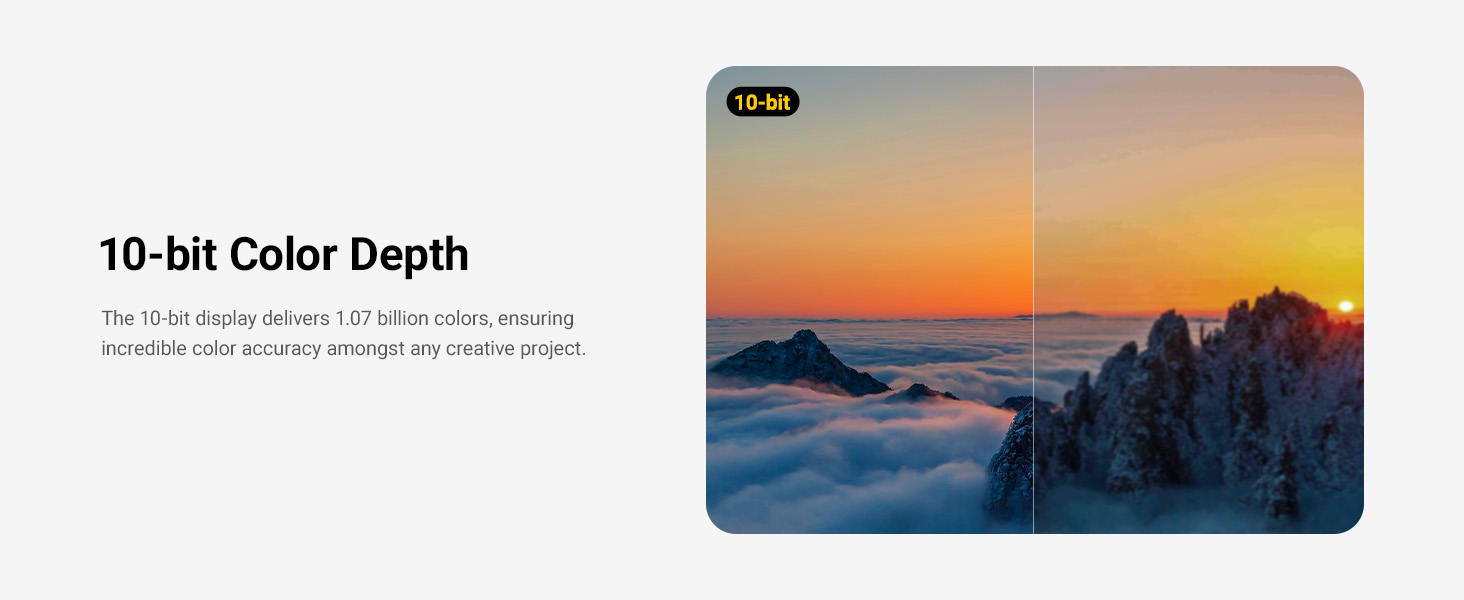
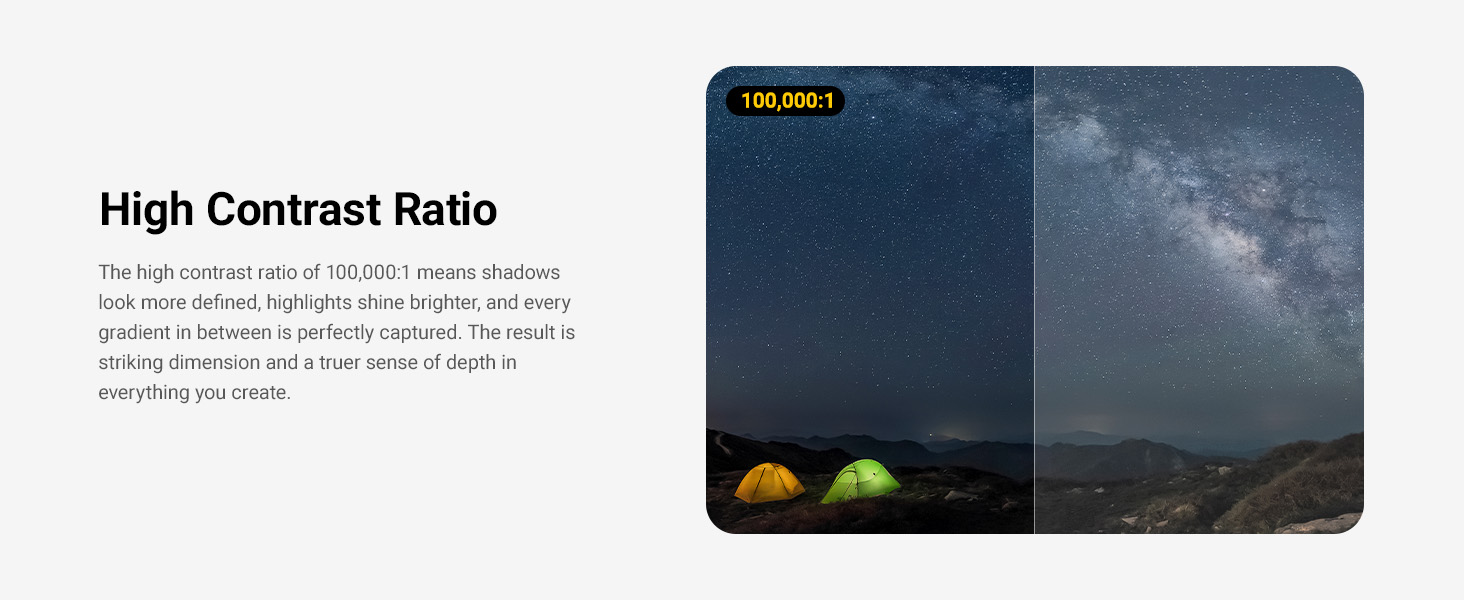
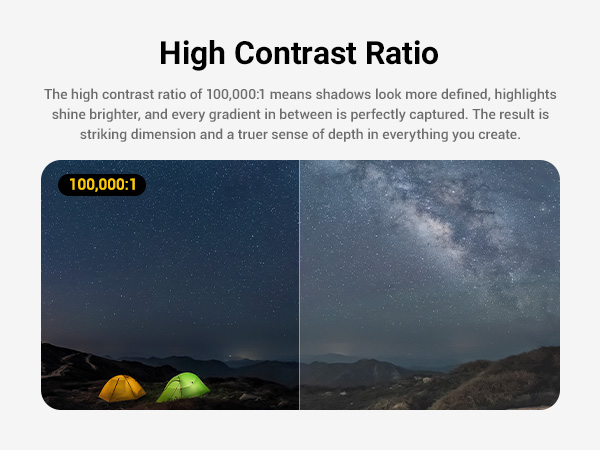
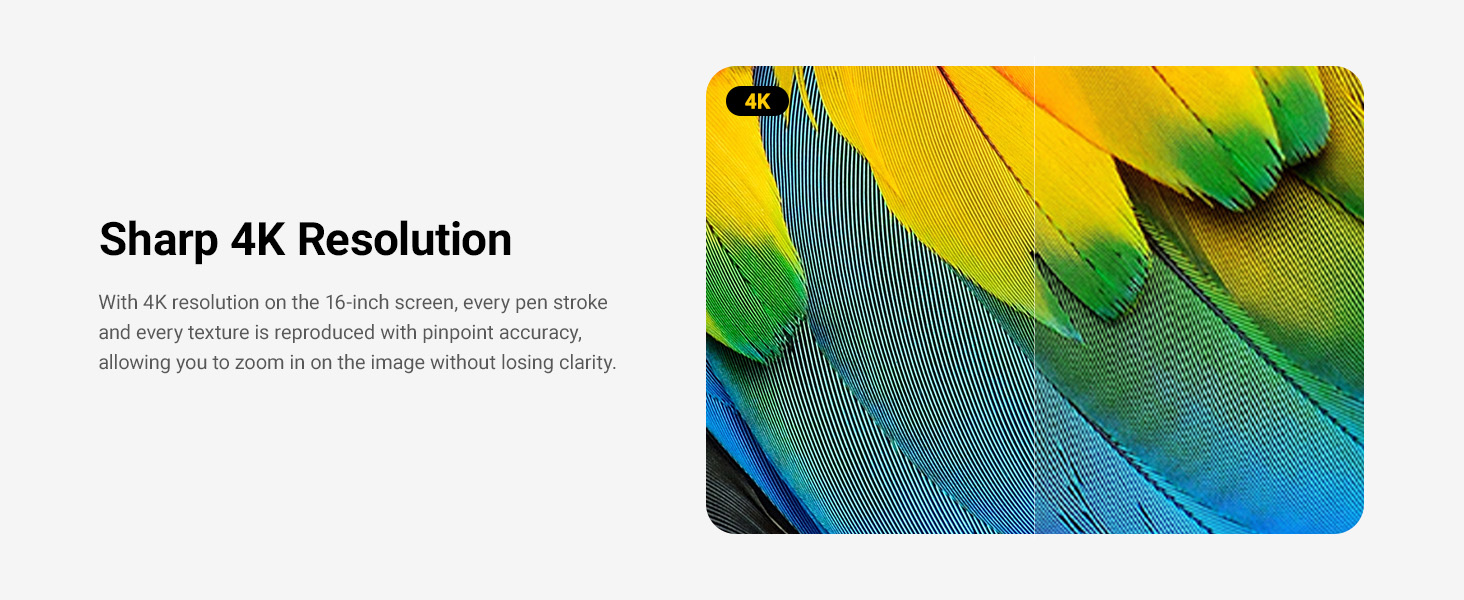
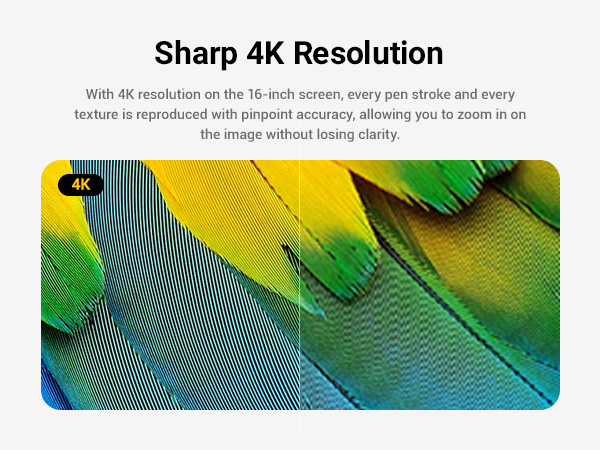
16" 4K OLED Display: Industry-first 16-inch 4K OLED screen delivers 1.07 billion colors with deep blacks and vibrant highlights for a true-to-life creative experience.
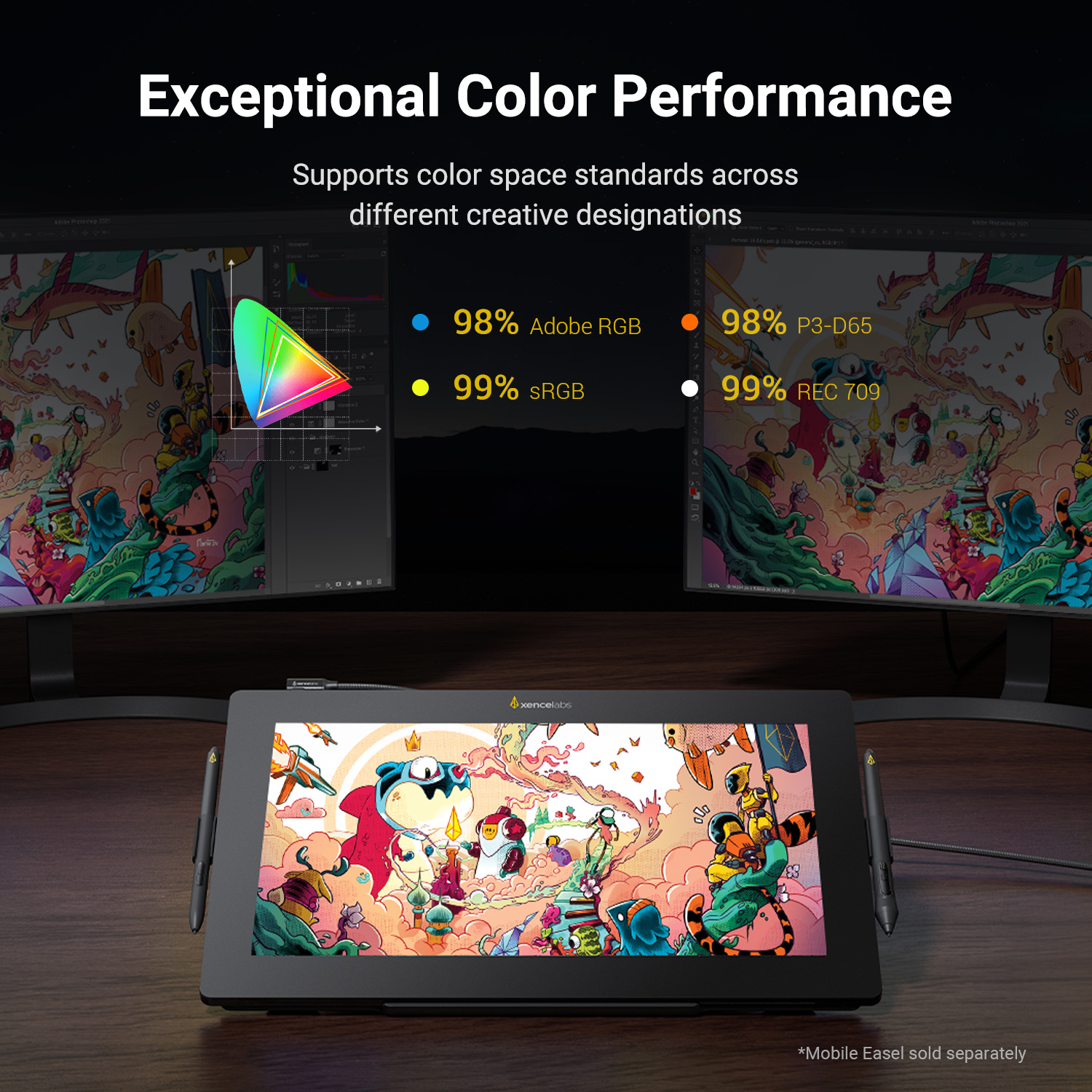
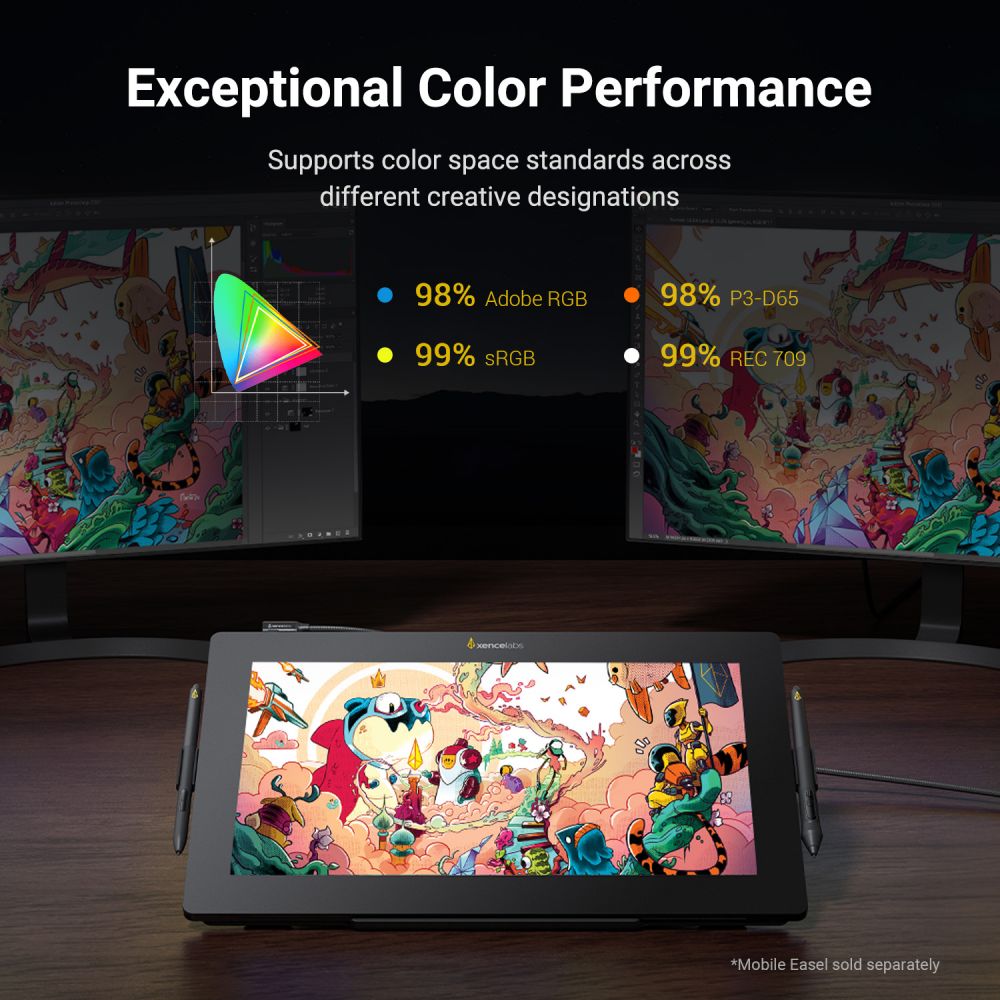
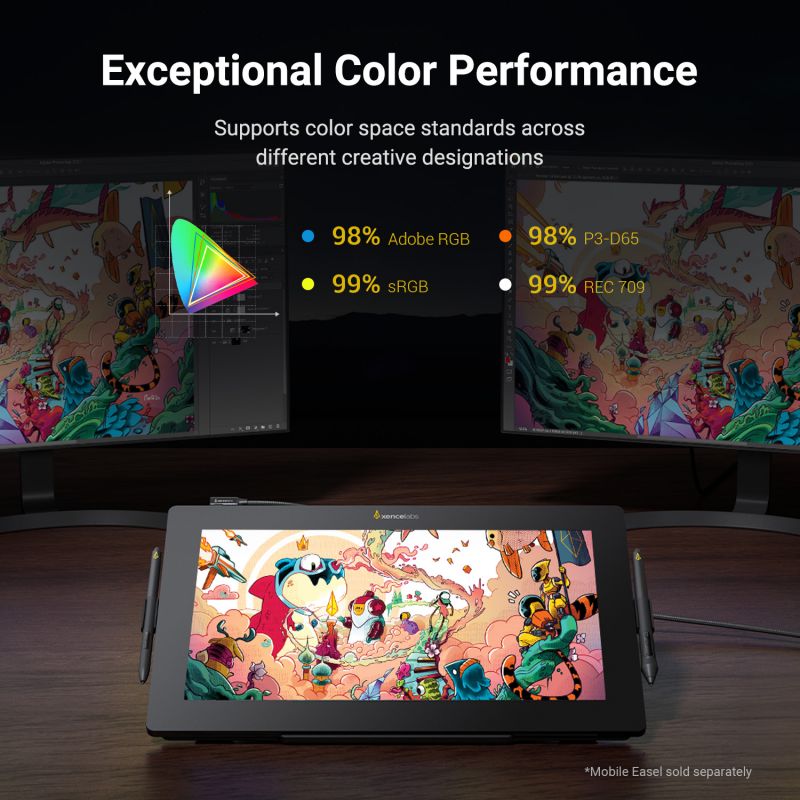
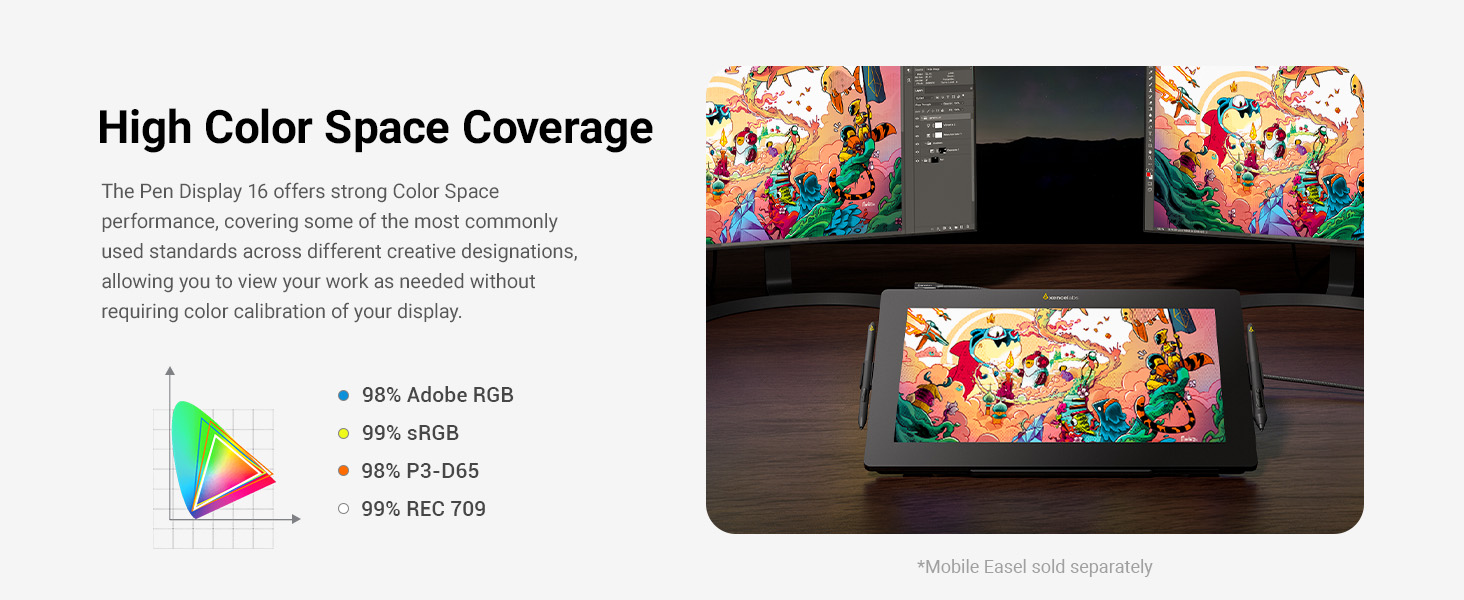
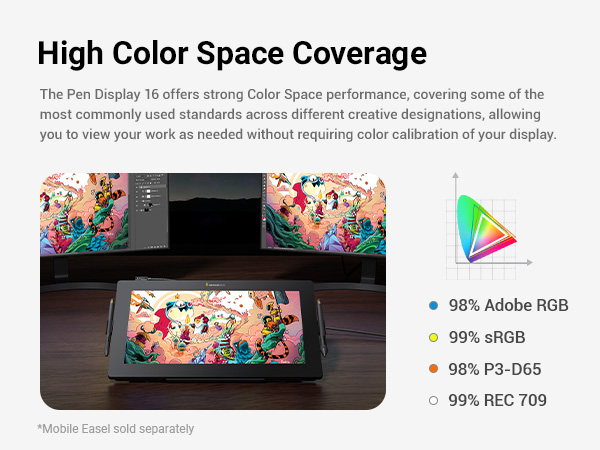
Factory Calibrated Color Accuracy: Preloaded with five factory calibrated, industry-standard color spaces — Adobe RGB 98%, P3-D65 98%, sRGB 99%, Rec.709 99%, and Rec.2020 82% — so you can trust what you see without extra calibration.
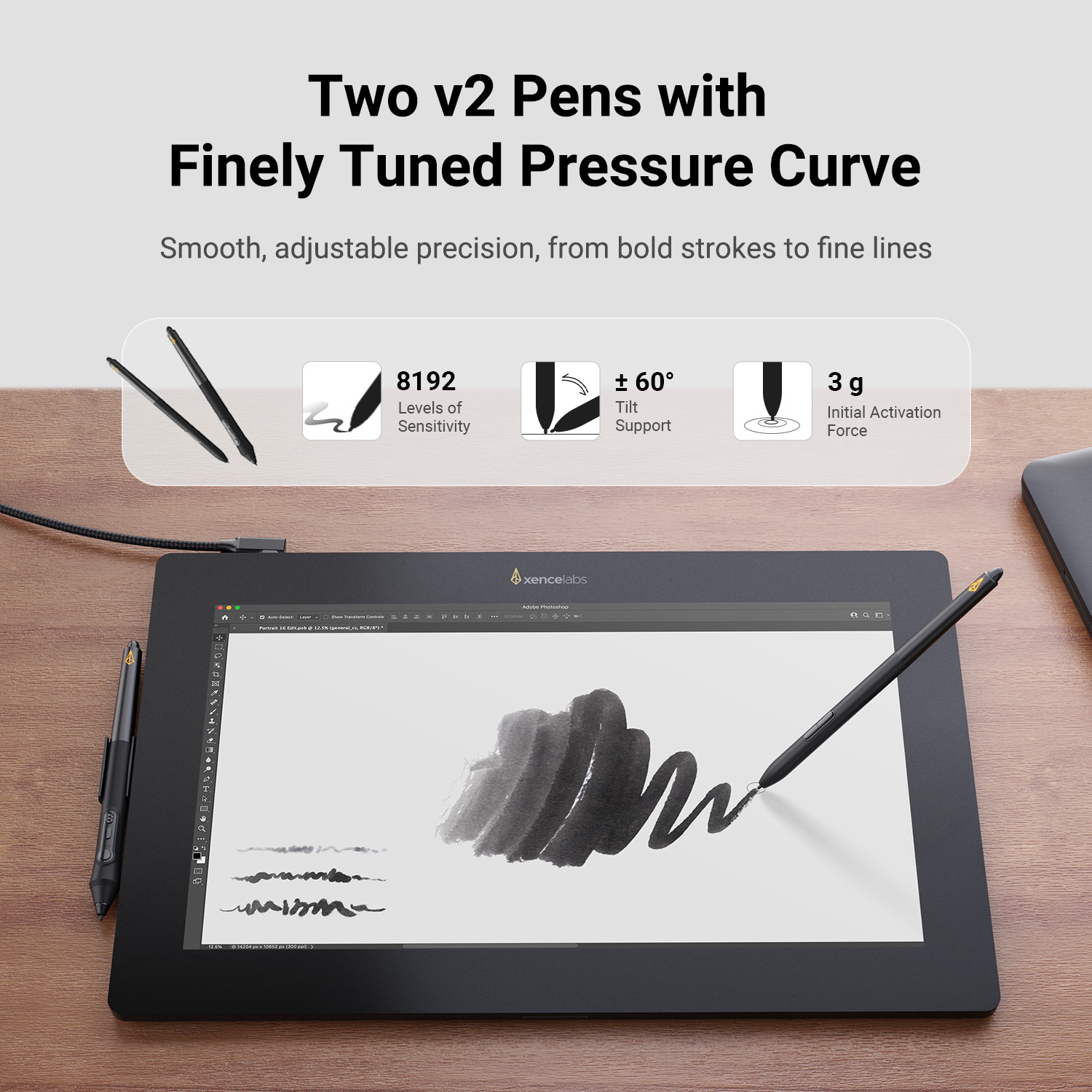
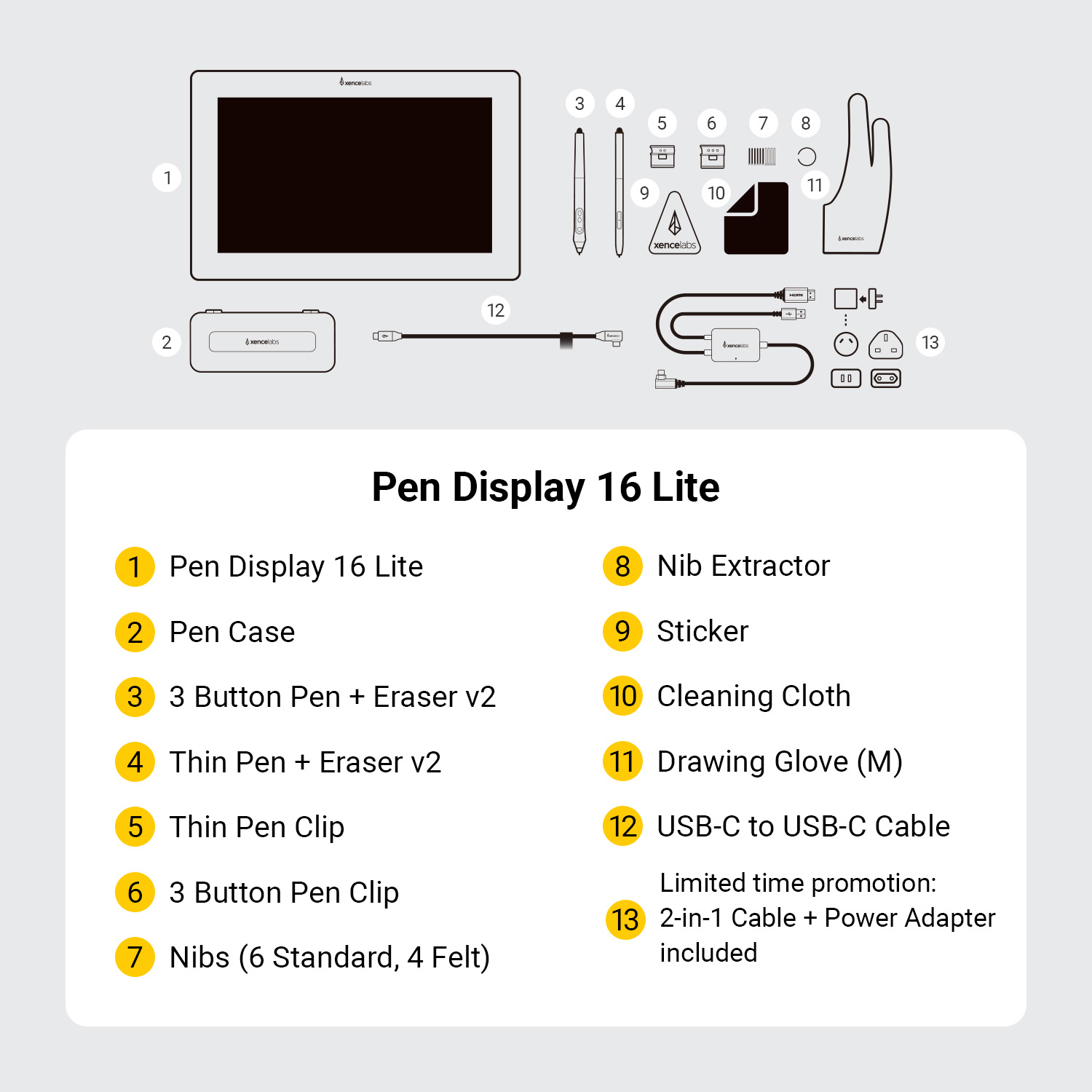
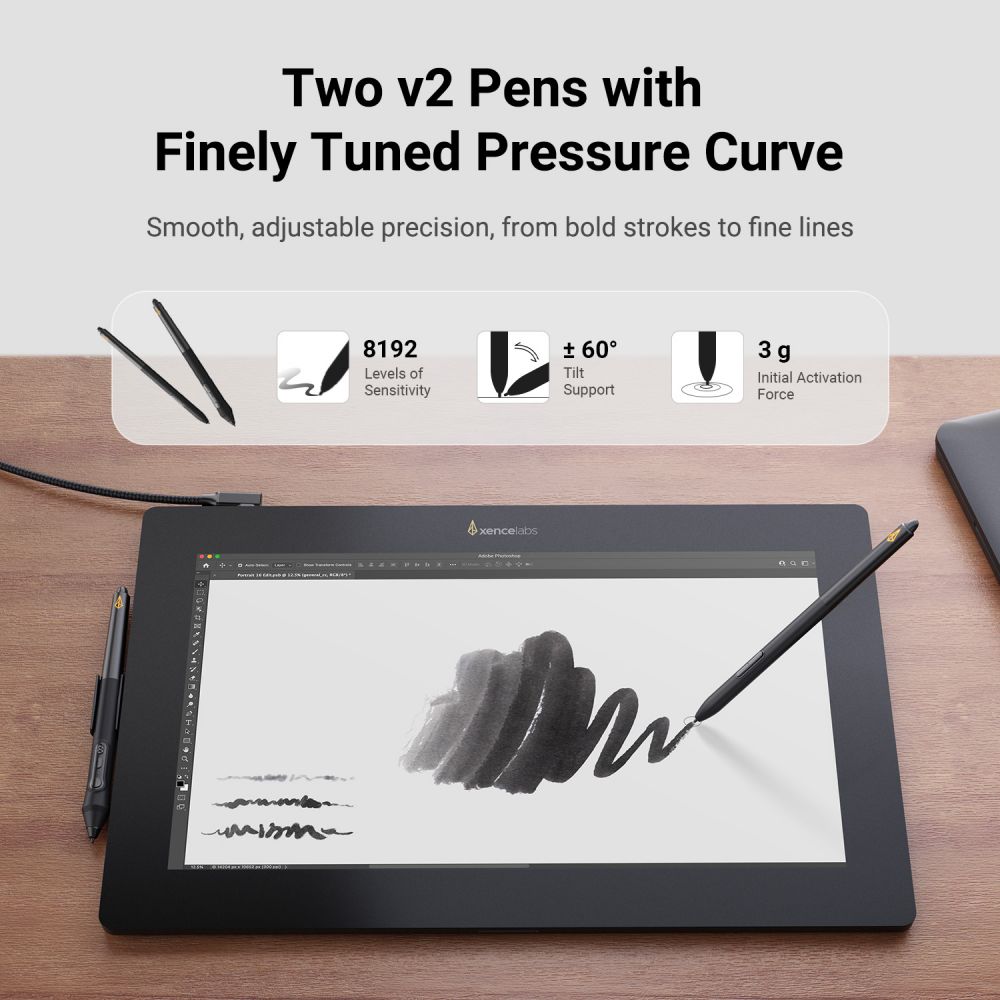
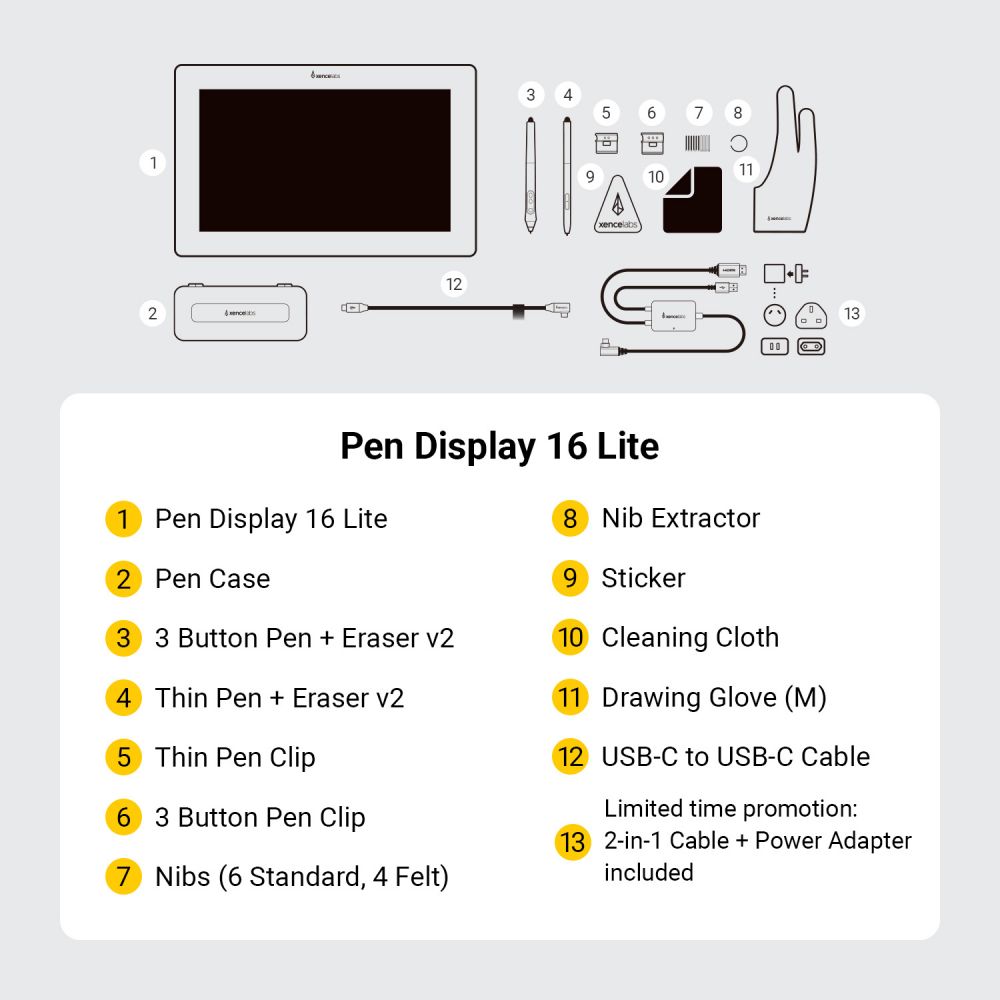
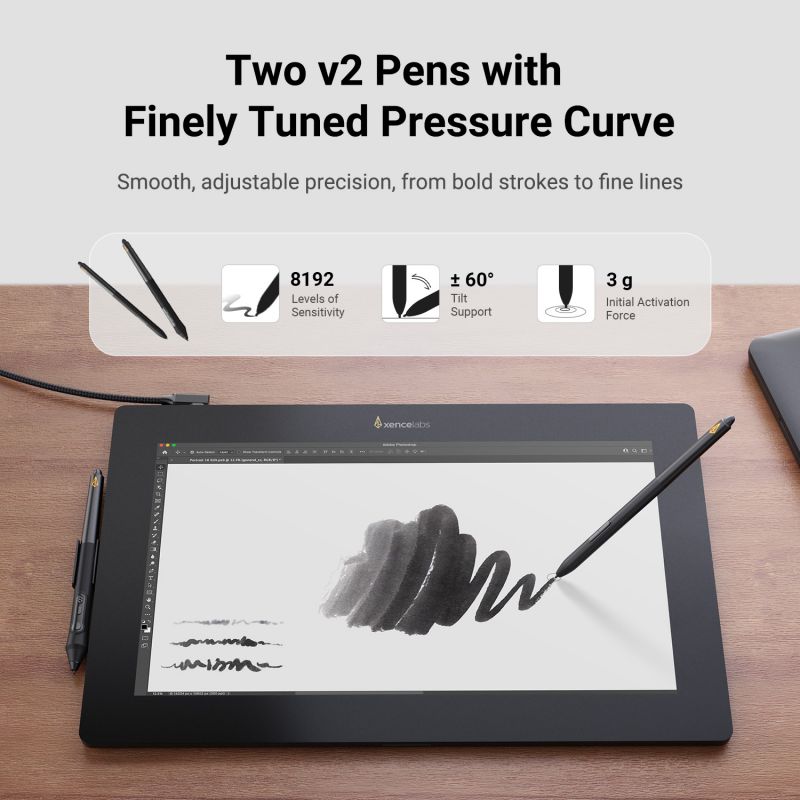
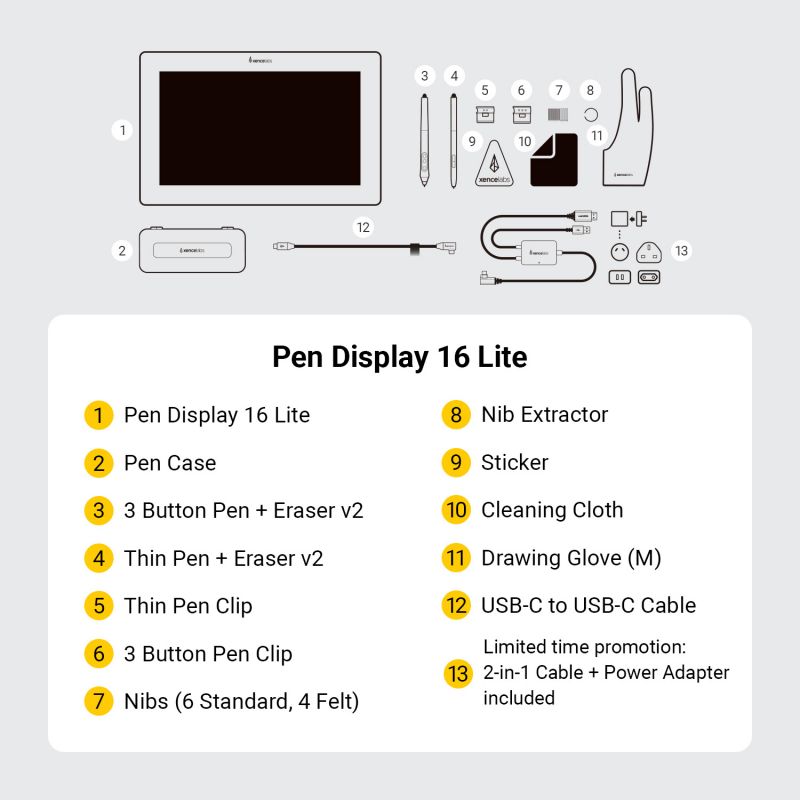
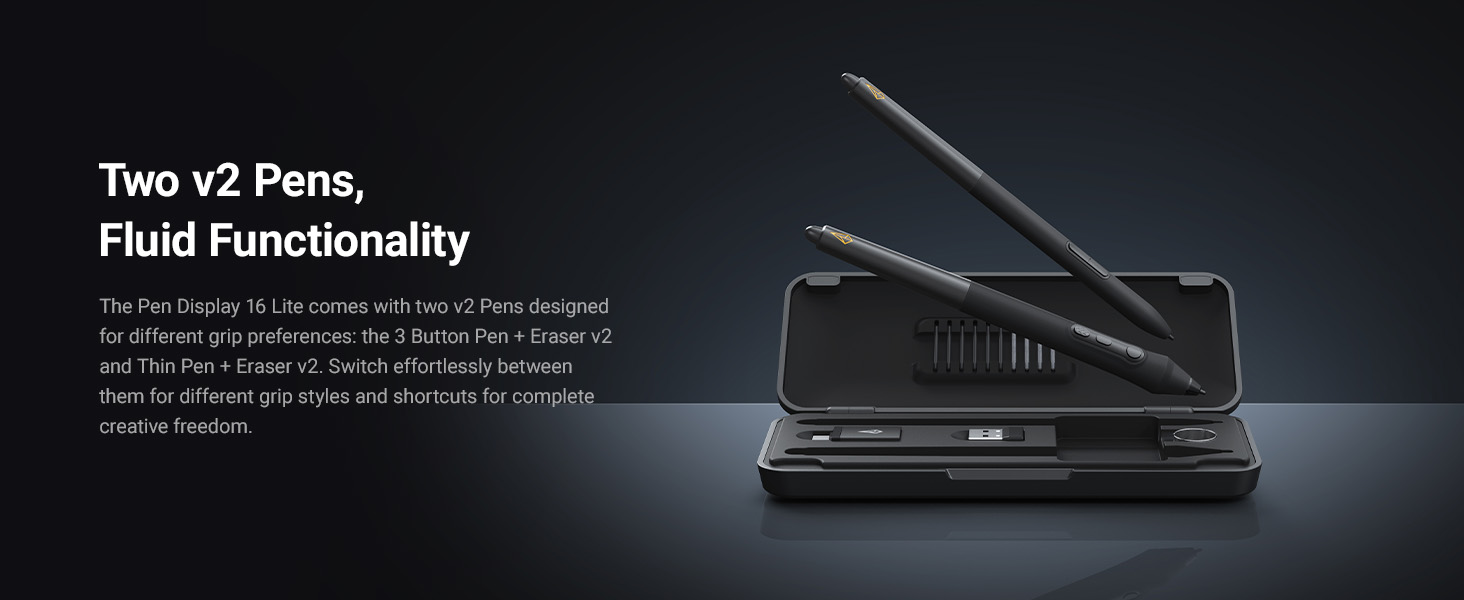
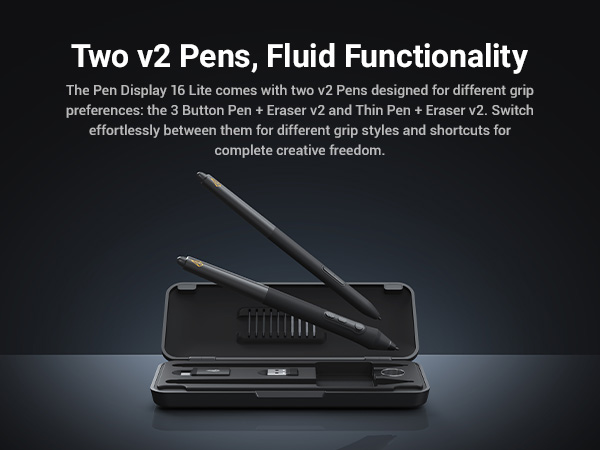
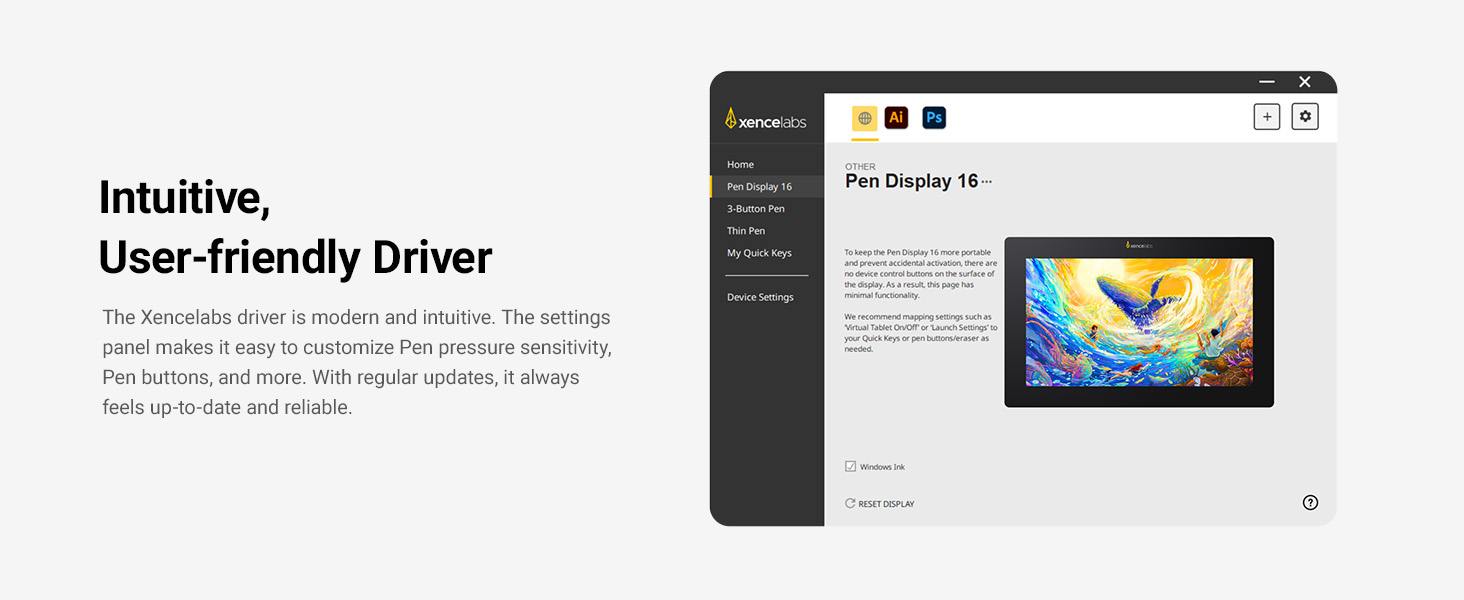
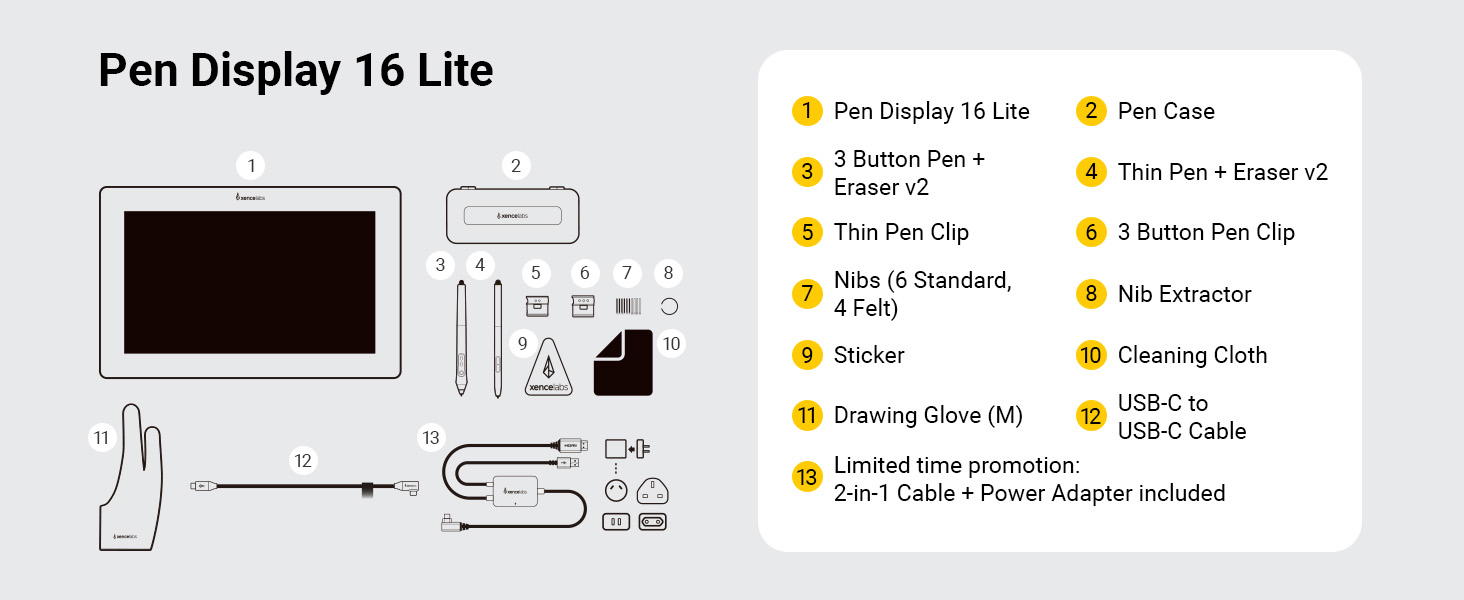
Two Stylus Pens: Includes both the 3 Button Pen v2 and Thin Pen v2, each with an eraser and customizable settings per application. Perfect for different grip preferences and workflows.
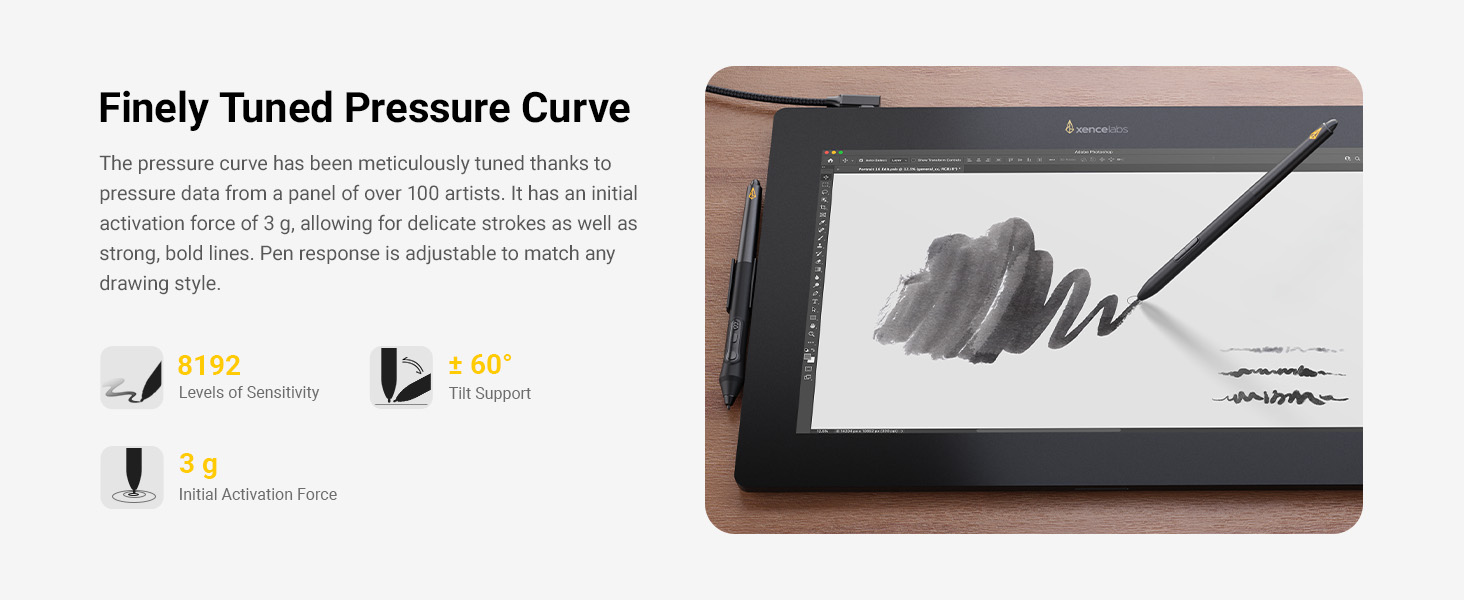
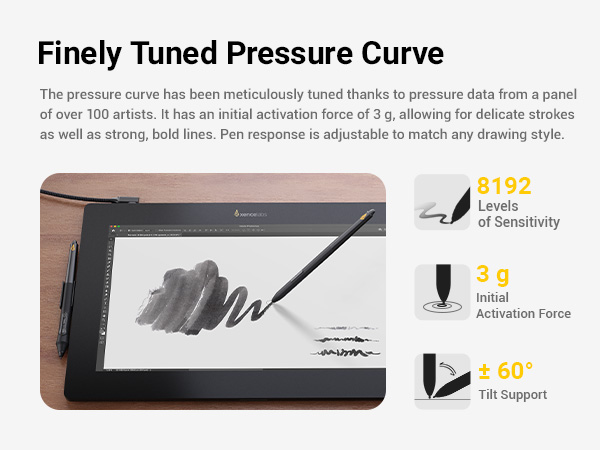
Finely Tuned Pressure Curve: With an activation force as low as 3g and range up to 500g, the pen captures delicate strokes through bold lines. Pressure response is fully adjustable to match your drawing style.
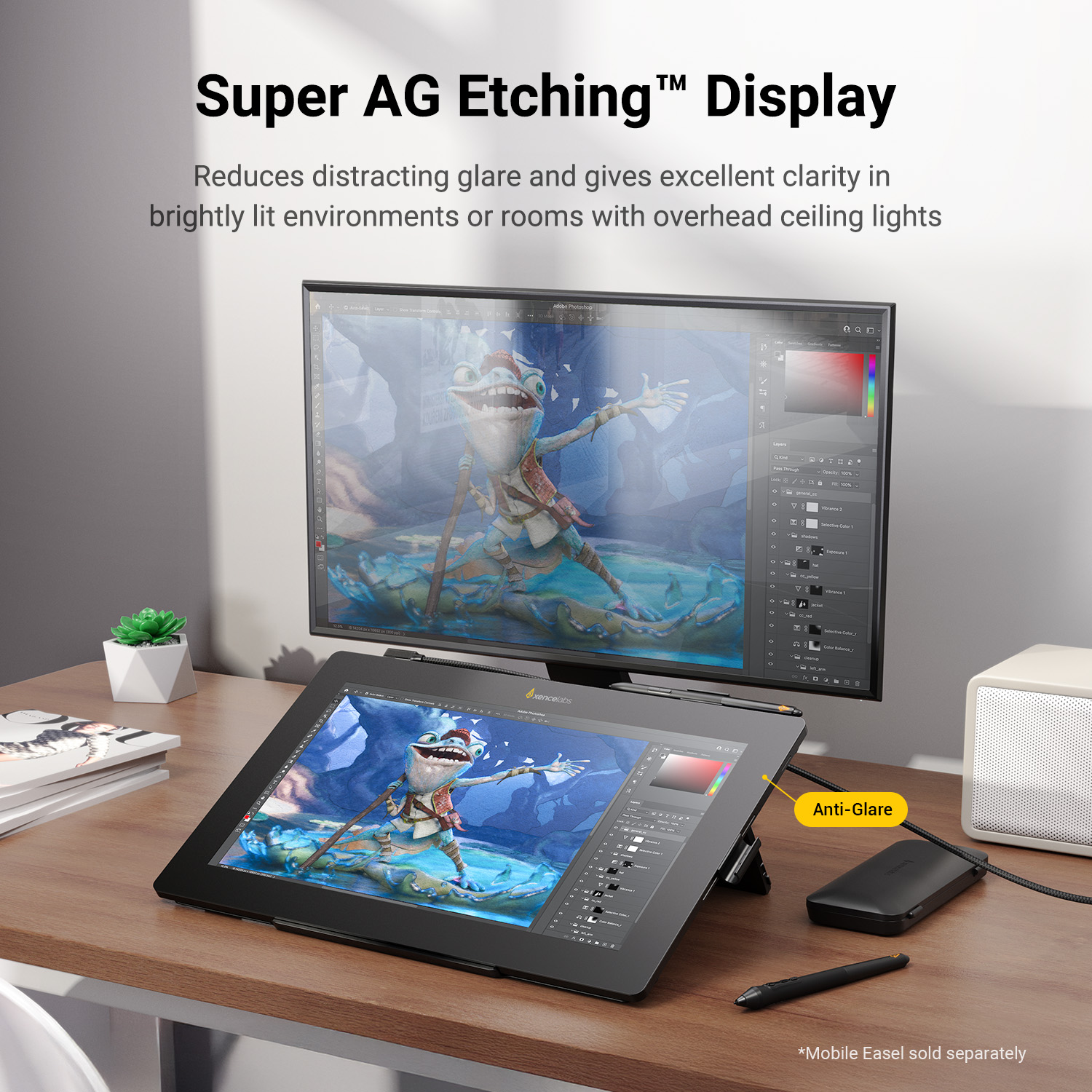
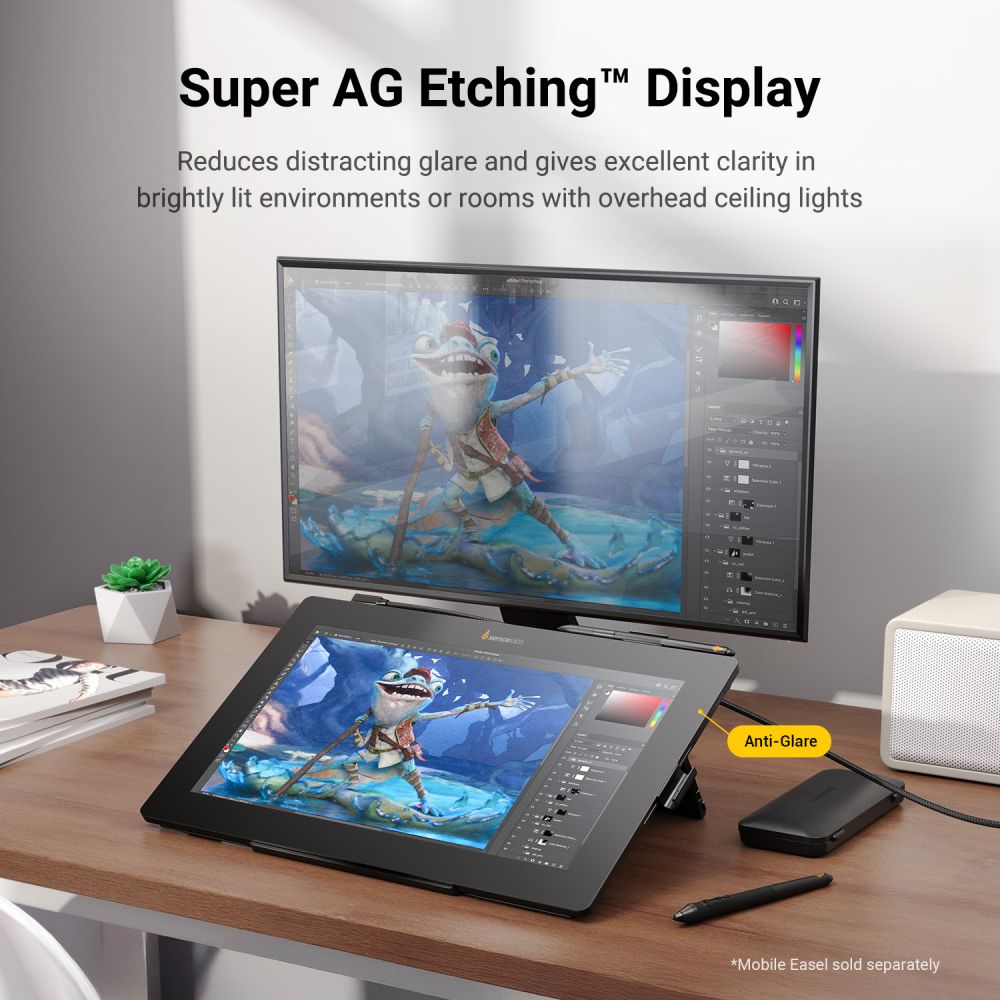
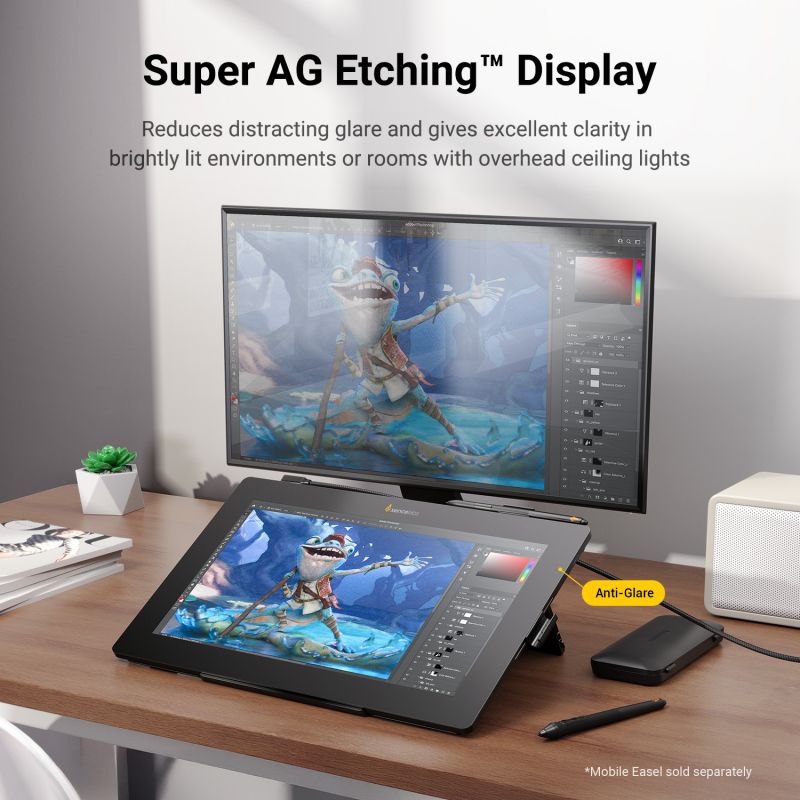
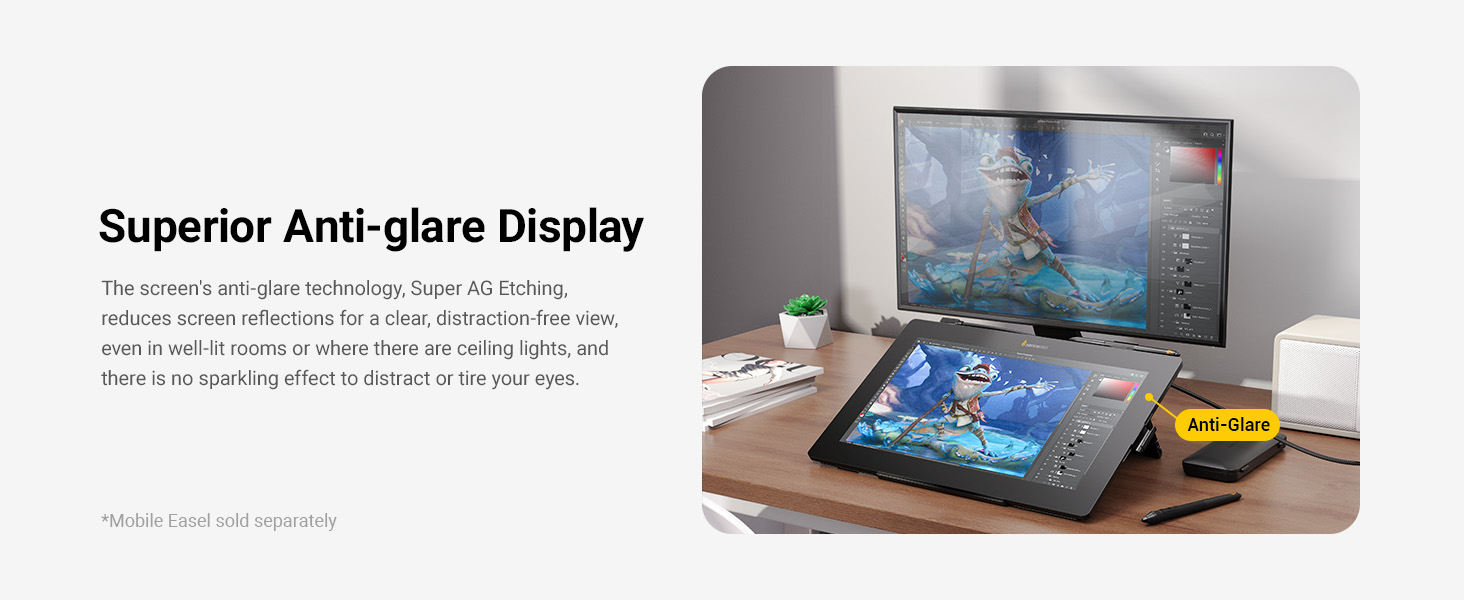
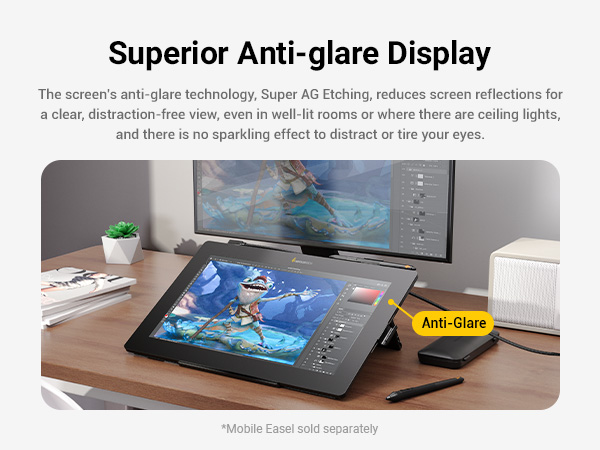
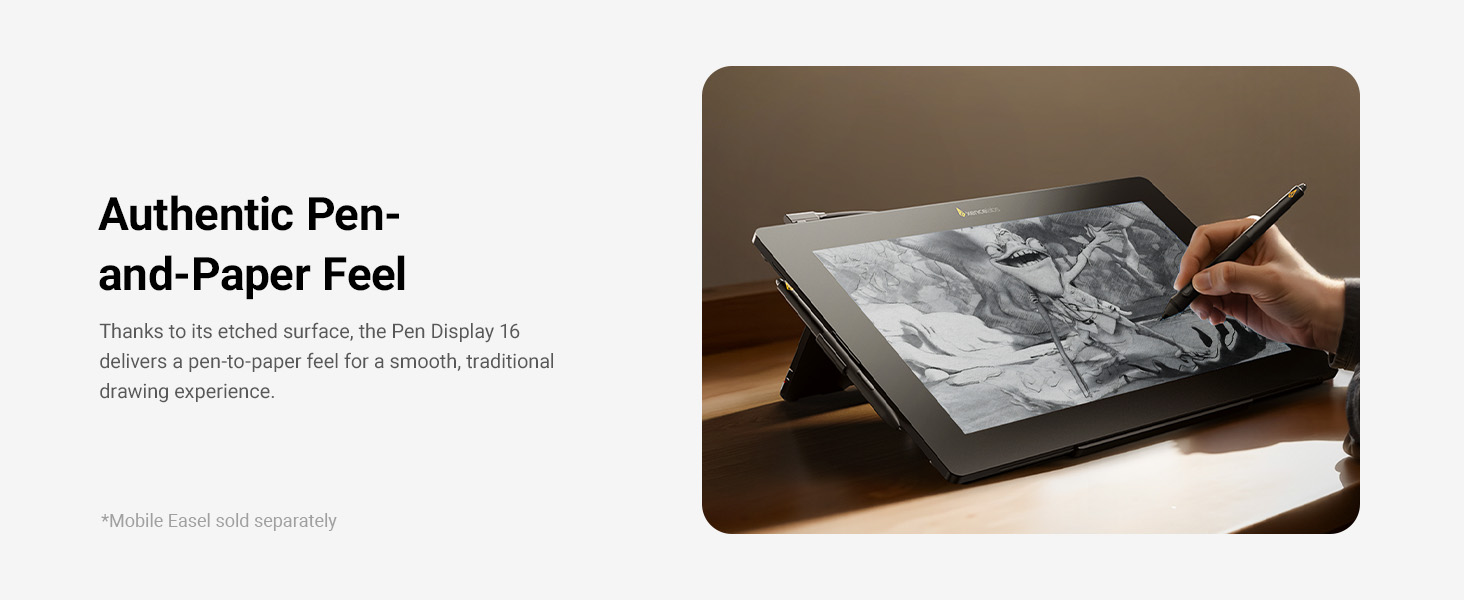
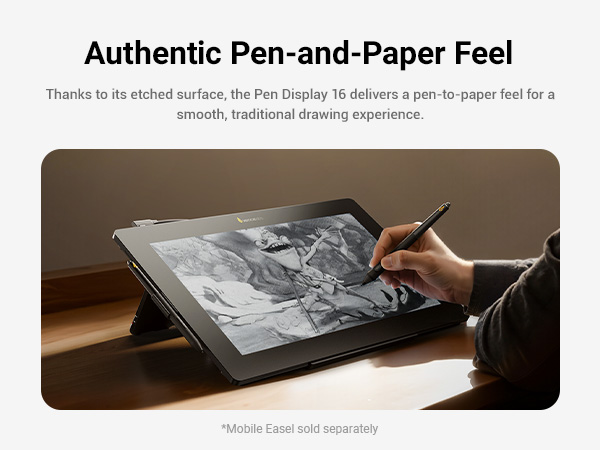
Super AG Etching™ Surface: Specially designed etched glass reduces glare and reflections, providing clarity in bright environments and a natural pen-on-paper feel.
Optically Bonded Screen: The laminated screen eliminates parallax and the distracting “sparkle” effect, delivering a sharp, clear, and comfortable viewing experience.
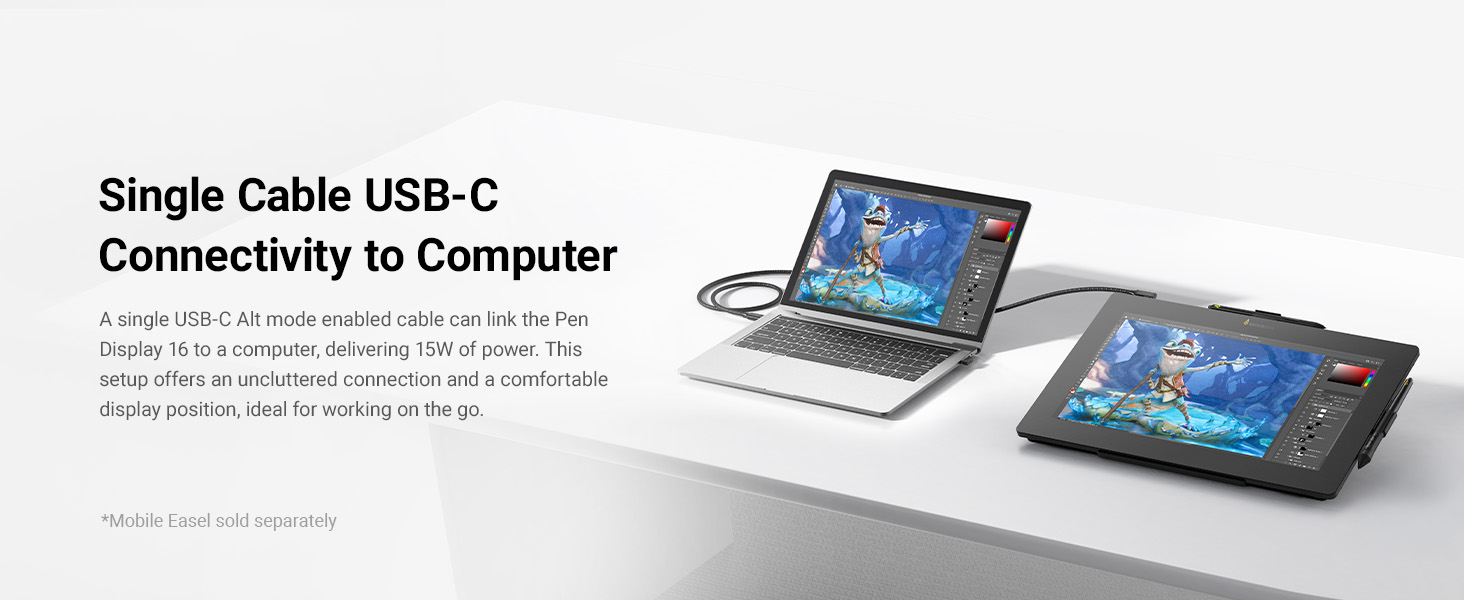
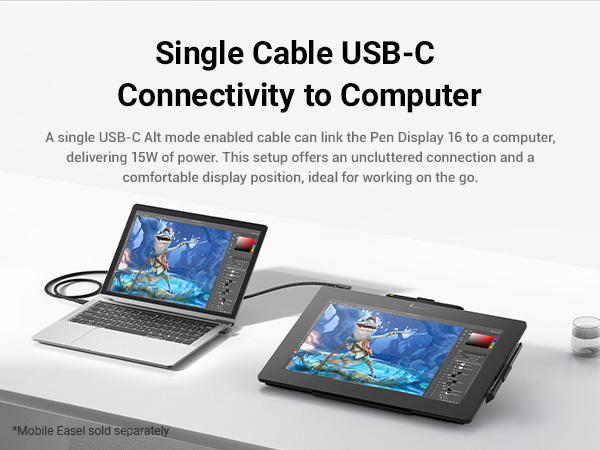
Single Cable Connectivity: Connect with one USB-C (Alt Mode) cable for a clutter-free setup and 15W power delivery.
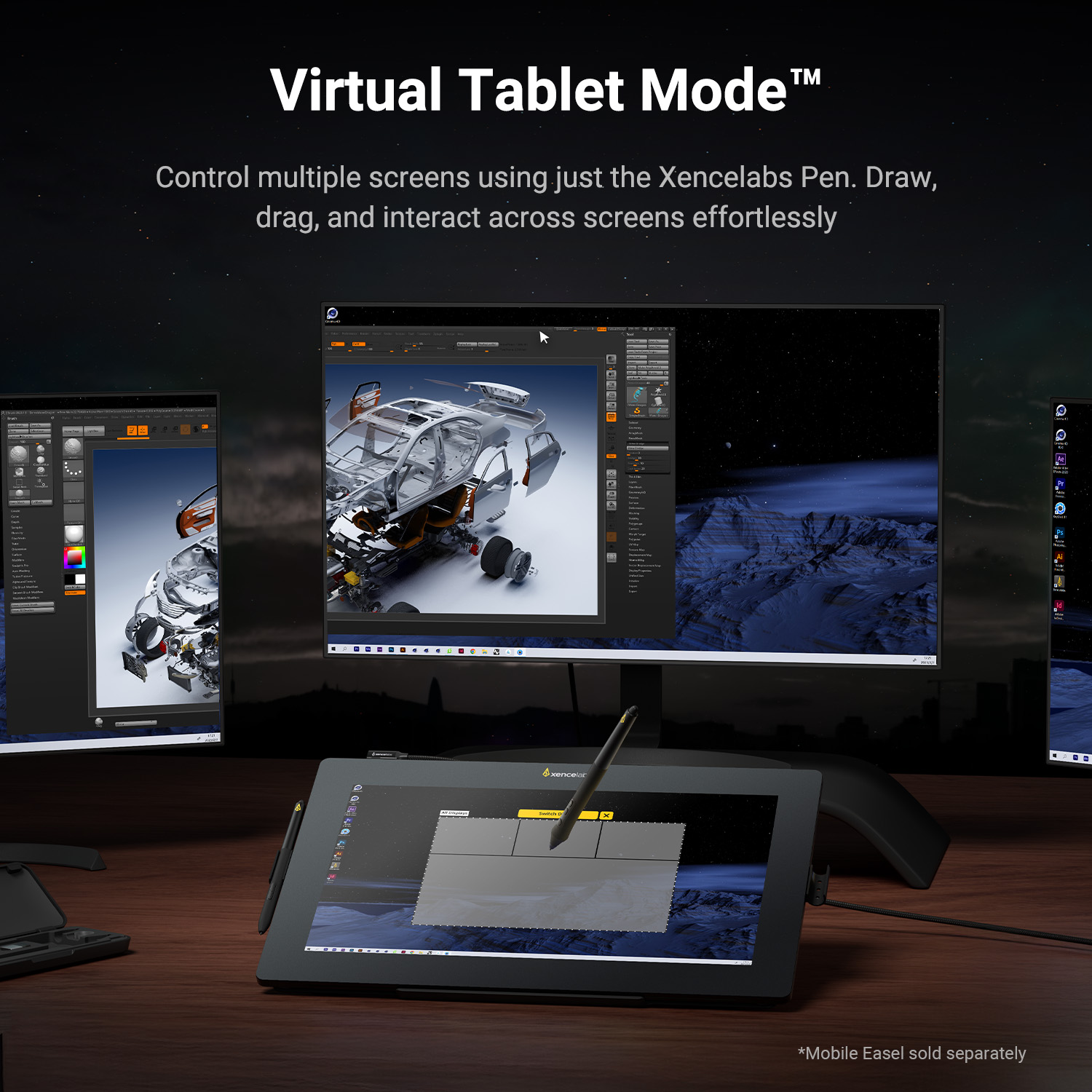
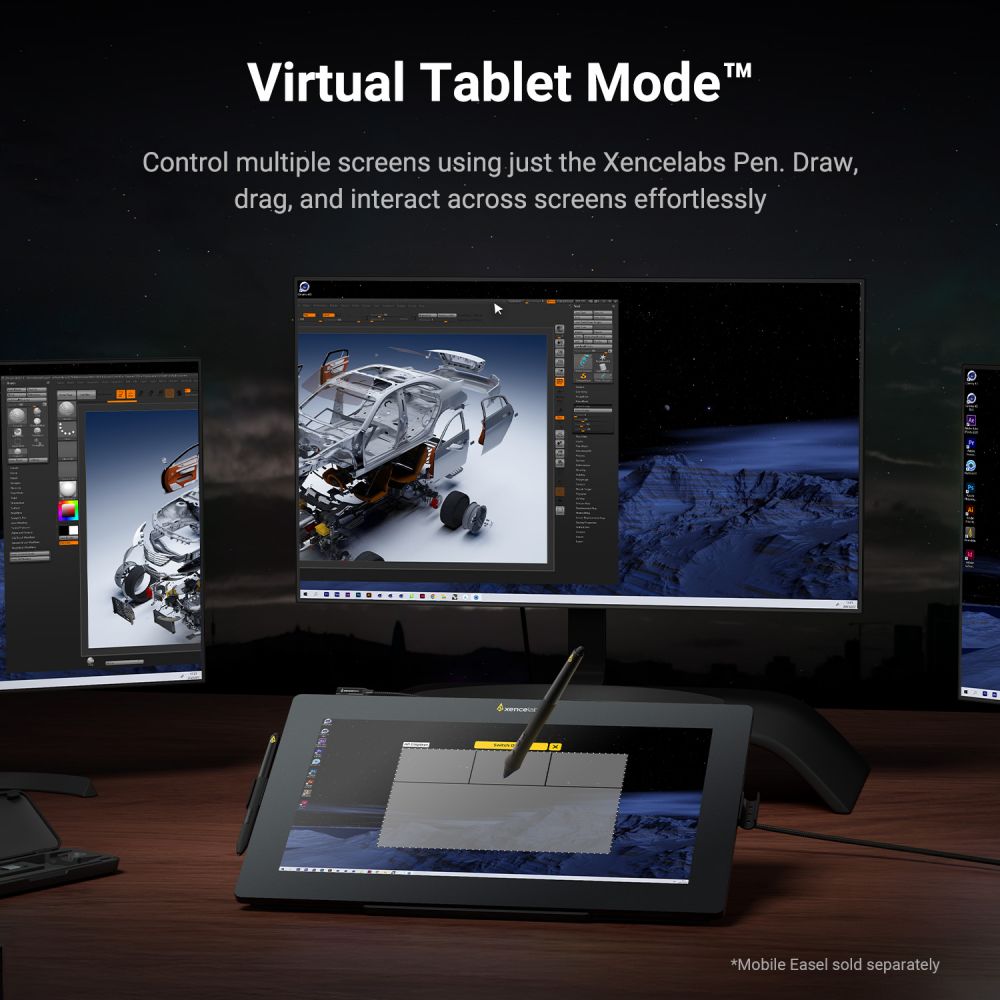
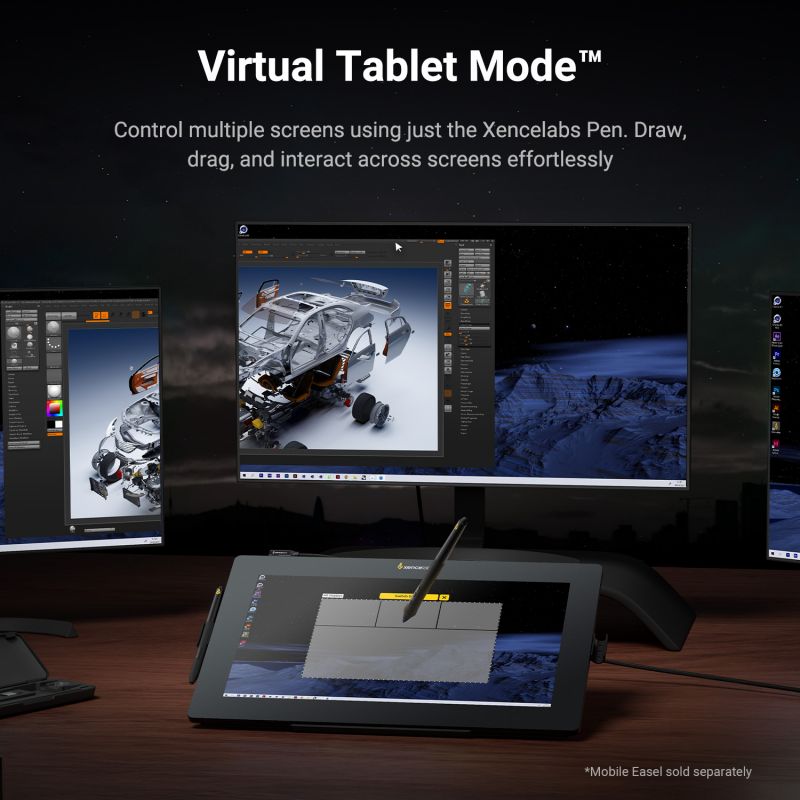
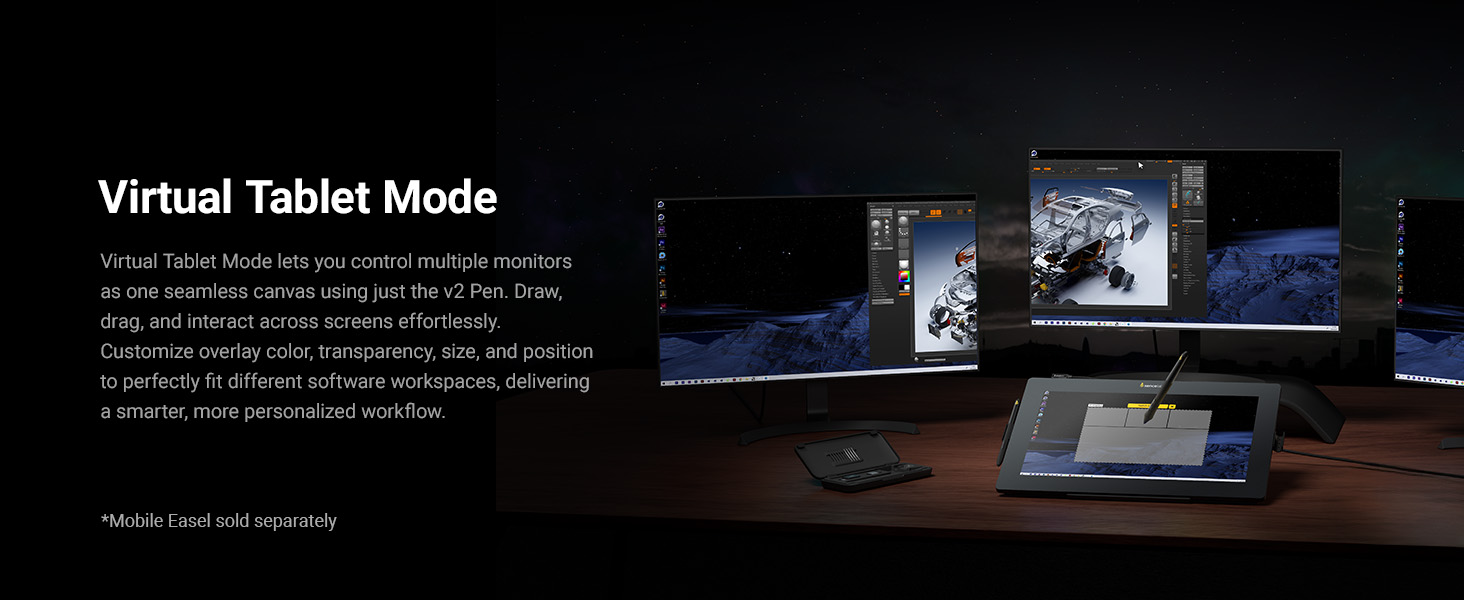
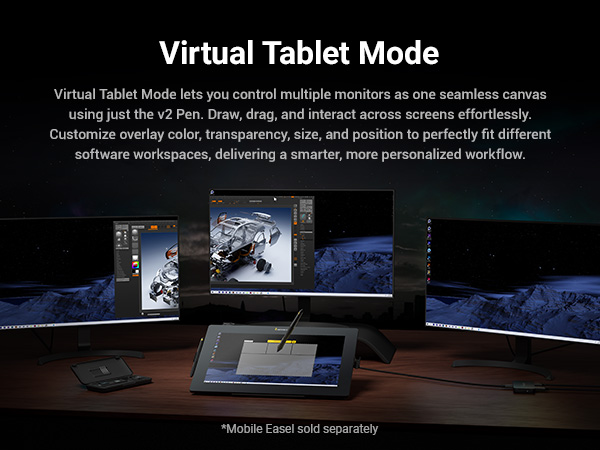
Virtual Tablet Mode™: Use the Pen Display 16 and Xencelabs Pen to directly control and interact with objects on another display, giving you a seamless extension of your creative workspace.
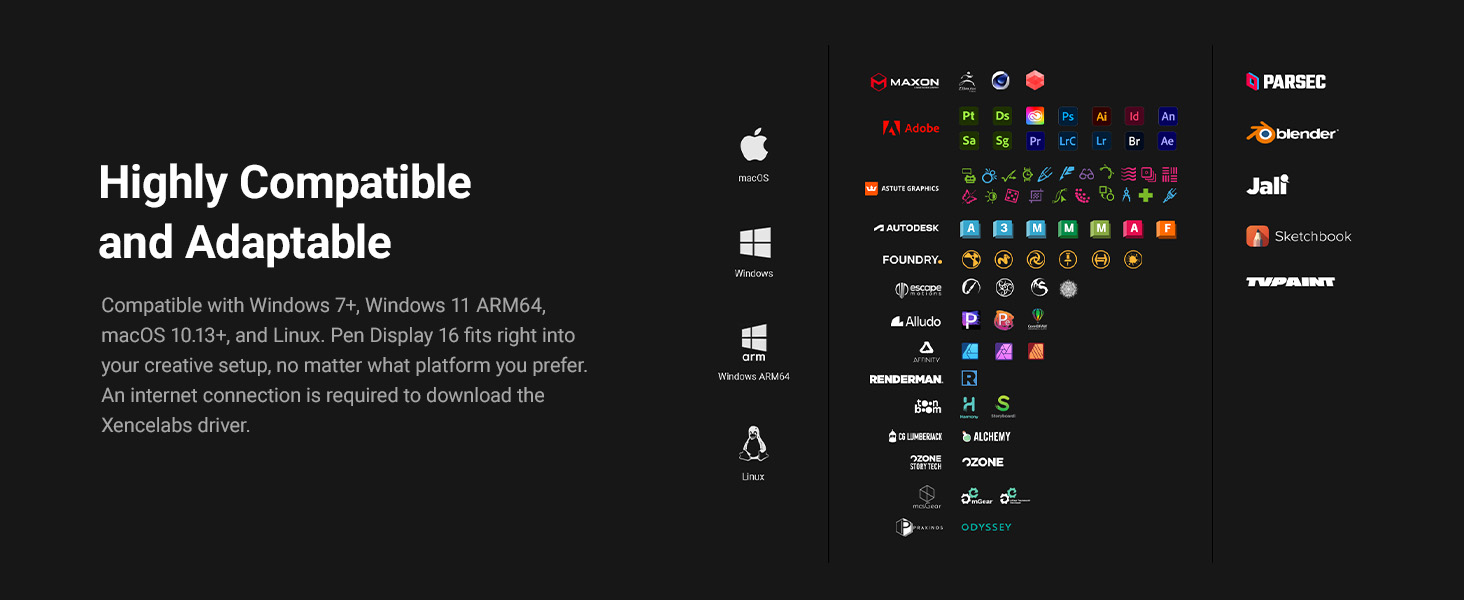
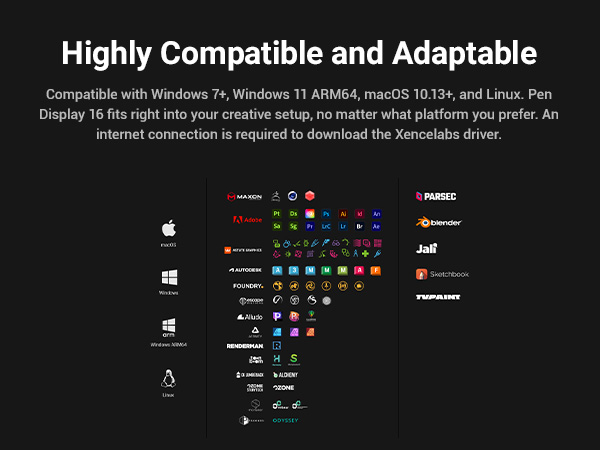
• Windows® 7 or later
• Windows® 11 ARM64
• macOS 10.13 or later
• Linux
(Internet connection required to download the Xencelabs driver)
• USB-C (DP alt mode), 5V/3A (15W)
*For compatibility with HDMI and DisplayPort plus many other productivity features including enhanced brightness, please consider the more fully featured Xencelabs Pen Display 16 Bundle.

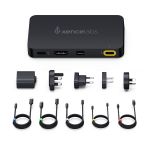
You will now have the Single USB-C-C connection option, and with the included 2-in-1 cable, you can connect the Pen Display 16 Lite to your computer with the USB-A (for pen data) and HDMI cable for video.
You will use the Black USB-C-C cable to make that connection.
There is a USB-A and an HDMI 2.0 cable that will need to be connected to your computer. There is also a USB-C cable that needs to be plugged into the 2-in-1 cable and then connected to a wall outlet.
No, it does not. We will be listing a carrying case for the Pen Displays 16.
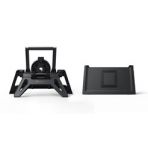
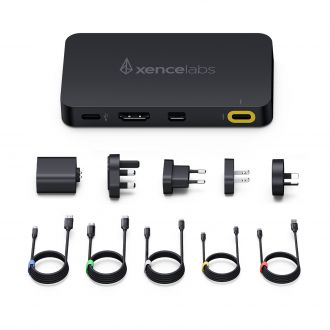
Both offerings have the Pen Display 16 OLED included; the difference is the accessories that come with each version of the Pen Display 16. The Mobile Easel, Power Adapter and Xencelabs Hub, Quick Keys, Carrying Case and additional cables are not included with the Pen Display 16 Lite.
We offer free shipping on orders over £50
Your payment information is processed securely
24-month warranty for official store
© 2024 Xencelabs Technologies Ltd. All Rights Reserved.